
Practical overview
When it fits
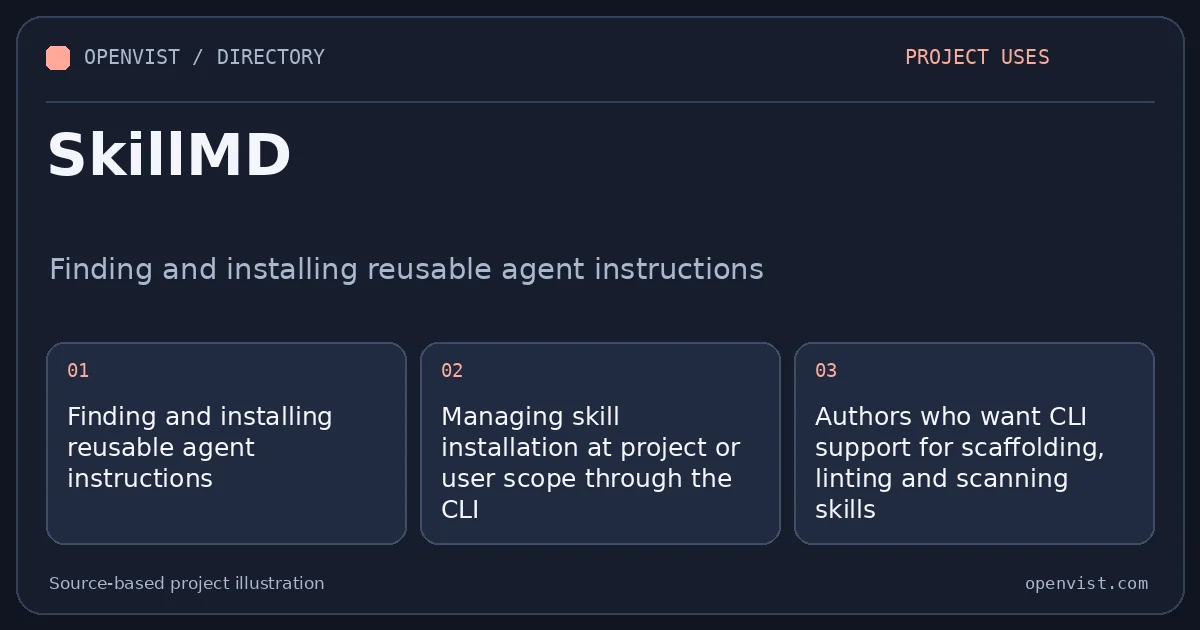
Use SkillMD when you need reusable SKILL.md instructions for a compatible agent, or when an agent needs to search the registry through its hosted MCP server.
Who it is for
- People who want to find and install task-specific instructions for compatible AI agents.
- Agent builders who want to connect an agent to the SkillMD registry over MCP.
- Skill authors who want to scaffold, lint, scan or publish SKILL.md files.
Documented uses
- Search the registry for skills by query, category, verification status, type or rating.
- Review a skill’s description, rating, verification status and version history.
- Install a skill from the registry or from supported external sources into selected agent directories.
- Create, lint and scan a skill file before publishing it.
Requirements & limits
Searching, reading and installing are free and do not require an account. Signing in is required to save skills, publish, or manage a plugin. The CLI requires Node 18 or later.
- Skills are instruction files loaded by agents; MCP servers expose callable tools. SkillMD documents both roles.
- The CLI can install from registry slugs, GitHub sources, gists and local paths, and can target selected agents.
- The CLI lints before installation by default and supports refusing installs when selected scan flags are present.
- Skill pages show the full SKILL.md and safety-review verdict for readers to inspect.
Check current requirements in the official documentation. Source-based guidance does not mean OpenViST has run or independently tested this project.
Install a registry skill with the CLI
Search for a skill and add it to a compatible agent environment.
Before you start
- Node 18 or later
- The get-skill npm package, which provides the skillmd command
- A compatible agent that reads SKILL.md files
Steps
Install the CLI with npm i -g get-skill.
Search for a skill with skillmd search "pdf extraction" --verified, or browse the web registry.
Install a selected registry skill with skillmd add /; use -a to select an agent by name.
Restart the agent so it picks up the skill.
Expected outcome
The selected skill is written into the chosen agent’s skills directory.
Guide limitations
- The documented CLI installation route requires Node 18 or later.
- The CLI targets detected agent directories by default; support is not established for every agent or installation target.
- The guide recommends reading a skill’s SKILL.md before installing it.
Create and lint a SKILL.md
Scaffold a skill file and check it against SkillMD’s format rules.
Before you start
- Node 18 or later
- The get-skill npm package and skillmd CLI
Steps
Scaffold a skill with skillmd init my-skill.
Edit the generated SKILL.md with the skill’s instructions.
Run skillmd lint ./my-skill to validate it and receive a quality score.
Expected outcome
A scaffolded SKILL.md and CLI lint results for the local skill.
Guide limitations
- The documented steps cover scaffolding and linting, not publishing or testing the skill in an agent.
- Publishing requires a token.
Sources & review
Source record details
- Source availability
- Active
- Sources checked
- 16 November 2026
- Original website title
- SkillMD · The Open Library of AI Agent Skills · Official homepage title · retained in its source language