
Practical overview
When it fits
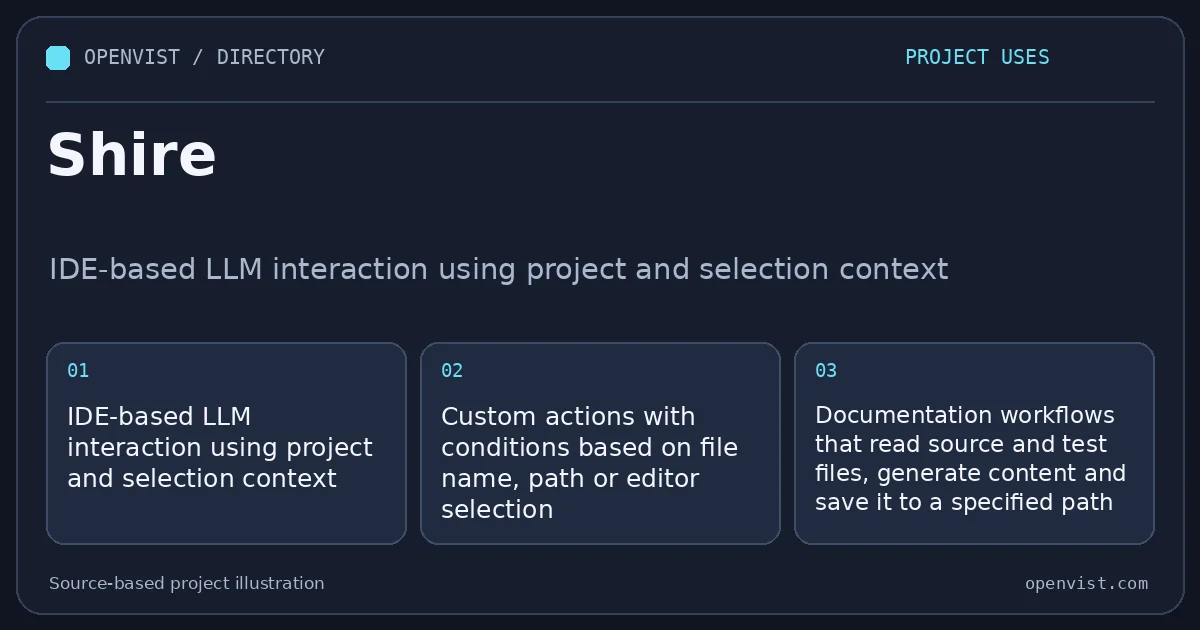
Use Shire when an IDE-centered workflow needs to bring project context into LLM prompts or when you want to define repeatable coding and documentation actions as Shire scripts.
Who it is for
- Developers who want to run LLM-assisted programming tasks from an IDE.
- Teams or individual developers exploring scripted documentation generation from project code.
Documented uses
- Ask an LLM to explain code from a project file.
- Create IDE context-menu actions that generate comments or request unit tests.
- Generate documentation using source files, tests or existing documents as prompt context.
- Search project content and pass retrieved material through a multi-step summarization workflow.
Requirements & limits
- Running scripts requires configuring an API token and model in the IDE’s Shire settings.
- The quick start lists OpenAI, GLM, 零一万物, Moonshot AI and DeepSeek AI, with provider-specific model and host settings.
- The examples rely on IDE context and script-defined actions; the retrieval workflow additionally describes splitting and embedding project files before search.
- Generated comments and documentation are LLM outputs, so the examples describe a workflow rather than assurance of correctness.
Check current requirements in the official documentation. Source-based guidance does not mean OpenViST has run or independently tested this project.
Install the Shire IDE plugin and configure a model
Set up the Shire plugin and provide the LLM credentials and model settings needed to run scripts.
Before you start
- An IDE with a plugin marketplace or support for installing a plugin from disk.
- An API token and model settings for one of the providers listed in the quick start.
Steps
Install Shire from the IDE’s plugin marketplace by searching for “shire,” or download a release and install it from the IDE’s plugin-from-disk option.
Open Settings → Tools → Shire.
Enter the API token, model name and, where specified, API host for the chosen provider.
Expected outcome
The IDE has Shire installed and configured with a listed LLM provider for script use.
Guide limitations
- The guide documents setup, not a successful run for every IDE or provider.
- Provider settings differ; use the values documented for the selected provider.
Run a basic Shire script in the IDE
Create and run the documented Hello World script using the Shire plugin.
Before you start
- Shire IDE plugin installed.
- LLM API token and model configured in Settings → Tools → Shire.
Steps
Create a file such as hi.shire containing the text hi.
Run the file with the Shire plugin.
View the AI response in the IDE.
Expected outcome
The quick-start example returns an AI response to the prompt hi.
Guide limitations
- The example assumes the plugin and LLM configuration are already in place.
- The documented response is an example, not a compatibility guarantee.
Sources & review
Source record details
- Source availability
- Active
- Sources checked
- 15 November 2026
- Original website title
- Home | Shire - AI coding agent language · Official homepage title · retained in its source language