
Practical overview
When it fits
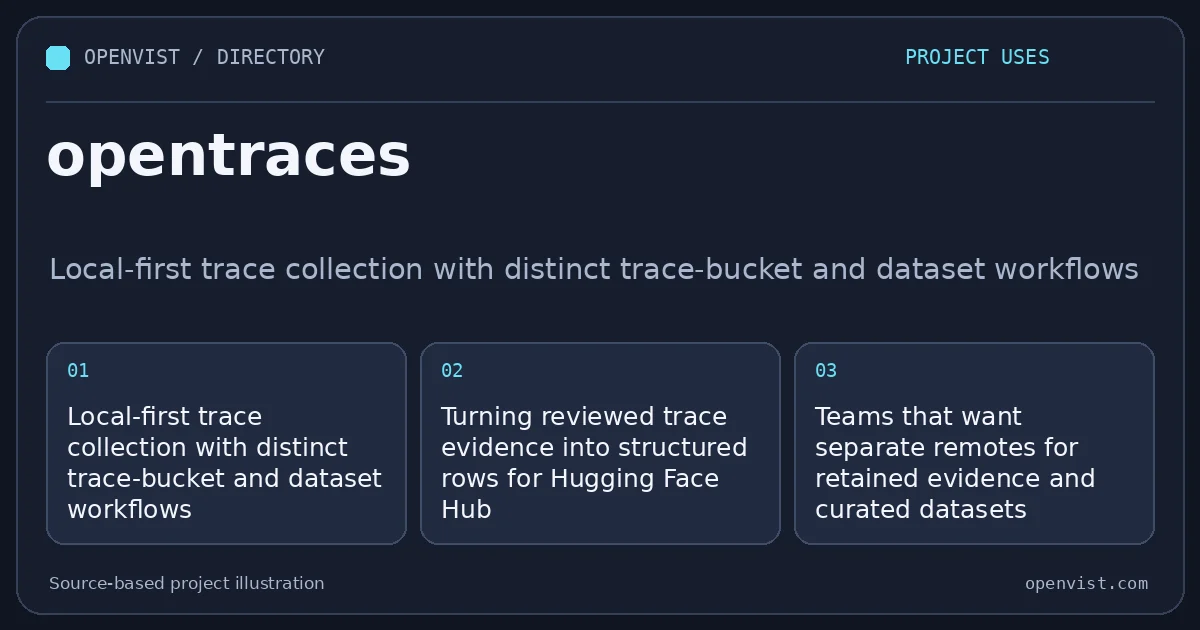
Use it when coding-agent sessions need to become searchable evidence or curated dataset rows for downstream training, evaluation, or analytics.
Who it is for
- Developers who want to capture and inspect coding-agent session traces.
- Teams curating trace evidence into shareable datasets with review steps.
- Dataset builders and consumers using traces for training, evaluation, analytics, or attribution.
Documented uses
- Capture coding-agent sessions into a local trace bucket.
- Search, map, inspect, and slice retained traces for review.
- Project trace evidence into structured dataset rows using workflow templates.
- Review and approve rows before publishing datasets to Hugging Face Hub.
Requirements & limits
The official site identifies opentraces as open source under the MIT license and classifies its pricing as Freemium.
- The documented platform is a CLI for macOS and Linux; the Hub companion is a separate web surface.
- Global tracking is the default, but tracking can be switched to manual or disabled per project.
- Publication is a distinct step after row generation and review; trace capture alone does not publish a dataset.
- Local bucket evidence and Hugging Face dataset rows have separate storage and remote workflows.
- Documented downstream uses include training, evaluation, teacher/student reinforcement learning, analytics, and attribution.
Check current requirements in the official documentation. Source-based guidance does not mean OpenViST has run or independently tested this project.
Capture, review, and publish a trace dataset
Use the documented CLI workflow to create dataset rows from retained traces and publish them after review.
Before you start
- The opentraces CLI and its capture hooks, installed with
opentraces setup. - Authentication for the selected Hugging Face destination, configured using one of the documented authentication methods.
- Retained traces from a coding-agent workflow.
Steps
Run
opentraces setupto install capture hooks and optional integrations.Use
opentraces trace query --since 7dto search retained traces, then select a workflow withopentraces workflow templates.Create a dataset with
opentraces dataset new my-dataset --workflow my-workflow, then generate rows withopentraces dataset run my-dataset.Review and approve rows with
opentraces dataset review approve my-dataset --all, then publish withopentraces dataset publish my-dataset.
Expected outcome
A reviewed dataset is published to the active remote.
Guide limitations
- The publish command targets the active remote; the documentation's authentication and remote setup instructions are separate stages.
- Captured traces and bucket state are machine-local; dataset rows are distinct from retained trace evidence.
Sources & review
Source record details
- Source availability
- Active
- Sources checked
- 24 October 2026
- Original website title
- open traces - The Commons for Agent Traces · Official homepage title · retained in its source language