
Practical overview
When it fits
Use OC Ferry when you need to discover and check OpenCode models, configure them for WorkBuddy or DSH, or route those clients through its local OpenAI-compatible endpoint.
Who it is for
- WorkBuddy users who want to check and configure OpenCode models through the app’s local forwarding endpoint.
- DSH users who want checked model entries written to profile configuration files.
- Developers who need a local OpenAI-compatible endpoint for a client connected to OC Ferry’s OpenCode runtime.
Documented uses
- Filter the OpenCode catalog for models whose input, output, and cache prices are all zero.
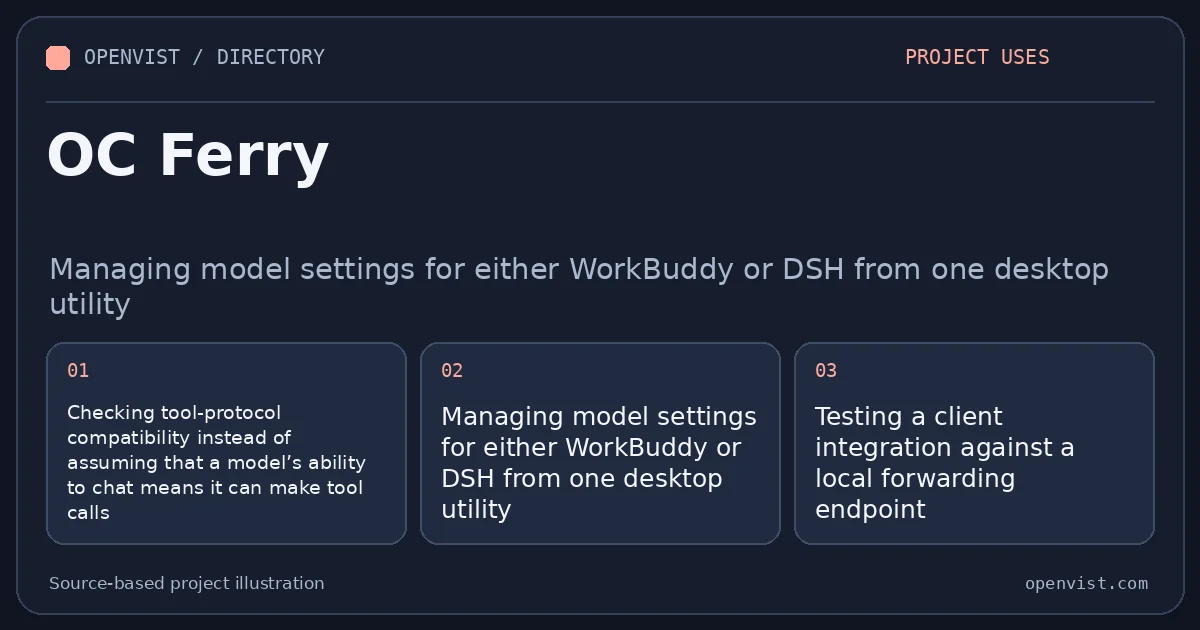
- Check whether models can produce actions using the client’s tool protocol, distinguishing tool-capable results from chat-only ones.
- Write selected model entries to WorkBuddy’s models.json or DSH profile cordis.patch.yml files.
- Forward client requests through a local OpenAI-compatible endpoint.
Requirements & limits
The repository documents macOS packages for Apple silicon and Windows desktop packages, and says the packaged app does not require a separate Node.js installation. Linux support is described as experimental. The README says the app requires no login or API key; the local forwarding endpoint separately uses a bearer key stored in the app’s data directory.
- The app writes configuration to WorkBuddy or DSH; those clients must be installed separately.
- Free-model filtering is based on input, output, and cache price fields being zero, not on a model name containing “free.”
- A model that responds with text but does not pass the tool check can still be configured as chat-only with tools disabled.
- On first launch, configuration is written automatically; later scans require an explicit import or write action.
- The local endpoint defaults to 127.0.0.1:41980 and requires a bearer key; requests with an Origin header are rejected.
Check current requirements in the official documentation. Source-based guidance does not mean OpenViST has run or independently tested this project.
Install and prepare OC Ferry for WorkBuddy or DSH
Set up the desktop app and have its first launch scan models and write an initial client configuration.
Before you start
- Install WorkBuddy or DeepSeek Harness (DSH) first.
- For macOS, use an Apple-silicon Mac and the documented macOS package; for Windows, use the Windows installer.
Steps
Download and install the package for the documented desktop platform.
Open OC Ferry; its first launch prepares an isolated OpenCode runtime, scans the free-model catalog, and checks models.
Allow the first-run process to write its initial configuration to the selected client.
Expected outcome
OC Ferry checks the catalog and writes an initial model configuration for the selected client.
Guide limitations
- The documented macOS package targets Apple silicon; Linux is described as experimental.
- After the first run, rescanning does not automatically change client configuration; use the client import or write action.
- Quitting the tray app removes entries it wrote, while keeping the app running retains them.
Sources & review
Source record details
- Source availability
- Active
- Sources checked
- 20 November 2026
- Original website title
- HRuiCcc/RuiC-oc-ferry · Official homepage title · retained in its source language