
Practical overview
When it fits
Use Nndial when you want a configurable toolkit for training and examining task-oriented dialogue models, particularly with the documented CamRest676 workflow.
Who it is for
- Developers prototyping task-oriented dialogue systems or dialogue managers.
- Researchers exploring trainable dialogue models, including deterministic, attention-based, and latent-policy variants.
Documented uses
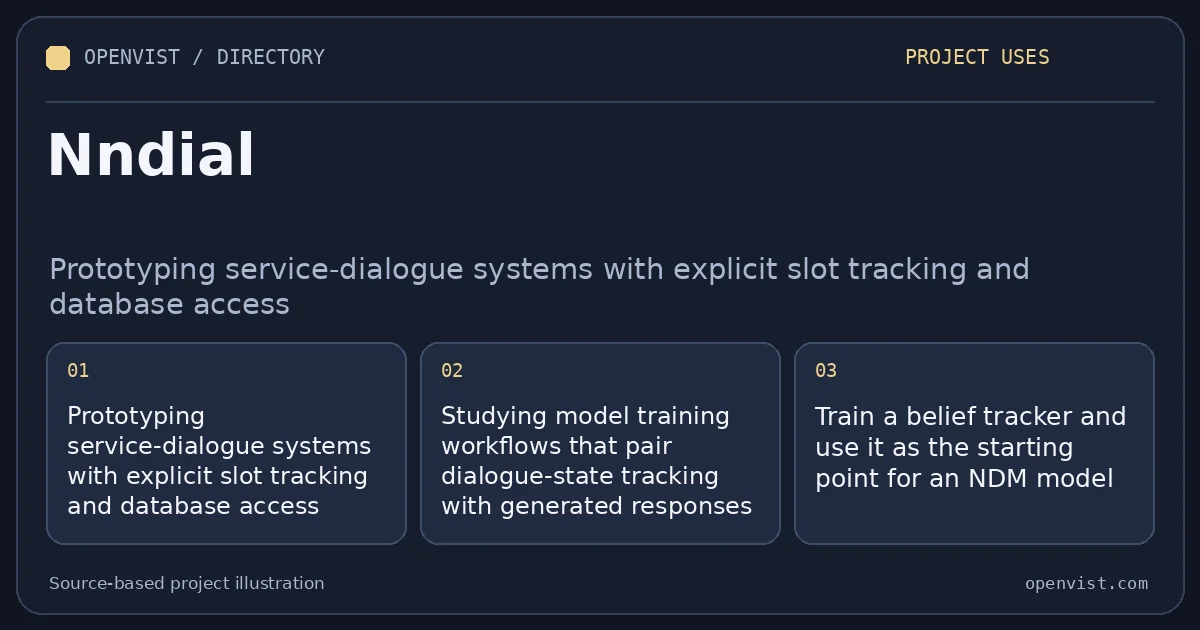
- Train a belief tracker and use it as the starting point for an NDM model.
- Configure dialogue model components, data splits, and decoding behavior.
- Evaluate a trained model on validation or test data, or interact with it using the documented commands.
Requirements & limits
The repository describes Nndial as open source under Apache License 2.0.
- The documented requirements specify older suggested versions of Theano, NumPy, SciPy, and NLTK, plus OpenBLAS and two NLTK corpora.
- The README says joint training of all model components is not properly tested or implemented.
- N-gram trackers, a CNN encoder, and MMI decoding were removed in later revisions, according to the README.
Check current requirements in the official documentation. Source-based guidance does not mean OpenViST has run or independently tested this project.
Train an NDM from a pretrained tracker
Follow the documented two-stage workflow to train the belief tracker and continue training an NDM.
Before you start
- Python environment with Theano 0.8.2, NumPy 1.12.0, SciPy 0.16.1, NLTK 3.0.0, and OpenBLAS.
- NLTK stopwords and WordNet corpora.
- The CamRest676 dataset and the repository's configuration and model files.
Steps
Train the tracker with the command below.
python nndial.py -config config/tracker.cfg -mode trainCopy the pretrained tracker model to the NDM model path with
cp model/CamRest.tracker-example.model model/CamRest.NDM.model.Continue training with the command below.
python nndial.py -config config/NDM.cfg -mode adjust
Expected outcome
The documented workflow produces a trained tracker followed by an NDM model; the README also provides separate validation, test, and interaction commands.
Guide limitations
- The commands are examples; the README points to
scp/example_run.shfor more detail. - Changing a configuration can change the intended model architecture and may require reinitializing model parameters.
Sources & review
Source record details
- Source availability
- Active
- Sources checked
- 16 November 2026
- Original website title
- shawnwun/NNDIAL · Official homepage title · retained in its source language