
Practical overview
When it fits
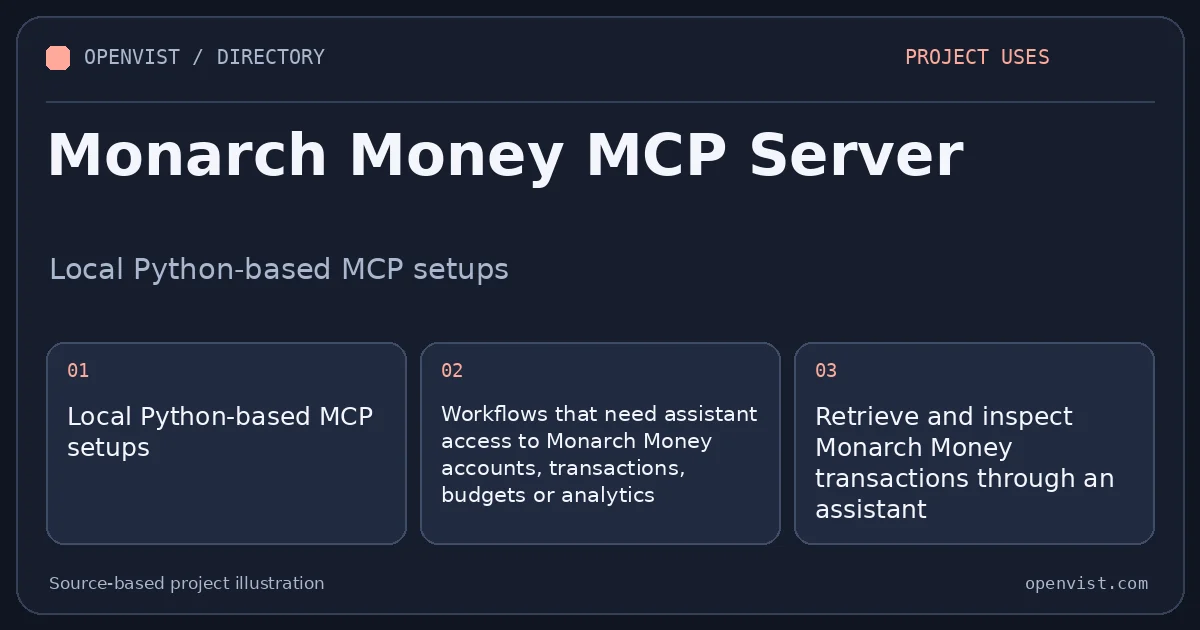
Use it when you want Claude Desktop, Claude Code or another MCP client to work with information from a Monarch Money account, and are prepared to install and configure a local server and authenticate separately.
Who it is for
- Monarch Money users who want an MCP-compatible assistant to access their financial data.
- Developers setting up a local MCP integration with Claude Desktop or Claude Code.
Documented uses
- Retrieve and inspect Monarch Money transactions through an assistant.
- Expose financial account and budget information to an MCP client.
- Query Monarch Money analytics in assistant workflows.
Requirements & limits
- The documented client configurations cover Claude Desktop and Claude Code.
- Dependencies can be installed with uv or pip; the README provides locked dependency options.
- Authentication is separate from Claude, with a login script and multiple login paths.
- The default transport outside Docker is stdio; Streamable HTTP is also documented as an explicitly selected option.
Check current requirements in the official documentation. Source-based guidance does not mean OpenViST has run or independently tested this project.
Set up the server for Claude Desktop
Install the local server, configure Claude Desktop to launch it, and complete the separate authentication setup.
Before you start
- A local copy of the repository
- Python dependency setup using uv or pip
- Claude Desktop
- A Monarch Money account
Steps
Clone the repository and enter its directory.
Install dependencies with the command below, or use the documented hash-checked pip commands.
uv sync --lockedAdd the MCP server configuration to Claude Desktop's configuration file, replacing the example project path with the local repository path.
Run the command below from the repository and complete one of the offered authentication paths.
uv run python login_setup.pyRestart Claude Desktop.
Expected outcome
Claude Desktop is configured to launch the local MCP server, which can expose Monarch Money financial data through the MCP connection.
Guide limitations
- Authentication is performed outside Claude.
- The cookie-file method requires copying a session cookie from a logged-in browser and storing it in the documented platform-specific location.
Sources & review
Source record details
- Source availability
- Active
- Sources checked
- 14 November 2026
- Original website title
- robcerda/monarch-mcp-server · Official homepage title · retained in its source language