
Practical overview
When it fits
Use it when an MCP-compatible assistant needs access to MongoDB data or operations, and you want to select a local or HTTP transport and control whether writes are available.
Who it is for
- Developers connecting an MCP-compatible assistant to MongoDB.
- Teams that want database discovery and query tasks available through clients such as Claude Desktop or Cursor.
- Operators who need to restrict assistant access with read-only mode or named connections.
Documented uses
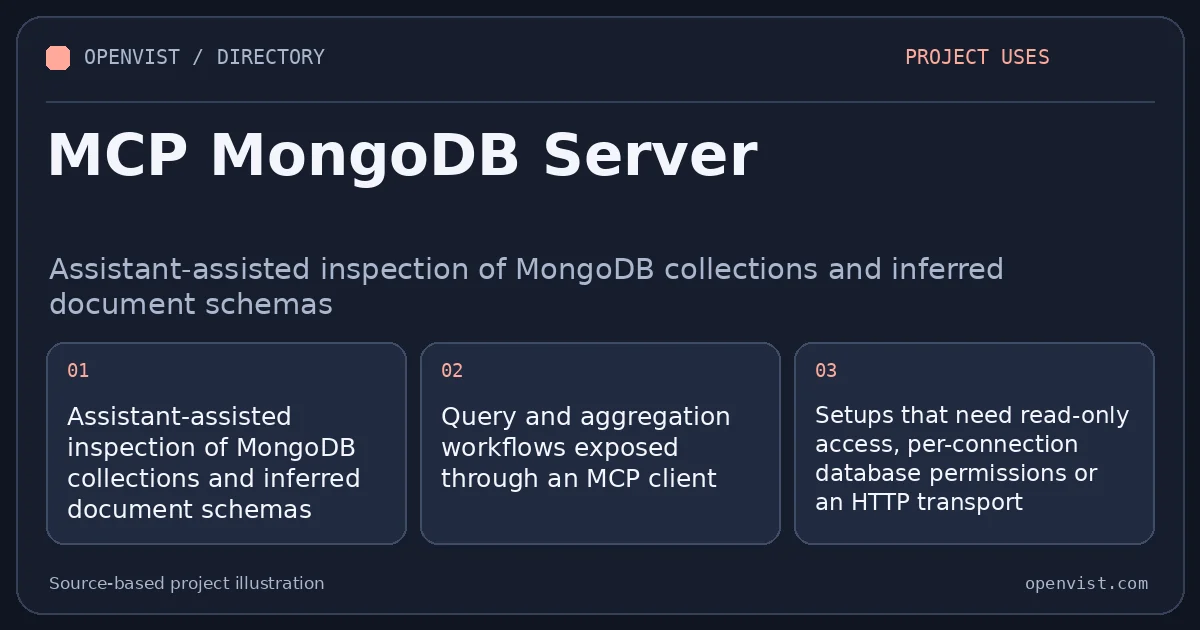
- Expose MongoDB collections and inferred schemas to an assistant.
- Run MongoDB queries and aggregation pipelines through MCP, with optional explain plans.
- Enable insert, update and index-creation operations when read-only mode is off.
- Provide local stdio access or an HTTP endpoint for remote or multi-client use.
Requirements & limits
The server requires Node.js 20 or newer and a MongoDB connection URI. It is self-hosted and supports stdio and HTTP transports.
- Read-only mode blocks all write paths, including modifying aggregation stages; writes are available when that mode is disabled.
- Named connections can limit database selection and set a connection read-only, while global read-only mode applies to every connection.
- HTTP mode restricts browser origins by default and supports configured allowed origins and bearer-token authentication.
- The README lists standalone, replica-set, sharded and Atlas deployments, with plain or TLS connections.
Check current requirements in the official documentation. Source-based guidance does not mean OpenViST has run or independently tested this project.
Start a local read-only MCP server
Run the server against a MongoDB database with write operations blocked.
Before you start
- Node.js 20 or newer
- A MongoDB connection URI
Steps
Run the command below, replacing the URI with the target database connection URI.
npx -y mcp-mongo-server mongodb://localhost:27017/mydatabase --read-onlyConfigure a local MCP client to use the server over stdio; the README identifies this as the default transport and names Claude Desktop and Cursor as example clients.
Expected outcome
The local MCP server exposes MongoDB functionality with write operations blocked.
Guide limitations
- This recipe covers the server command and transport; client-specific configuration steps are not included.
- Read-only mode blocks write paths, including inserts, updates, index creation and modifying aggregation stages.
Expose the server over HTTP
Start the MCP server with an HTTP endpoint for remote or multi-client access.
Before you start
- Node.js 20 or newer
- A MongoDB connection URI
Steps
Run the command below, substituting the appropriate URI.
npx -y mcp-mongo-server "mongodb://user:pass@localhost:27017/mydatabase" --transport http --port 3001For browser clients, add
--allowed-originswith the permitted comma-separated origins.If the endpoint should require a bearer token, configure
--auth-token.
Expected outcome
The server exposes an HTTP MCP endpoint at `/mcp` on the configured port.
Guide limitations
- By default, requests without a browser Origin and requests from localhost are accepted; other requests are rejected with 403 unless their origins are allowed.
- This recipe describes server startup, not client setup or network deployment.
Sources & review
Source record details
- Source availability
- Active
- Sources checked
- 21 November 2026
- Original website title
- kiliczsh/mcp-mongo-server · Official homepage title · retained in its source language