
Practical overview
When it fits
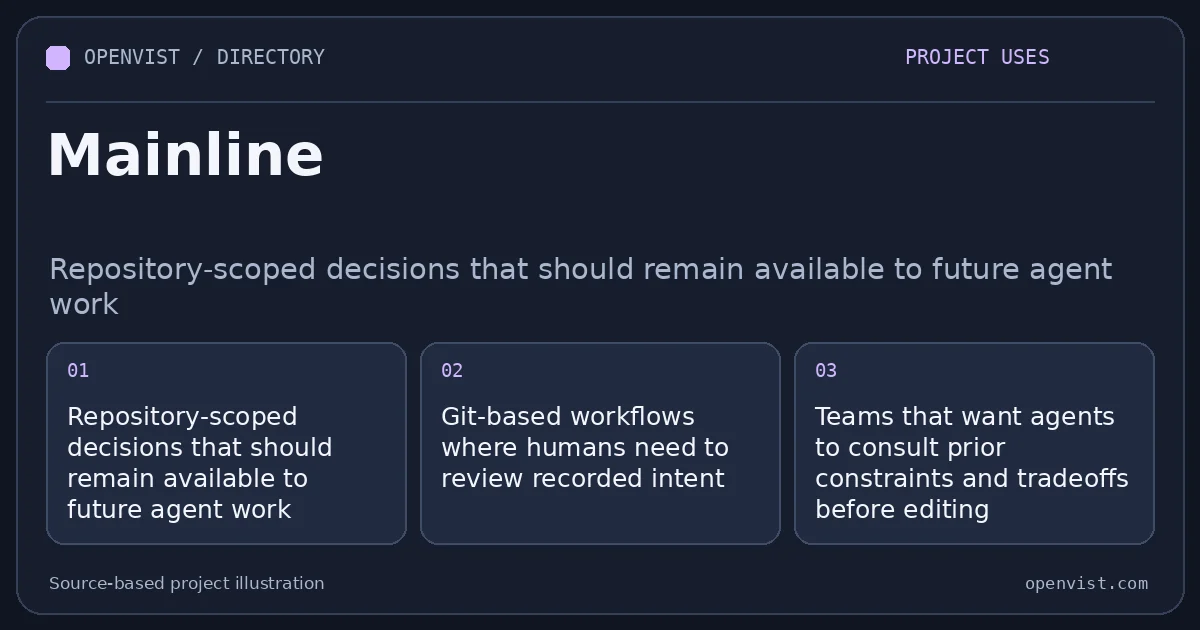
Use Mainline when an agent is preparing for a consequential change such as a refactor, migration, authentication work, permissions change, release or cross-file behavior update. Its guidance allows skipping context for narrow typo fixes, formatting-only work, obvious one-line syntax fixes and explicitly requested read-only inspection of one file.
Who it is for
- Engineering teams that want coding agents to consult repository-specific decisions before consequential changes.
- Developers who want to inspect recorded intent and identify commits that still need coverage.
- Teams seeking local, Git-owned memory rather than memory stored as code or chat logs.
Documented uses
- Retrieve relevant repository context before an agent makes a non-trivial edit.
- Record the reasoning and intent behind meaningful agent work.
- Inspect decisions and find commits that lack associated intent coverage.
Requirements & limits
The core is described as open source, free and intended for local repository use. The pricing page says hosted layers are only planned. The documented primary workflow uses a local CLI and repository protocol and does not require an account.
- Mainline records engineering intent and decisions, not code or chat logs.
- Repository initialization configures Git refs and installs agent guidance in addition to writing
.mainline/config.toml. - The documented human CLI supports browsing recent intent, viewing an intent by ID and finding commits that need coverage.
- The core is local and repo-owned; hosted layers are described as planned rather than part of the documented current workflow.
Check current requirements in the official documentation. Source-based guidance does not mean OpenViST has run or independently tested this project.
Install Mainline and initialize a repository
Set up repository-owned memory and configure Mainline for a repository.
Before you start
- A shell environment for the documented installer.
- A repository where Mainline can write configuration and Git refs.
Steps
Run the documented installer: the command below.
curl -fsSL https://raw.githubusercontent.com/mainline-org/mainline/main/install.sh | bashRun
mainline doctor --setup.Change to the repository and run
mainline init --actor-name "alice", replacing the example actor name as appropriate.
Expected outcome
The repository receives `.mainline/config.toml`, configured Git refs, an actor identity and agent guidance.
Guide limitations
- These steps cover installation and repository initialization, not a complete agent workflow.
- The installer downloads the latest GitHub Release archive and verifies it against checksums.
Inspect repository intent with the human CLI
Browse recorded intent, inspect a decision, and locate commits that need coverage.
Before you start
- Mainline initialized in the repository.
- A recorded intent ID to inspect a specific decision.
Steps
Run
mainline hub opento browse recent intent.Run
mainline logto inspect the intent log.Run
mainline showto inspect a decision.Run
mainline gapsto find commits that still need coverage.
Expected outcome
The CLI provides views for recent intent, individual decisions and commits that lack coverage.
Guide limitations
- The documented commands describe inspection; they do not specify how to create or complete a particular decision record.
Compare options for AI coding assistance
These projects document a common task and share a project role. This is a source-based comparison, not an execution benchmark or a guarantee of interchangeability.
| Project | Documented purpose | Platform | Access and requirements |
|---|---|---|---|
| Mainline | Retrieve relevant repository context before an agent makes a non-trivial edit. | CLI, Self-hosted | The core is described as open source, free and intended for local repository use. The pricing page says hosted layers are only planned. The documented primary workflow uses a local CLI and repository protocol and does not require an account. |
| cass-memory | Retrieve relevant rules and historical examples before a coding task. | Linux, macOS, Windows | The README lists Linux, macOS and Windows, with installation instructions for Homebrew, Scoop and a Linux/macOS script. It identifies Bun as the runtime and labels the project alpha. |
| OpenCode Memory | Add, search and list project memories for an OpenCode coding agent. | CLI, Self-hosted | The README recommends Bun and a standard OpenCode plugin environment. The default local embedding model downloads on first use and needs internet access then. Linux, Windows and Apple Silicon Mac are listed as CI-tested; Intel Mac (darwin/x64) is explicitly unsupported. |
Sources & review
Source record details
- Source availability
- Active
- Sources checked
- 20 November 2026
- Original website title
- Mainline - Git for the AI era · Official homepage title · retained in its source language