
Practical overview
When it fits
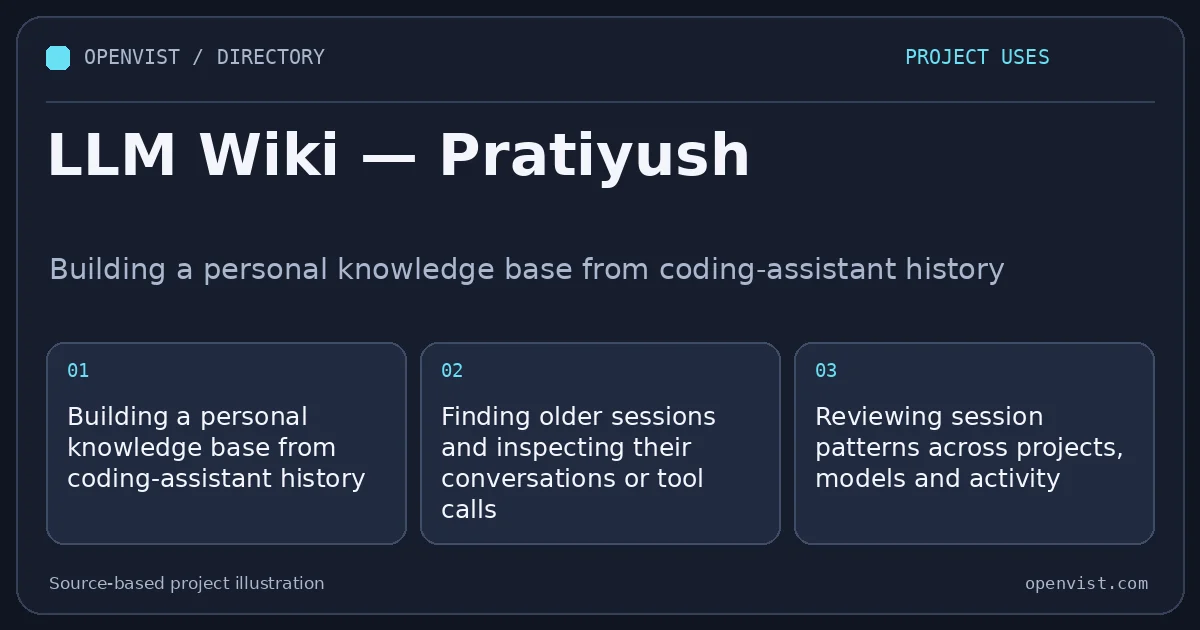
Use it when you have supported assistant or Obsidian session records and want to turn them into a searchable project archive with activity and session-detail views.
Who it is for
- Developers who want to search and revisit coding-assistant session transcripts.
- People organizing assistant sessions by project and reviewing activity, tool calls or model details.
- Users of Claude Code, Codex CLI, GitHub Copilot, Cursor, Gemini CLI or Obsidian.
Documented uses
- Convert supported session records into readable, linked knowledge pages.
- Search and filter sessions by project, model, date or text.
- Review session activity, tool use, token counts and model information.
- Organize work through project topics and compare model sessions.
Requirements & limits
The repository is public and MIT-licensed; the README lists Python 3.9+.
- The documented input ecosystems are Claude Code, Codex CLI, GitHub Copilot, Cursor, Gemini CLI and Obsidian.
- Session syncing and LLM synthesis are separate stages; semantic summaries require a configured synthesis backend.
- Configuration supports adjustable filters, redaction patterns, truncation limits and adapter-specific settings.
- The public demo is built from synthetic session data, not a user's personal archive.
Check current requirements in the official documentation. Source-based guidance does not mean OpenViST has run or independently tested this project.
Install and perform an initial session sync
Set up the local Python application and run its documented first sync.
Before you start
- Python 3.9 or later
- The project repository and its setup script
Steps
Run
./setup.shto create the data directories and install the package in place.Allow setup to detect supported coding agents and enable matching adapters.
Use the initial sync performed by setup to populate the raw session data.
Expected outcome
The application is installed in place and an initial sync has run; the README describes the resulting raw session data as the starting point for the wiki workflow.
Guide limitations
- This setup and sync sequence does not itself describe generating semantic summaries or building the finished site.
- Setup may offer a Claude Code SessionStart hook; the hook is optional.
Configure and run LLM synthesis
Populate wiki source pages with semantic summaries after setup.
Before you start
- A completed setup
- The example configuration at
examples/sessions_config.json - A configured synthesis backend; the README names local Ollama and a dummy backend for stubs
Steps
Set
synthesis.backendin the sessions configuration.Run
llmwiki synthesize, or usellmwiki all --with-synthto chain synthesis with the documented later stages.
Expected outcome
The synthesis stage populates `wiki/sources/` with semantic summaries; the chained command is documented to continue through build, graph, export and lint.
Guide limitations
- The
dummybackend provides stubs rather than LLM-generated semantic summaries. - The README points to the API modes documentation and
llmwiki sync --statusfor backend guidance.
Sources & review
Source record details
- Source availability
- Active
- Sources checked
- 15 November 2026
- Original website title
- Pratiyush/llm-wiki · Official homepage title · retained in its source language