
Practical overview
When it fits
Use it when you want a Windows desktop workflow that combines ChatGPT conversation with speech input, synthesized speech or pronunciation assessment.
Who it is for
- Language learners seeking spoken practice with a ChatGPT assistant.
- Learners preparing IELTS- or TOEFL-style speaking exercises with prompts and pronunciation scores.
Documented uses
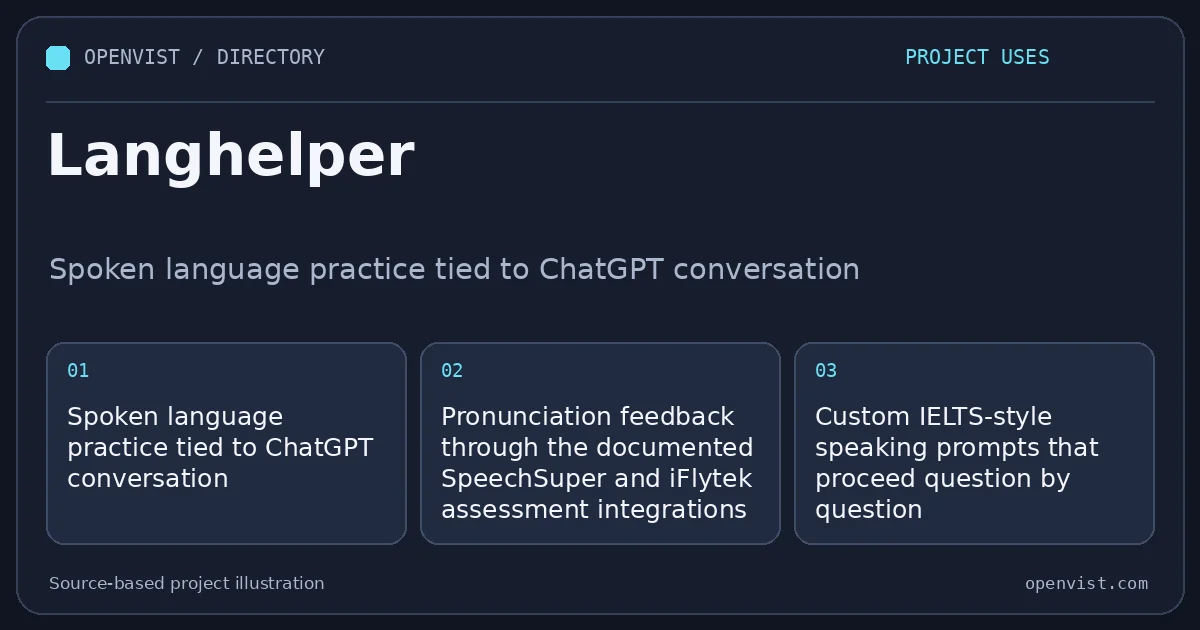
- Practice spoken conversation with ChatGPT.
- Use speech recognition to capture spoken responses.
- Hear synthesized speech and assess pronunciation.
- Set up a prompted speaking-test simulation using recognition text and assessment scores.
Requirements & limits
The project documents a Windows setup using LangHelper, a separate ChatGPT desktop application and the x86 version of espeak-ng. The repository specifies an MIT license.
- The documented setup uses three separate components rather than one bundled application.
- The README names web and iFlytek speech-recognition options and SpeechSuper and iFlytek assessment integrations.
- IELTS speaking practice is described as a non-official simulation using custom prompts and assessment scores.
Check current requirements in the official documentation. Source-based guidance does not mean OpenViST has run or independently tested this project.
Set up Langhelper for spoken conversation
Prepare the documented Windows components and configure Langhelper's speech settings.
Before you start
- Windows
- LangHelper and the ChatGPT desktop application identified by the project
- The x86 version of espeak-ng for text-to-speech
Steps
Extract the LangHelper and ChatGPT desktop application files, then open both programs.
In the ChatGPT application's Preferences, open Control Center, Settings and LangHelper.
Configure speech-related settings; if no API is configured, the README says not to select other speech types or recognition options.
Submit the settings and accept the restart prompt. The README identifies “Complete init” and “start conversation” in the LangHelper window as the initialization state.
Expected outcome
The documented setup reaches the initialized state for starting a conversation.
Guide limitations
- The README documents this setup for Windows.
- AI pronunciation requires the separate ChatGPT desktop application and espeak-ng.
- Speech options that require an API should not be selected when no API is configured.
Sources & review
Source record details
- Source availability
- Active
- Sources checked
- 17 November 2026
- Original website title
- NsLearning/LangHelper · Official homepage title · retained in its source language