
Practical overview
When it fits
Use Kalavai when an AI workload needs pooled GPU capacity across machines or environments, rather than relying on a single host.
Who it is for
- Teams combining spare GPU capacity from multiple machines.
- Operators distributing LLM inference or other large AI workloads across local, on-premises and multi-cloud resources.
Documented uses
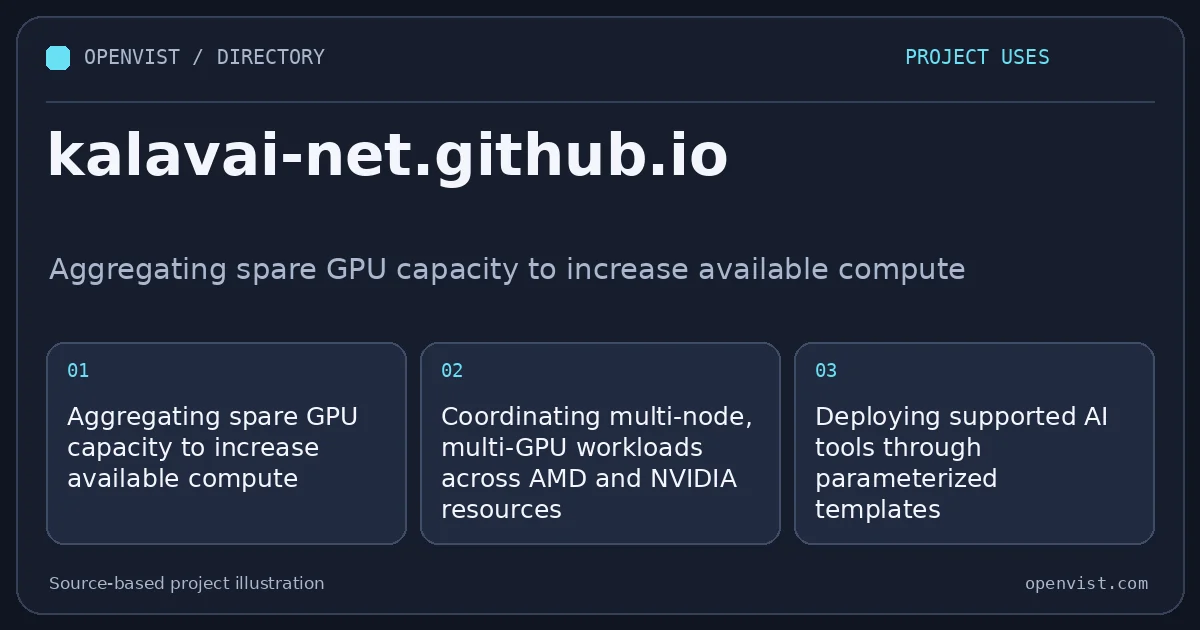
- Create a shared pool from GPU capacity on multiple machines.
- Distribute AI workloads across worker nodes.
- Deploy supported AI building blocks through templates, including inference with vLLM, llama.cpp or SGLang.
Requirements & limits
The project is described as open source. Its client is a Python CLI program.
- A seed node must stay on and available for the pool to remain operational.
- Worker nodes join a pool using tokens generated through the seed node.
- The documentation describes support for AMD and NVIDIA GPUs, multiple architectures, and local, on-premises and multi-cloud resources.
- Templates cover listed integrations; custom workloads can also be added.
Check current requirements in the official documentation. Source-based guidance does not mean OpenViST has run or independently tested this project.
Understand Kalavai’s GPU pool roles and workflow
Identify the seed node and worker nodes needed to form a pool, and understand how workloads are deployed after a pool is running.
Before you start
- A seed node to act as the pool control plane.
- Worker machines to join the pool; a pool can function with a single seed node.
- The seed node must remain on and available for the platform to remain operational.
Steps
Use a machine as the seed node; it initializes and manages the GPU pool, and the client runs the pool-start command there.
Generate join tokens from the seed node and share them with the machines that will act as workers.
Have worker nodes join the pool using a join token.
Once the pool is running, deploy workloads using template jobs.
Expected outcome
A pool consists of a seed node and any joined worker nodes, and is ready for workload deployment through template jobs.
Guide limitations
- The documented pool-start, pool-join, and workload-deployment stages do not provide a complete command-by-command procedure here.
- The Kalavai Deployer getting-started page is marked as under development.
Compare options for Model inference and serving
These projects document a common task and share a project role. This is a source-based comparison, not an execution benchmark or a guarantee of interchangeability.
| Project | Documented purpose | Platform | Access and requirements |
|---|---|---|---|
| kalavai-net.github.io | Create a shared pool from GPU capacity on multiple machines. | Cloud, Self-hosted | The project is described as open source. Its client is a Python CLI program. |
| Glyd | Reduce the GPU memory footprint of supported LLM inference deployments. | Linux, CLI, Server | The repository states that versions from v0.29.0 are under BUSL-1.1: personal and non-commercial use is free, while commercial use needs a license. Each version becomes Apache-2.0 four years after release; earlier versions retain their release-specific licenses. |
| Worker Vllm | Configure a worker to load a model from a local folder or Hugging Face repository. | Cloud, Server | The repository is public and MIT-licensed. Deployment uses Runpod Serverless and requests to the endpoint use a Runpod API key. |
Sources & review
Source record details
- Source availability
- Active
- Sources checked
- 16 November 2026
- Original website title
- Overview · Official homepage title · retained in its source language