
Practical overview
When it fits
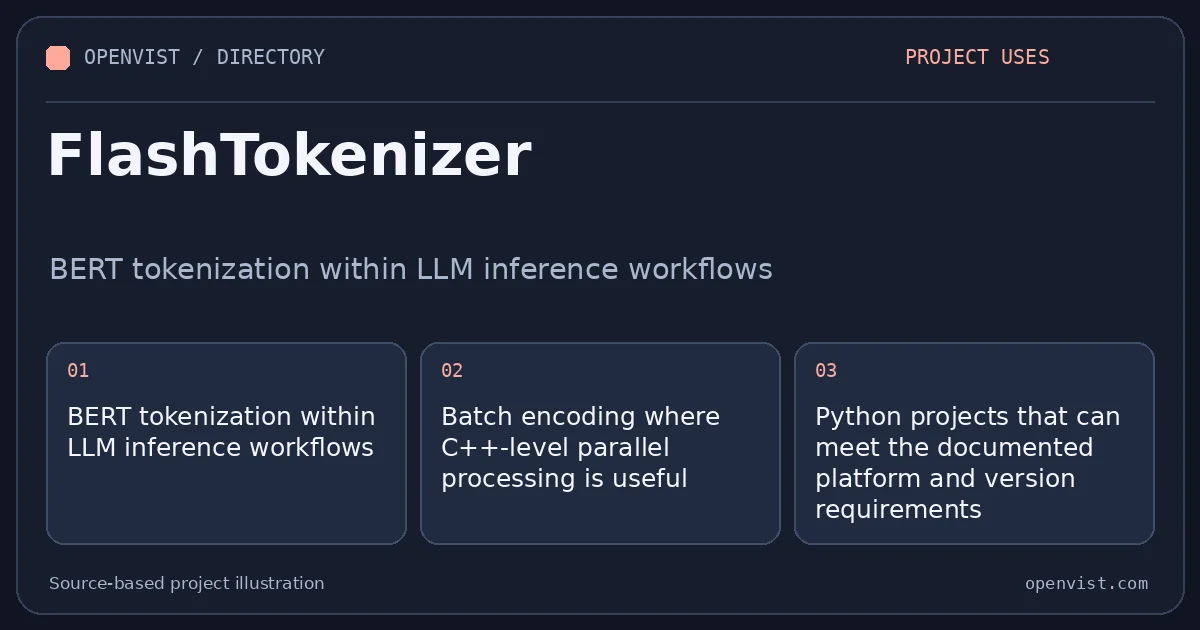
Use it when a serving or preprocessing pipeline needs BertTokenizer functionality implemented in C++ and callable from Python.
Who it is for
- Developers adding BERT tokenization to an LLM inference-serving pipeline.
- Python users who want to call the tokenizer through its bindings.
- Teams comparing tokenizer output with Hugging Face Transformers’ BertTokenizer.
Documented uses
- Tokenize text and produce input IDs for a BERT-based workflow.
- Process batches with C++-level parallelization.
- Compare token strings and encoded IDs against Hugging Face’s BertTokenizer.
Requirements & limits
- The README specifies Python 3.8–3.13 and Windows AMD64, macOS ARM64, and Ubuntu x86-64.
- Windows setup includes the x64 Visual C++ redistributable.
- The project uses C++17, pybind11, and OpenMP; compiler options listed are MSVC, clang++, and g++.
- The repository claims 10× the speed of BertTokenizerFast; treat that as a project claim rather than an independent performance result.
Check current requirements in the official documentation. Source-based guidance does not mean OpenViST has run or independently tested this project.
Install FlashTokenizer with pip
Install the Python package on a documented platform.
Before you start
- Python 3.8–3.13.
- Windows AMD64, macOS ARM64, or Ubuntu x86-64.
- A listed compiler: MSVC, clang++, or g++; Windows also requires the x64 Visual C++ redistributable.
Steps
On Windows, install the x64 Visual C++ redistributable.
Run the command below in the relevant platform environment.
pip install -U flash-tokenizer
Expected outcome
The README provides pip installation instructions for the FlashTokenizer package.
Guide limitations
- The instructions do not cover using the tokenizer after installation.
- The Windows redistributable requirement is platform-specific.
Install from the source repository
Install FlashTokenizer from a local repository checkout.
Before you start
- Python 3.8–3.13.
- Windows AMD64, macOS ARM64, or Ubuntu x86-64.
- A listed compiler: MSVC, clang++, or g++; Windows also requires the x64 Visual C++ redistributable.
Steps
Clone
https://github.com/NLPOptimize/flash-tokenizer.Change to the
flash-tokenizer/prjdirectory.Run the command below.
pip install .
Expected outcome
The repository’s README gives a source-based package installation sequence.
Guide limitations
- The README does not specify further build configuration steps.
- Windows users are instructed to install the x64 Visual C++ redistributable.
Compare options for Model inference and serving
These projects document a common task and share a project role. This is a source-based comparison, not an execution benchmark or a guarantee of interchangeability.
| Project | Documented purpose | Platform | Access and requirements |
|---|---|---|---|
| FlashTokenizer | Tokenize text and produce input IDs for a BERT-based workflow. | Linux, Windows, macOS | |
| Ergo | Create a project with separate data-preparation, model and training scripts. | CLI | |
| Llama2Lang | Translate an instruction dataset into a target language and combine translation checkpoints. | The repository is public and identified as open source under the Apache-2.0 license. |
Sources & review
Source record details
- Source availability
- Active
- Sources checked
- 14 November 2026
- Original website title
- NLPOptimize/flash-tokenizer · Official homepage title · retained in its source language