
Practical overview
When it fits
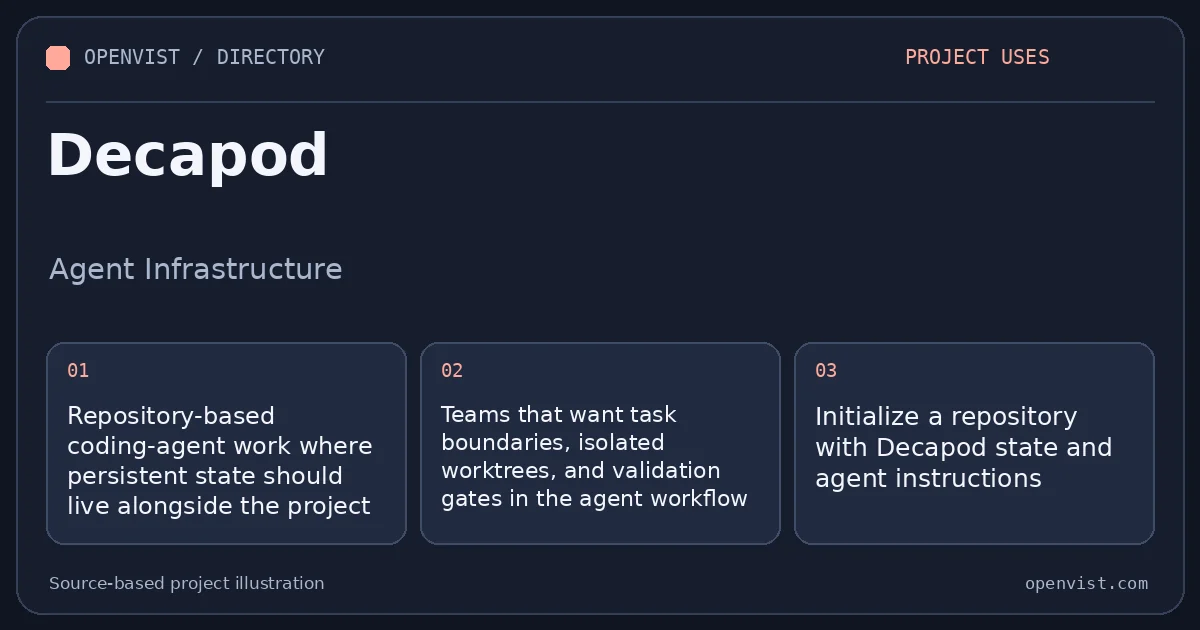
Use Decapod when an existing coding agent needs repository-held context and a structured, evidence-bearing workflow for project tasks.
Who it is for
- Teams using coding agents in Git repositories that need persistent project context.
- Agent workflows that need task claims, isolated workspaces, and repository-linked validation evidence.
Documented uses
- Initialize a repository with Decapod state and agent instructions.
- Evaluate an incoming prompt against a project gate.
- Have an agent claim a task and create an isolated Git worktree.
- Record validation and completion through governed task steps.
Requirements & limits
The documented local storage setup needs no account. Managed cloud tasks require sign-in and service-side account completion and repository authorization.
- The quickstart documents Cargo installation and a CLI-based repository initialization.
- Decapod operates through an existing coding agent and generates agent entrypoints.
- The workflow separates local repository setup from the managed cloud task option.
- Cloud setup is not ready merely after initialization; the documentation requires confirmed account completion and an authenticated repository read.
Check current requirements in the official documentation. Source-based guidance does not mean OpenViST has run or independently tested this project.
Initialize Decapod in a repository
Install Decapod and scaffold its repository setup for use with an existing coding agent.
Before you start
- A repository to initialize
- Cargo to install the Decapod binary
Steps
Install the binary with the command below.
cargo install decapodRun
decapod initin the repository.Open the project in your coding agent and describe the next task; the agent reads the generated instructions and handles remaining validation.
Expected outcome
The repository receives a `.decapod/` directory and initial agent entrypoints, ready for the coding agent to continue the documented workflow.
Guide limitations
- Initialization alone does not establish proof.
- For managed cloud tasks, use
decapod init --backend cloud; setup then requires sign-in and service confirmation, and--proofalone does not authenticate.
Compare options for AI coding assistance
These projects document a common task and share a project role. This is a source-based comparison, not an execution benchmark or a guarantee of interchangeability.
| Project | Documented purpose | Platform | Access and requirements |
|---|---|---|---|
| Decapod | Initialize a repository with Decapod state and agent instructions. | CLI, Self-hosted | The documented local storage setup needs no account. Managed cloud tasks require sign-in and service-side account completion and repository authorization. |
| Pantalk | Route chat conversations to a selected coding agent. | Linux, Server, Self-hosted | The project describes Pantalk as open source and a daemon for self-hosted use. Its site presents Linux as the environment for the separate Pantalk Ghost workspace. |
| Opentag — linxidnju | Ask an agent to investigate a bug or draft a fix plan from the context in a Slack thread. | Cloud, Self-hosted, Server | The project is open source and requires Node.js 20.11.0 or later. The README documents a local console mode that can be tried without Slack. |
Sources & review
Source record details
- Source availability
- Active
- Sources checked
- 16 November 2026
- Original website title
- Welcome - Decapod — Documentation · Official homepage title · retained in its source language