
Practical overview
When it fits
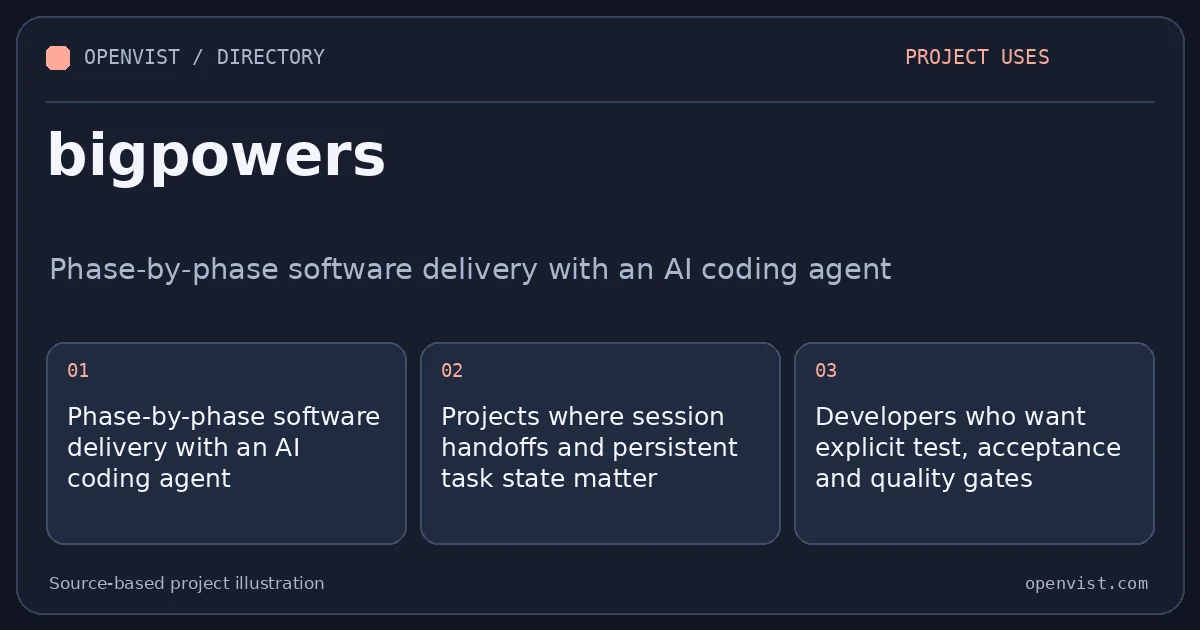
Use it when an individual developer wants a repeatable process for directing an AI coding agent through software work while maintaining specifications, progress and human review points.
Who it is for
- Solo developers using AI coding agents to build or maintain software.
- Developers who want structured planning, test-first implementation and explicit review gates.
Documented uses
- Structure a software project from discovery and specification through planning, implementation, verification and release.
- Break development into vertical-slice stories with a defined sequence of agent skills.
- Keep project state and the recommended next step available across interrupted or separate agent sessions.
- Apply documented testing, user-acceptance and code-quality checkpoints during development.
Requirements & limits
The getting-started guide documents installation through npm or npx and lists CLI-based setup. It names Bash and Node.js v14 or later as prerequisites; jq is highly recommended.
- The workflow is organized as six project phases and an eight-step cycle for each story.
- Project state is recorded in YAML files, including
specs/state.yamlandrelease-plan.yaml. - The process includes a 94% quality-audit threshold and developer-led user-acceptance confirmation.
- The guide names Claude Code, Gemini CLI, Cursor and pi as coding-agent environments.
Check current requirements in the official documentation. Source-based guidance does not mean OpenViST has run or independently tested this project.
Install and link bigpowers skills
Set up bigpowers and link its skills to selected coding-agent tools.
Before you start
- Bash for scripts.
- Node.js v14 or later for npm or npx.
- At least one supported coding-agent tool; the guide names Claude Code, Gemini CLI, Cursor and pi.
- jq is highly recommended for tool-configuration handling.
Steps
Run the command below to install the package, or use the command below.
npm install -g bigpowers@latestnpx bigpowers@latest setupRun
bigpowers setupafter a global installation.In the interactive installer, choose setup/update, select global or project-local installation, pick the tools to configure, and confirm.
Expected outcome
The setup process syncs skill artifacts and links skills to the selected tools.
Guide limitations
- Installer screenshots may show an earlier release, and the guide notes that the current installer may differ.
- The guide recommends the explicit
@latestform to fetch the newest release.
Compare options for AI coding assistance
These projects document a common task and share a project role. This is a source-based comparison, not an execution benchmark or a guarantee of interchangeability.
| Project | Documented purpose | Platform | Access and requirements |
|---|---|---|---|
| bigpowers | Structure a software project from discovery and specification through planning, implementation, verification and release. | CLI | The getting-started guide documents installation through npm or npx and lists CLI-based setup. It names Bash and Node.js v14 or later as prerequisites; jq is highly recommended. |
| Agent skills for code reviews | Review a diff or branch against expected behavior | CLI, Self-hosted |
Sources & review
Source record details
- Source availability
- Active
- Sources checked
- 15 November 2026
- Original website title
- Getting Started | bigpowers · Official homepage title · retained in its source language