
Practical overview
When it fits
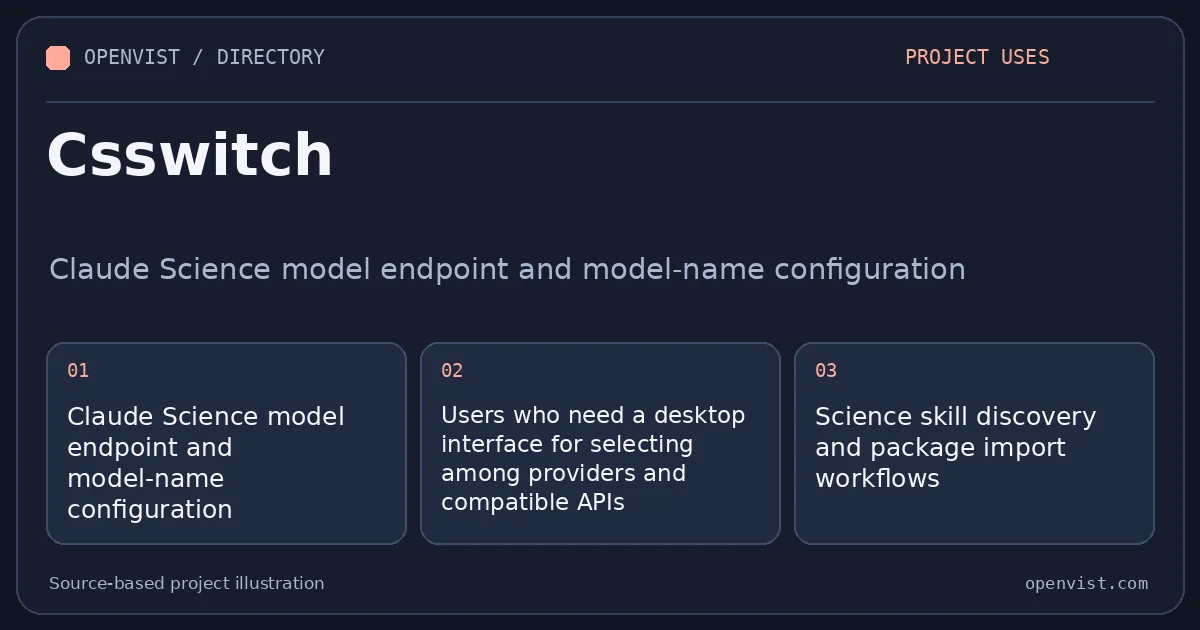
Use CSSwitch when configuring Claude Science to use a third-party provider or compatible endpoint, or when managing its skill packages. Treat Codex as experimental and the skill bridge as distinct from general MCP management.
Who it is for
- Claude Science users who want to connect a third-party model API.
- Developers using compatible provider endpoints who need to map their exact model names into Science.
- Science users who need to import local skills or install skills from public GitHub URLs.
Documented uses
- Configure a built-in provider, relay service or compatible custom endpoint for Claude Science.
- Map exact provider model names to the models available in Science.
- Switch between a third-party model configuration and the official Claude mode.
- View Science organization skills, import local packages and initiate installation from public GitHub skill URLs.
Requirements & limits
The documented v0.8.4 desktop release is for macOS Apple Silicon; the README also identifies a Linux x64 v0.8.1 prerelease as an amd64 .deb package. Provider connections require a usable third-party model API key. CSSwitch is MIT-licensed and open source.
- Custom endpoints must be compatible with Anthropic Messages, OpenAI Chat Completions or OpenAI Responses.
- Model names are entered and mapped explicitly; provider-specific feature support varies.
- Third-party mode uses isolated local directories and a loopback gateway, while the official Claude mode stops the third-party chain before opening Science.
- The macOS package is described as ad-hoc signed, not Developer ID signed or notarized.
- Codex uses separate browser authorization, is off by default and remains experimental.
Check current requirements in the official documentation. Source-based guidance does not mean OpenViST has run or independently tested this project.
Connect Claude Science to a third-party model
Configure a provider endpoint and select it for a Claude Science session.
Before you start
- An Apple Silicon Mac with CSSwitch installed
- Claude Science installed
- A usable third-party model API key and a provider model name
Steps
In Model Connection, choose Add Configuration and select a built-in provider or compatible endpoint.
For a relay or self-hosted service, enter its base_url; provide the API key and exact model name. A default model is required.
Save the configuration and choose Set as Current.
On the home screen, select Third-party Model and choose One-click Start.
In Science, select the configured model from the model selector.
Expected outcome
Claude Science starts using the selected third-party model configuration.
Guide limitations
- Provider support for tools, reasoning, images, long context and streaming varies.
- Third-party mode does not provide Anthropic account permissions; hosted MCP, directory connectors and some cloud capabilities may be unavailable.
Import and check a Science skill
Import a local skill package or start installation from a public GitHub skill URL, then check its binding and loading state.
Before you start
- CSSwitch and Claude Science
- For the documented skill-page workflow, start isolated Science and wait for its status to be normal
- A local .zip or .skill package, or the exact public GitHub URL for the skill
Steps
Open Skill & MCP and refresh to view skills discovered in the current Science organization.
For a local package, choose Import Local Skill Package and select the .zip or .skill file.
For a public GitHub skill, give the exact URL to the Science agent so the CSSwitch connector can perform the installation.
When the page shows the skill as bound, call skill() in the current agent session to check that it has loaded.
Expected outcome
The skill can be listed and bound in Science; the session-level skill() call is the documented check for actual loading.
Guide limitations
- A bound status alone does not mean the current agent session has loaded the skill.
- The GitHub installation bridge is a narrow skill workflow, not general MCP server management.
Sources & review
Source record details
- Source availability
- Active
- Sources checked
- 12 November 2026
- Original website title
- SuperJJ007/CSSwitch · Official homepage title · retained in its source language