
Practical overview
When it fits
Use it in image-heavy agent conversations where repeated image transmission is burdensome and on-demand access to earlier originals is useful.
Who it is for
- People using AI coding agents in conversations with many screenshots, scanned documents, or video frames.
- Agent users who want to search, preview, or choose earlier image attachments from a panel.
Documented uses
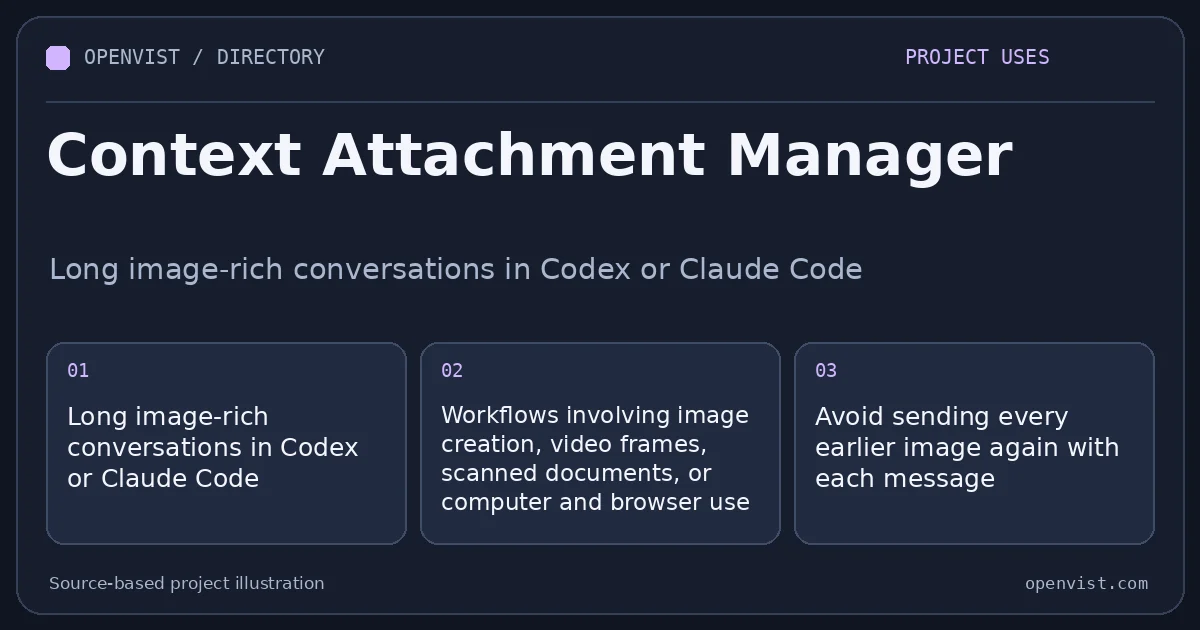
- Avoid sending every earlier image again with each message.
- Retrieve a specific original image by its ID when the model needs to inspect it.
- Search earlier attachments by remembered details or comments.
- Keep selected image references attached on every turn or choose attachments manually.
Requirements & limits
The repository describes the plugin as local and identifies Windows, macOS, and Linux platform support. It is released under the MIT license.
- Codex and Claude Code are identified as tested; the panel is documented for Codex and Claude Desktop's Code tab.
- Earlier images are represented by stable placeholders; retrieving an original adds it at the end of the current turn.
- The project says image turns and changes to earlier image selections can cause later content to be processed again, so cache reuse is not cost-free.
- The README says original images and chat history stay on the user's computer while requests go to the agent's existing service.
Check current requirements in the official documentation. Source-based guidance does not mean OpenViST has run or independently tested this project.
Install the plugin through your AI agent
Ask the agent to identify its platform and install the corresponding Context Attachment Manager setup.
Before you start
- An AI agent that can follow the repository's installation instructions.
Steps
Send the agent the installation request shown in the README, directing it to the project's INSTALL.md.
Restart the agent; for Claude Desktop, start a new Code session.
Expected outcome
The README describes this as the installation path for the local plugin.
Guide limitations
- The documented steps do not specify the installation process for each agent individually.
Sources & review
Source record details
- Source availability
- Active
- Sources checked
- 17 November 2026
- Original website title
- chipfighter/context-attachment-manager · Official homepage title · retained in its source language