
Practical overview
When it fits
Use it when an MCP-speaking client should drive workflows on a ComfyUI installation you control, with the client launching the server as a local subprocess.
Who it is for
- People who use an MCP-speaking AI client and want it to operate a ComfyUI instance they control.
- ComfyUI users who want an agent to run workflow JSON, generate from prompts, or manage jobs and outputs.
Documented uses
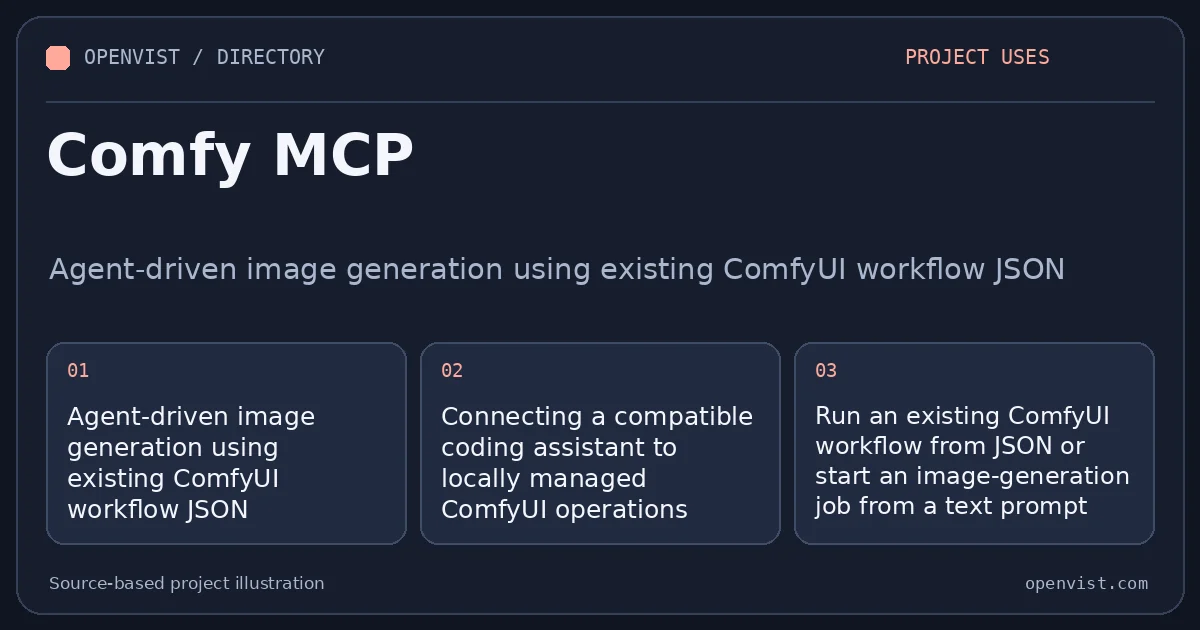
- Run an existing ComfyUI workflow from JSON or start an image-generation job from a text prompt.
- Monitor, wait for, or cancel asynchronous jobs and retrieve their output files.
- Inspect the nodes, models and templates available in a live ComfyUI installation.
- Validate workflow graphs, adjust template slots and create workflow variants.
- Manage the ComfyUI server and stage input assets.
Requirements & limits
The repository describes Comfy MCP as a stdio server installed as a Python package. It requires a separately available comfy-cli binary and a ComfyUI workspace for local workflow execution.
- The server and comfy-cli are separate installs; the required engine must resolve through PATH or the documented COMFY_BIN setting.
- The default execution target is the user's local ComfyUI at 127.0.0.1:8188, though the documentation also describes targeting another machine the user controls.
- The repository identifies the project as beta.
- The server is distinct from Comfy Cloud MCP: this server drives a local or user-controlled ComfyUI installation, while the cloud service is described as a remote HTTP server running workflows on Comfy Cloud GPUs.
Check current requirements in the official documentation. Source-based guidance does not mean OpenViST has run or independently tested this project.
Set up Comfy MCP for an AI client
Install the MCP server and engine, start ComfyUI, and configure a compatible client to launch the server.
Before you start
- Python 3.10 or later
- An MCP-speaking AI client, such as Claude Code, Claude Desktop or Cursor
- A ComfyUI workspace, or the ability to create one with comfy-cli
Steps
Install the server and engine with the command below.
pip install comfy-mcp "comfy-cli>=1.14.0"If you do not already have a ComfyUI workspace, create one with
comfy install.Launch ComfyUI with
comfy launchand leave it running.Add Comfy MCP to the AI client using the repository's configuration example for that client.
Expected outcome
The AI client can launch the stdio MCP server, which exposes operations for the configured ComfyUI instance.
Guide limitations
- Installing comfy-mcp alone does not install comfy-cli; the
comfybinary must be discoverable by the server. - For a dedicated environment that is not visible in the client's PATH, the documentation points to COMFY_BIN.
- The default target is local ComfyUI at 127.0.0.1:8188.
Sources & review
Source record details
- Source availability
- Active
- Sources checked
- 20 November 2026
- Original website title
- Comfy-Org/comfy-mcp · Official homepage title · retained in its source language