
Understand the project
Practical overview
When it fits
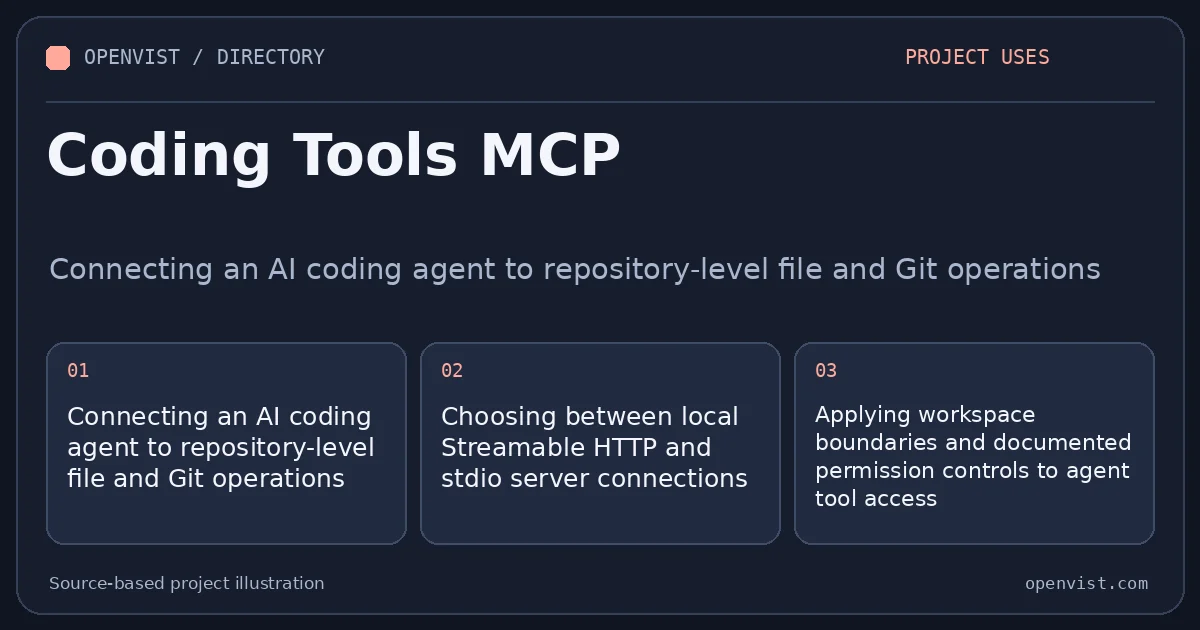
Use it when an MCP-compatible agent needs operational tools for a specific codebase, and you want to configure its workspace scope and permission mode.
Who it is for
- Developers who want an AI coding agent to work with files and Git in a chosen repository.
- Teams or individual developers configuring agent access through an MCP client.
- MCP client users who need a local server connection over Streamable HTTP or stdio.
Documented uses
- Let an agent read and modify files within a selected workspace.
- Provide structured patch and Git tools for code changes.
- Run commands and manage interactive processes in the workspace.
- Set permission modes and path boundaries for agent access.
Before you choose
Requirements & limits
- The server is configured with a workspace path, which defines the intended codebase scope.
- The quickstart documents both Streamable HTTP and stdio; client requirements can determine which mode to use.
- Permission modes affect how command execution is gated. The documentation reserves dangerous mode for trusted workspaces and clients in an externally hardened environment.
- Linux Landlock is described as optional, rather than a required part of the setup.
Check current requirements in the official documentation. Source-based guidance does not mean OpenViST has run or independently tested this project.
Source-based practical guide
Start Coding Tools MCP for an existing workspace
Install the published package and start a local Streamable HTTP server scoped to a repository.
Before you start
- A workspace directory, such as a local repository
- A shell for running the documented installer
Steps
Run the documented install script.
Pass --start and --workspace /path/to/repo to install and start the local Streamable HTTP server.
Use the documented MCP endpoint, http://127.0.0.1:8765/mcp.
Expected outcome
A local Streamable HTTP server is started for the selected workspace.
Guide limitations
- This covers server startup; connecting and configuring a particular MCP client is a separate documented stage.
- Replace /path/to/repo with the intended workspace path.
Evidence and transparency
Sources & review
Source record details
- Source availability
- Active
- Sources checked
- 3 November 2026