
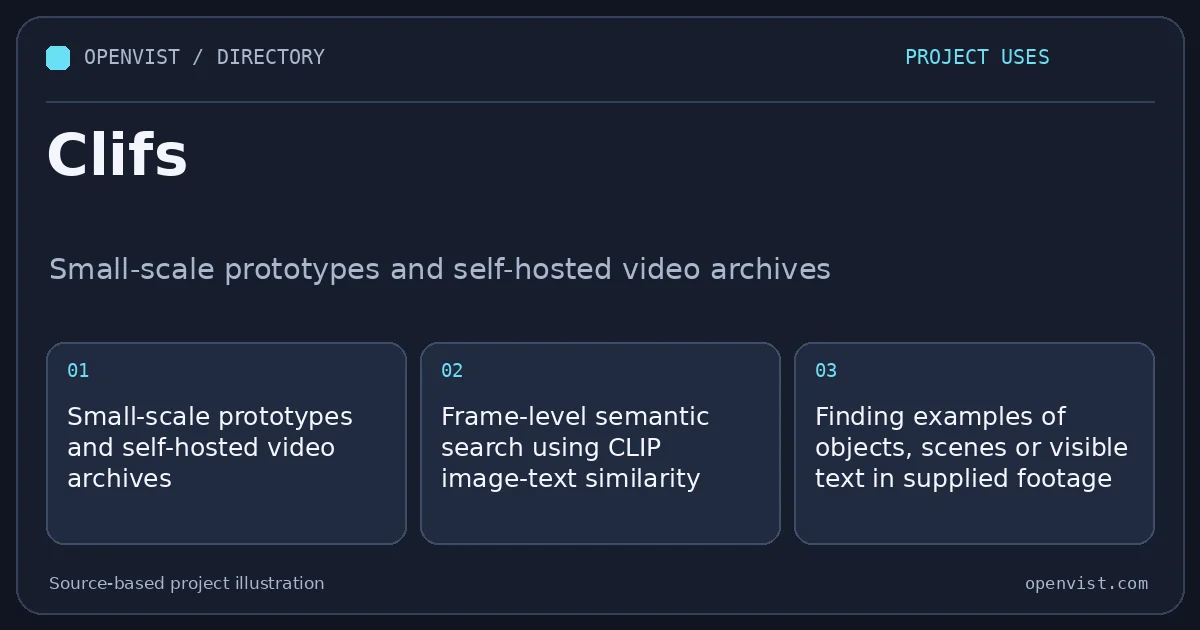
Practical overview
When it fits
Use Clifs when you have video files to index locally and want to retrieve candidate frames by describing their contents in text.
Who it is for
- People who need to locate described objects or scenes across a collection of video files.
- Developers prototyping local video libraries with text-based, frame-level retrieval.
- Video investigators looking for candidate frames containing particular visible objects or text.
Documented uses
- Search indexed footage for frames matching a description such as a vehicle type or clothing color.
- Find candidate frames containing readable signage or other visible words.
- Create a local web interface for searching video archives by visual content.
Requirements & limits
The repository is public and licensed under Apache-2.0. The documented setup runs locally with Docker Compose.
- Videos must be placed in data/input and their frame features encoded before searching.
- The documented web interface is provided by a Django server and is opened locally at 127.0.0.1:8000.
- A GPU-enabled setup is optional and requires an NVIDIA GPU host configured for Docker GPU support.
- Search results are similarity-ranked and filtered by a threshold.
Check current requirements in the official documentation. Source-based guidance does not mean OpenViST has run or independently tested this project.
Set up a local video search instance
Prepare the folders, index supplied video files and open the local search interface.
Before you start
- Docker and Docker Compose
- Video files to place in the data/input directory
- A host configured for Docker GPU support only if using the optional GPU Compose file
Steps
Run ./setup.sh to prepare folders; the script can optionally download a test video.
Put the videos to index in data/input.
Build and start the containers with docker-compose build && docker-compose up. Alternatively, use docker-compose build && docker-compose -f docker-compose-gpu.yml up on a host configured for Docker GPU support.
After the logs show that frame features have been encoded, open 127.0.0.1:8000 and enter a text query.
Expected outcome
A local web interface for searching indexed video frames with text.
Guide limitations
- The project is described as a proof of concept.
- The GPU option requires a host already set up for Docker GPU support.
- Results are returned only when they are above a set similarity threshold.
Sources & review
Source record details
- Source availability
- Active
- Sources checked
- 12 November 2026
- Original website title
- johanmodin/clifs · Official homepage title · retained in its source language