
Practical overview
When it fits
Use it when an MCP client needs structured access to Discord operations through a bot you supply, particularly for administration or moderation workflows where you want to control bot permissions and review changes.
Who it is for
- Developers connecting an MCP-capable AI client to a Discord bot they control.
- Teams building bot-mediated Discord administration, moderation or guild setup workflows.
Documented uses
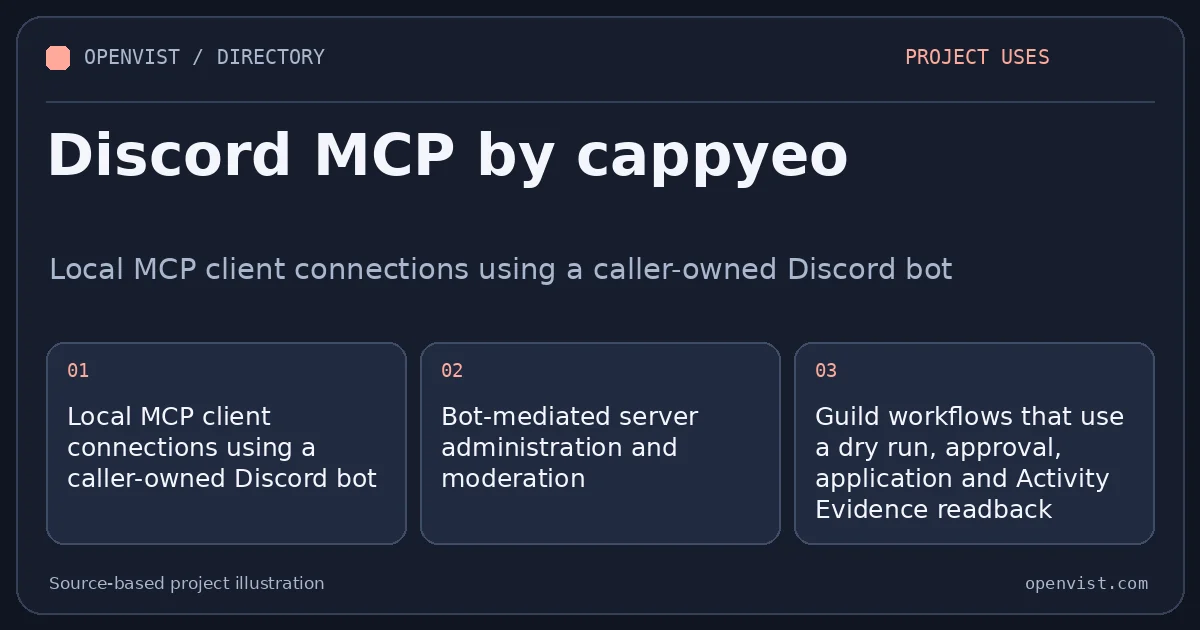
- Connect an AI client to a Discord bot and receive structured tool results.
- Make read-only Discord requests and send messages.
- Carry out scoped moderation or guild operations through bot permissions.
- Plan, approve, apply and read back evidence for a guild build.
Requirements & limits
The homepage says no separate discord-mcp account is needed. The caller supplies the Discord bot; the documented local setup passes its token through the process environment.
- The bot’s Discord permissions determine which operations it can perform.
- The documented setup supports a local stdio process and an authenticated Streamable HTTP endpoint.
- The local tutorial requires Node.js 22.12 or newer.
- Some write tools act on the first call, so the documentation recommends a private test server and least-privilege permissions.
Check current requirements in the official documentation. Source-based guidance does not mean OpenViST has run or independently tested this project.
Set up a local MCP connection and send a test message
Connect a local MCP client to your Discord bot, make a read-only request, and send one test message in a private server.
Before you start
- Node.js 22.12 or newer.
- A Discord bot installed in a private test server.
- A secure location outside source control for the bot token.
- An MCP client that can start a local stdio server.
Steps
Create a Discord bot and install it in a private test server.
Install the discord-mcp CLI with Node.js 22.12 or newer.
Use the generated configuration snippet to connect your MCP client, passing the bot token through the process environment.
Make a read-only Discord request, then send one test message in the private server.
Expected outcome
A local MCP client can receive structured Discord tool results and send a test message through the caller-owned bot.
Guide limitations
- The bot can perform only operations allowed by its Discord permissions.
- Some write tools take effect on the first call; start in a private test server and use least-privilege permissions.
- This setup uses a local process; it does not provide a hosted bot relay.
Review and apply a guild build with evidence readback
Follow the tutorial’s optional verified-outcome lifecycle for a Discord outcome in an empty test guild.
Before you start
- A completed local connection to discord-mcp.
- An empty test guild and a bot with permissions appropriate to the planned changes.
- A private place outside source control to store the bot token.
Steps
Prepare a guild build plan for the empty test guild.
Review the dry-run plan.
Approve and apply the planned changes.
Read back Activity Evidence to verify the resulting outcome.
Expected outcome
A Discord outcome is applied in a test guild and checked through Activity Evidence.
Guide limitations
- The tutorial identifies this as an optional unit and advises completing it before treating a full guild build as ready for real use.
- The bot inherits its Discord permissions; the source advises using least privilege and testing privately.
Sources & review
Source record details
- Source availability
- Active
- Sources checked
- 21 November 2026
- Original website title
- Discord MCP Server | discord-mcp · Official homepage title · retained in its source language