
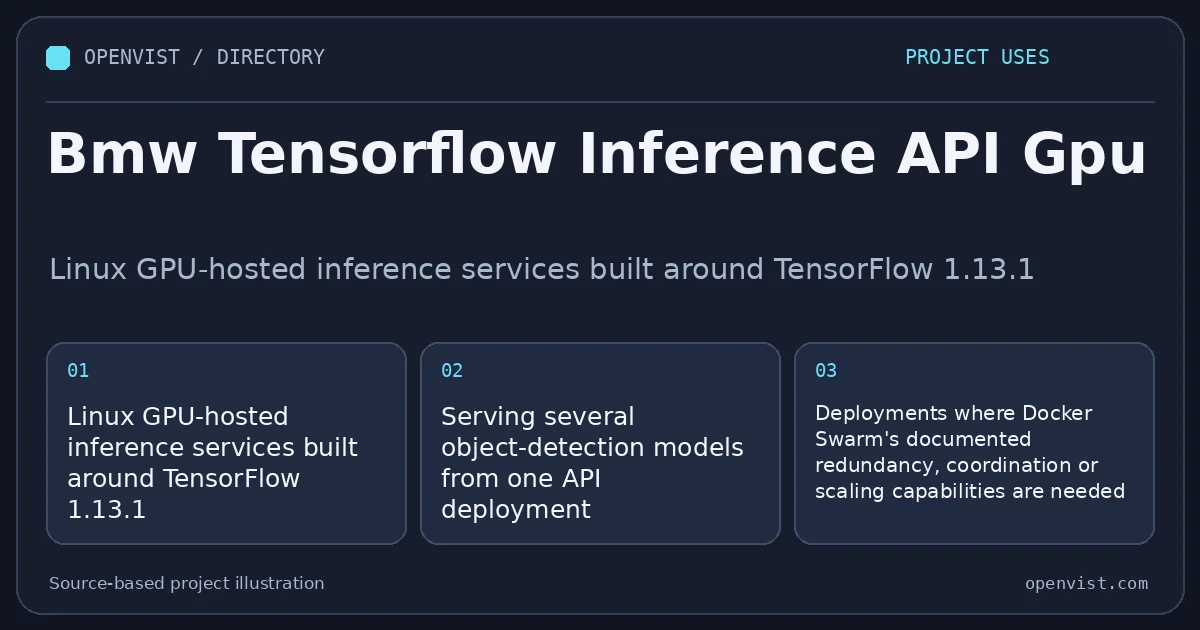
Practical overview
When it fits
Use it when you have a Linux host with the stated NVIDIA and Docker prerequisites and need to expose supported TensorFlow object-detection or OCR operations through a REST API.
Who it is for
- Teams deploying TensorFlow object-detection models behind a REST API on Linux GPU servers.
- Developers who need image bounding-box predictions or OCR extraction through documented endpoints.
- Operators who want to choose between a single Docker container and Docker Swarm orchestration for redundancy or scaling.
Documented uses
- Serve GPU-backed object-detection inference over HTTP.
- Load and query multiple detection models, including their labels and configuration.
- Return bounding boxes for a supplied image or batch of images.
- Extract text details from images, either with detection-based cropping or directly through OCR.
Requirements & limits
The API is provided as a public repository under the Apache-2.0 license. Its documented deployment requires a Linux host; the README lists Ubuntu 18.04, NVIDIA drivers 410.x or higher, Docker CE and NVIDIA Docker 2.
- The repository specifies TensorFlow 1.13.1 and Linux-only support, which constrain the runtime environment.
- Docker is the simpler documented deployment when Swarm's redundancy, coordination or scaling features are unnecessary.
- Each model directory needs a frozen graph, class-definition file and configuration file.
- Custom load-dependent endpoint workflows require calling
/loadbefore detection, labels or one-shot OCR. - The OCR endpoints differ:
/one_shot_ocruses an object-detection model to crop regions before text extraction, while/ocrskips that detection stage.
Check current requirements in the official documentation. Source-based guidance does not mean OpenViST has run or independently tested this project.
Build and start the GPU inference API with Docker
Build the repository's Docker image and start its API container on a Linux NVIDIA GPU host.
Before you start
- Ubuntu 18.04
- NVIDIA drivers 410.x or higher
- Docker CE latest stable release
- NVIDIA Docker 2
- The repository and model files in its documented models directory
Steps
From the repository root, build the image with
sudo docker build -t tensorflow_inference_api_gpu -f docker/dockerfile ..From the API directory, run
sudo NV_GPU=0 nvidia-docker run -itv $(pwd)/models:/models -v $(pwd)/models_hash:/models_hash -p :4343 tensorflow_inference_api_gpu, replacing the port placeholder with a unique host port.Open
http://:/docsto view the available documented endpoints.For the custom
/load,/detect,/get_labelsand/one_shot_ocrworkflow, call/loadbefore the subsequent operation.
Expected outcome
The container starts the REST API, which listens on the selected host port and can serve the available models.
Guide limitations
- The repository states that support is limited to Linux operating systems.
- The documented model directory requires a frozen inference graph, class-definition pbtxt and Config.json for each model.
- The README says
predict_batchis not shown in Swagger and that its list-of-files input is not yet supported. - The command shown assigns GPU 0; the README notes multiple GPU numbers can be specified as a comma-separated value.
Sources & review
Source record details
- Source availability
- Active
- Sources checked
- 23 October 2026
- Original website title
- BMW-InnovationLab/BMW-TensorFlow-Inference-API-GPU · Official homepage title · retained in its source language