
Understand the project
Practical overview
When it fits
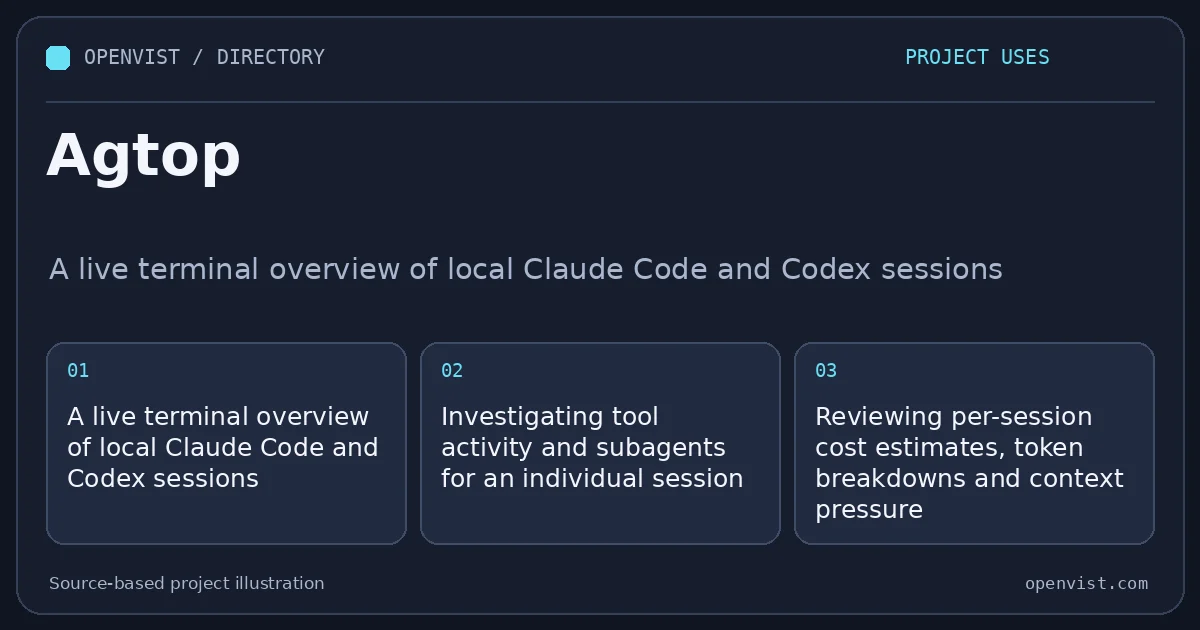
Use Agtop while working with local Claude Code or Codex sessions when you need to compare usage, inspect activity or examine process resource metrics in the terminal.
Who it is for
- Developers who run Claude Code or Codex locally and want a shared view of their sessions.
- Users who need to inspect coding-agent token use, estimated spending, tool calls or running-process resource use.
- People who want session data in a table or JSON format for scripting.
Documented uses
- Find local Claude Code and Codex sessions.
- Review token counts, context pressure and per-session cost estimates.
- Inspect tool invocation history, subagents and session configuration details.
- View CPU and memory metrics and associated process trees for running sessions.
- Export session information as a table or JSON.
Before you choose
Requirements & limits
Requires Node.js 18 or later. The README documents both an npx launch and global npm installation. The repository identifies the license as GPL-2.0.
- Session discovery reads Claude Code and Codex JSONL transcript files from their local session directories.
- Cost figures are estimates based on model pricing fetched from LiteLLM and cached for 24 hours.
- The dashboard includes interactive panels as well as table and JSON output modes.
- CPU and memory reporting for running sessions relies on
psandlsofto map processes to sessions.
Check current requirements in the official documentation. Source-based guidance does not mean OpenViST has run or independently tested this project.
Source-based practical guide
Install Agtop globally
Make the `agtop` command available from the terminal after installation.
Before you start
- Node.js 18 or later
Steps
Run the command below.
npm install -g @ldegio/agtopRun
agtop.
Expected outcome
The installed command opens the terminal dashboard.
Guide limitations
- The README lists Node.js 18 or later as a requirement.
Evidence and transparency
Sources & review
Source record details
- Source availability
- Active
- Sources checked
- 21 November 2026
- Original website title
- ldegio/agtop · Official homepage title · retained in its source language