OpenViSTAI · Agents · Blockchain · Crypto
Menu
OPENVIST RECIPES

Group HTTP(S) URLs by Hostname from a Local Text File

JavaScript

Read a UTF-8 text file or standard input, parse each nonempty line as an absolute HTTP(S) URL, and print a JSON object of hostname counts. Reject malformed lines without fetching any URL.

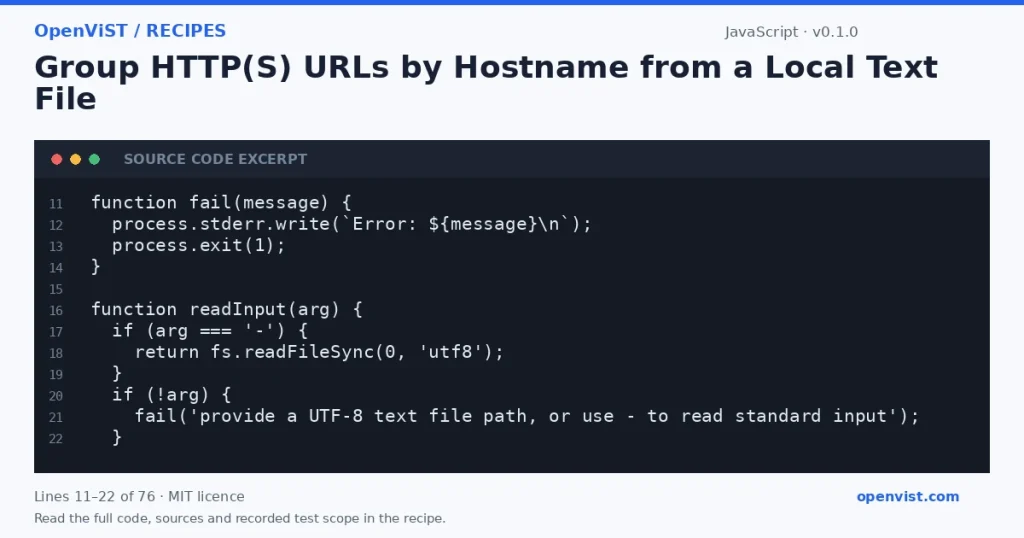
JavaScript code excerpt: Group HTTP(S) URLs by Hostname from a Local Text File. Version 0.1.0. Read the full recipe for code, sources and recorded test scope.

This Node.js 22 CommonJS recipe counts the hostnames in a newline-delimited list of URLs. It accepts a file path or `-` for standard input, ignores blank lines, and reports malformed nonblank lines with their one-based line numbers. It only parses URL text; it never makes network requests.

Before you start

  • Node.js 22; no external packages are used.
  • A UTF-8 newline-delimited text file, or a stream piped to stdin.
  • Each nonblank line must contain one absolute HTTP or HTTPS URL. Leading and trailing whitespace on a line is ignored.

Build and check

  1. Save the CommonJS code to `url-host-summary.js`.
  2. Put one absolute HTTP(S) URL on each line of a text file, or prepare input on stdin.
  3. Run `node url-host-summary.js <file-path>` or `node url-host-summary.js - < <file-path>`.
  4. Inspect the hostname-count JSON on stdout. Correct any rejected lines using the line numbers reported on stderr, then run again.

Limits to understand

  • Blank lines are ignored; comments and other nonblank text are treated as URLs and rejected if invalid.
  • The WHATWG URL parser defines normalization, including lowercasing hostnames and internationalized-domain handling. Counts do not include ports or distinguish HTTP from HTTPS.
  • This reads the entire input into memory and is intended for reasonably sized local text files.
  • If any nonblank line is invalid or uses a non-HTTP(S) scheme, the command reports errors and produces no count output.
  • The file contents are treated only as data. The program does not fetch, resolve, or otherwise contact any URL.

What this example adds

Provides a configurable command-line workflow for local URL lists, including stdin support, line-numbered validation errors, deterministic hostname ordering, and JSON output. It counts hostnames rather than full origins, so ports do not create separate groups. No URL is fetched.

Run it

Save the code as `url-host-summary.js`. Run `node url-host-summary.js urls.txt` to read a UTF-8 file, or `node url-host-summary.js - < urls.txt` to read stdin. The program prints JSON to stdout; input and validation failures are written to stderr and exit nonzero. Intended runner: Node.js 22.

Example input

https://example.com/docs
http://example.com:8080/status
https://api.example.net/v1

Expected output

{
  "api.example.net": 1,
  "example.com": 2
}
INSPECT THE SCRIPT

Inspect, copy and run the documented checks.

This browser preview builds code locally. It does not contact an API or run the code.

Default example ready.

JavaScript example
// SPDX-License-Identifier: MIT
// Copyright (c) 2026 OpenViST contributors
'use strict';

const fs = require('node:fs');
const path = require('node:path');
const crypto = require('node:crypto');
const url = require('node:url');
const assert = require('node:assert');

function fail(message) {
  process.stderr.write(`Error: ${message}\n`);
  process.exit(1);
}

function readInput(arg) {
  if (arg === '-') {
    return fs.readFileSync(0, 'utf8');
  }
  if (!arg) {
    fail('provide a UTF-8 text file path, or use - to read standard input');
  }
  return fs.readFileSync(path.resolve(arg), 'utf8');
}

function main() {
  const args = process.argv.slice(2);
  if (args.length !== 1) {
    fail('usage: node url-host-summary.js <file-path|->');
  }

  const text = readInput(args[0]);
  const counts = Object.create(null);
  const lines = text.split(/\r?\n/);
  const errors = [];

  for (let i = 0; i < lines.length; i += 1) {
    const line = lines[i].trim();
    if (line === '') continue;

    let parsed;
    try {
      parsed = new url.URL(line);
    } catch {
      errors.push(`line ${i + 1}: malformed URL`);
      continue;
    }

    if (parsed.protocol !== 'http:' && parsed.protocol !== 'https:') {
      errors.push(`line ${i + 1}: URL must use http or https`);
      continue;
    }
    if (!parsed.hostname) {
      errors.push(`line ${i + 1}: URL must include a hostname`);
      continue;
    }

    const hostname = parsed.hostname.toLowerCase();
    counts[hostname] = (counts[hostname] || 0) + 1;
  }

  if (errors.length > 0) {
    fail(`invalid input:\n${errors.join('\n')}`);
  }

  const sorted = Object.fromEntries(
    Object.entries(counts).sort(([a], [b]) => a.localeCompare(b))
  );
  process.stdout.write(`${JSON.stringify(sorted, null, 2)}\n`);
}

try {
  main();
} catch (error) {
  fail(error && error.message ? error.message : 'unable to process input');
}
What to verify after running
  • Run the supplied example and confirm its output matches `expected_output`.
  • Try a file containing the same hostname with different casing and ports; confirm it produces one hostname key with the combined count.
  • Try `mailto:sample` or malformed URL text on a line; confirm the command reports its one-based line number to stderr and exits nonzero.
  • Run with `-` and pipe the same fixture through stdin; confirm the result matches file input.
  • Review the script to confirm it contains no networking or filesystem-write operations.

Request or format preview

Illustrative preview. No provider response, price or balance is fetched.

Change a setting to inspect the preview.

Official sources and related profiles

    Code license: MIT. Keep the license notice with your copy.

    Example version 0.1.0 · Documentation reviewed 2026-10-12.

    Executed 5 synthetic local fixture cases in isolated Node.js 22.23.3 on GitHub Actions, without network access. Declared exit codes, output assertions and input integrity checks passed. Live services, installed third-party packages and production behavior remain outside scope. Editorial approval is still required.

    Related browser tools

    Inspect related data locally in your browser. These tools have their own input rules and limits; they do not execute this recipe.