
Practical overview
When it fits
Use it when you want to operate KittenTTS on self-managed infrastructure, especially for API-backed speech generation or long-form narration.
Who it is for
- Developers adding self-hosted text-to-speech to an application through an API.
- People who want a browser interface for trying KittenTTS models, voices and speed settings.
- Users generating speech from long-form text, including audiobook material.
Documented uses
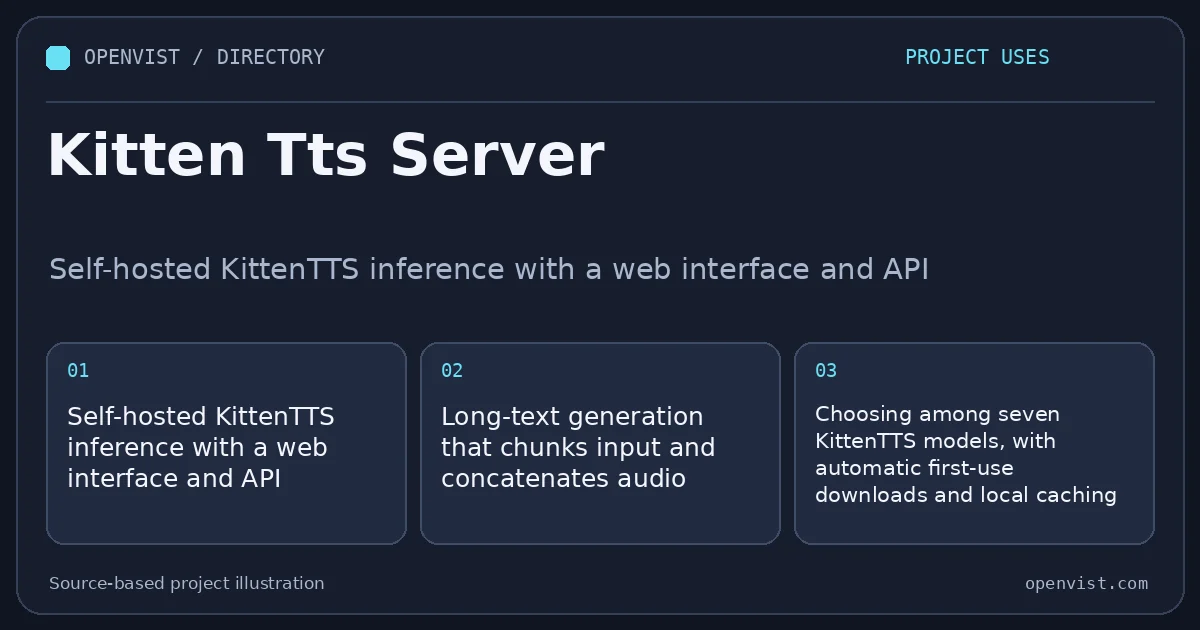
- Generate speech from text using a selected KittenTTS model and voice.
- Process long text in chunks and join the audio output.
- Test and operate models in a web interface, including switching models.
- Connect an application to speech generation through the server's API.
Requirements & limits
The project is a public GitHub repository with an MIT license. Its README documents self-hosted installation and lists Docker support.
- The README requires Python 3.10 or later and eSpeak NG for its documented installation.
- CPU-only and NVIDIA GPU dependency paths are provided; the latter uses GPU-enabled ONNX Runtime and PyTorch with CUDA 12.1 packages.
- Selected models are downloaded from Hugging Face on first use and cached locally.
- The interface offers model-specific named voices; the voice list changes with the selected model.
- The server is built in Python and uses FastAPI; the models run on ONNX, according to the README.
Check current requirements in the official documentation. Source-based guidance does not mean OpenViST has run or independently tested this project.
Install the server for CPU use
Prepare the documented CPU-only Python environment for Kitten TTS Server.
Before you start
- Python 3.10 or later
- eSpeak NG
- Windows or Linux; the README provides activation commands for Windows PowerShell and Linux Bash
Steps
Clone the repository and change into its directory.
Create and activate a Python virtual environment for your operating system.
Install eSpeak NG, following the Windows installer or Ubuntu/Debian package instructions.
With the environment active, upgrade pip and install dependencies with the command below.
pip install -r requirements.txt
Expected outcome
The documented CPU-only dependencies are installed in a Python virtual environment.
Guide limitations
- This covers installation only; it does not document starting the server or generating audio.
- The guide lists Ubuntu/Debian commands for Linux package installation; other distributions are not covered here.
Install the NVIDIA GPU dependencies
Set up the documented GPU-enabled Python dependencies for NVIDIA acceleration.
Before you start
- Python 3.10 or later and an active virtual environment
- eSpeak NG
- An NVIDIA GPU environment suitable for the CUDA 12.1 PyTorch packages
Steps
Clone the repository, enter its directory, create a virtual environment and activate it.
Install eSpeak NG and upgrade pip in the active environment.
Install GPU-enabled ONNX Runtime with the command below.
pip install onnxruntime-gpuInstall PyTorch and torchaudio using the documented CUDA 12.1 package index.
Install the remaining dependencies with the command below.
pip install -r requirements-nvidia.txt
Expected outcome
The README's NVIDIA-specific dependency installation is complete; its instructions then provide a PyTorch CUDA-availability check.
Guide limitations
- This guide does not establish that a particular machine's drivers or hardware are compatible.
- The documented commands install dependencies; they do not cover server launch or speech generation.
Sources & review
Source record details
- Source availability
- Active
- Sources checked
- 21 November 2026
- Original website title
- devnen/Kitten-TTS-Server · Official homepage title · retained in its source language