
Practical overview
When it fits
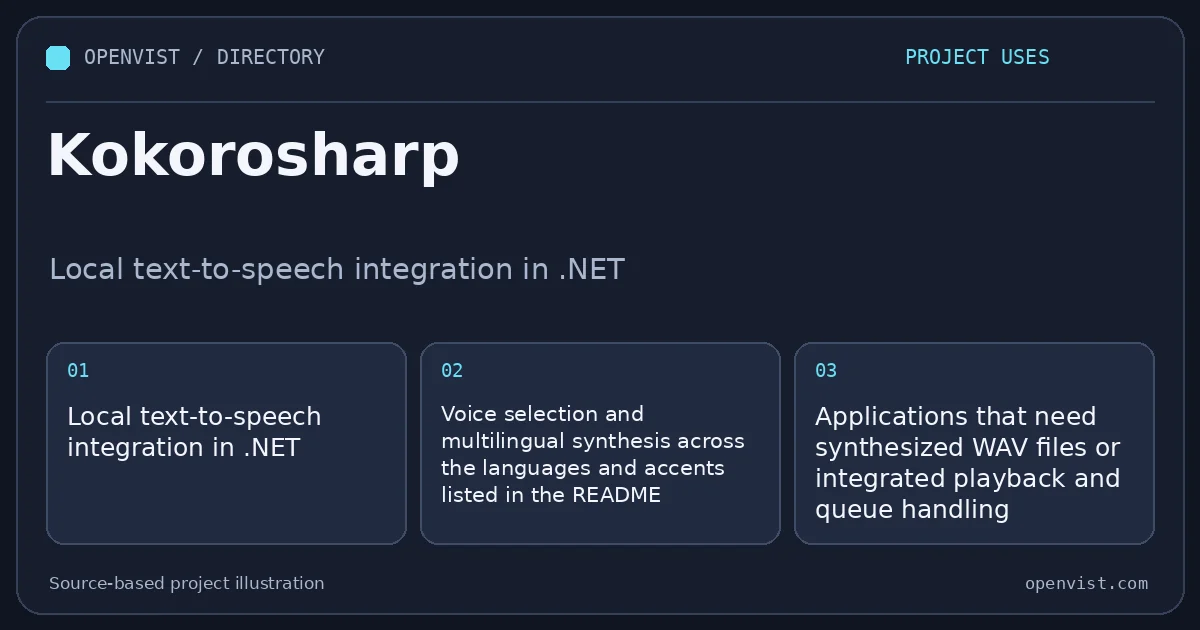
Use KokoroSharp when integrating Kokoro speech synthesis into a C#/.NET application and running inference locally, rather than sending a request to a hosted text-to-speech service.
Who it is for
- C# and .NET developers adding text-to-speech to desktop or server applications.
- Developers who need locally generated speech, voice selection, or WAV output.
- Teams building multilingual or multi-speaker audio features into their own software.
Documented uses
- Convert text into speech using a chosen Kokoro voice.
- Produce WAV audio for saving or use by another playback system.
- Add text-segment streaming, voice mixing, or queued playback to an application.
Requirements & limits
The project is distributed as NuGet packages and is licensed under MIT. The README describes package setup for Windows, Linux, and macOS, and separate mobile paths for Android and iOS.
- The implementation is C# with ONNX Runtime and targets Kokoro TTS.
- The README identifies KokoroSharp.CPU as the plug-and-play package; GPU setup is described separately.
- Model loading can download a model or load one from a path; the full-precision model is described as about 320 MB.
- The README lists voice mixing, text-segment streaming, job scheduling, and optional playback support.
- iOS playback requires a custom audio player; the Android instructions use a separate package and initialization.
Check current requirements in the official documentation. Source-based guidance does not mean OpenViST has run or independently tested this project.
Synthesize speech to a WAV file
Generate speech audio as a WAV file without using KokoroSharp playback.
Before you start
- A .NET project with KokoroSharp and a loadable Kokoro model.
- A voice available through KokoroVoiceManager.
Steps
Load a model with KokoroWavSynthesizer.LoadModel().
Call Synthesize with the text and a selected voice.
Save the returned audio bytes with KokoroWavSynthesizer.SaveAudioToFile.
Expected outcome
The application writes synthesized speech to a WAV file.
Guide limitations
- The README documents synthesis and file saving but does not specify WAV configuration options.
Sources & review
Source record details
- Source availability
- Active
- Sources checked
- 23 October 2026
- Original website title
- Lyrcaxis/KokoroSharp · Official homepage title · retained in its source language