
Practical overview
When it fits
Use the hosted API when an application needs streaming transcription or needs to send recorded audio for transcript results without managing the hosted processing infrastructure.
Who it is for
- Developers integrating live transcription into an application
- Teams processing recorded audio or conversation files
- Organizations considering on-premise speech-recognition deployment
Documented uses
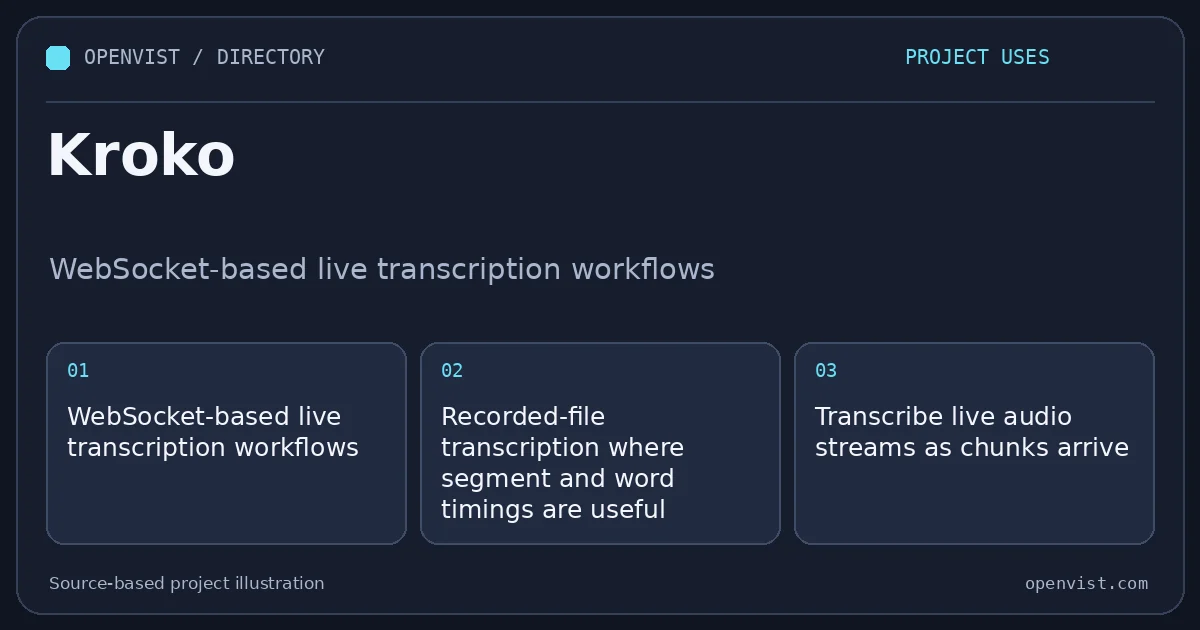
- Transcribe live audio streams as chunks arrive
- Submit recorded audio for transcription
- Retrieve segment and word timing information for pre-recorded audio
Requirements & limits
The hosted API requires a Kroko account and API key. The homepage says pricing is charged by audio hour. The service is paid and is not open source.
- Live streaming requires mono PCM 32-bit floating-point audio at 16 kHz, with up to four seconds per message.
- Pre-recorded audio uses a header with sample-rate and file-size metadata; 16 kHz is recommended.
- The hosted API returns partial or final transcript text for streaming and timestamped segment and word details for recorded audio.
- Official documentation also describes on-premise models, but the supplied implementation details explain the hosted API workflows.
Check current requirements in the official documentation. Source-based guidance does not mean OpenViST has run or independently tested this project.
Set up hosted live transcription
Send live audio chunks to Kroko's hosted speech-to-text API and receive transcript text.
Before you start
- A Kroko account and API key
- A WebSocket client
- Mono PCM 32-bit floating-point audio at 16 kHz
Steps
Generate an API key in the Kroko account dashboard.
Open a WebSocket connection to the streaming endpoint, supplying the key and a languageCode in the handshake.
After receiving the connected status message, send binary audio messages of up to four seconds each.
Read the JSON transcript responses, which can contain partial or final text.
Expected outcome
Transcript text is returned as the audio chunks are processed.
Guide limitations
- Audio must be mono PCM 32-bit floating point at 16 kHz; convert other formats before sending.
- The hosted service is paid by audio hour.
Send a pre-recorded audio file for transcription
Submit a recorded audio file through the hosted WebSocket API and receive its transcript with timing details.
Before you start
- A Kroko account and API key
- A WebSocket client
- Mono PCM 32-bit floating-point audio
Steps
Generate an API key in the Kroko account dashboard.
Open a WebSocket connection to the pre-recorded endpoint, supplying the key and a languageCode in the handshake.
Before each file, send an eight-byte header containing the sample rate and total audio size as little-endian values.
Send the audio file in chunks and read the result after the file has been processed.
Expected outcome
The API returns transcript text with segment and word timing information.
Guide limitations
- The sample rate may vary, but 16 kHz is recommended.
- Audio must be mono PCM 32-bit floating point; prepare other formats before sending.
- Send the text message Done to close the session.
Sources & review
Source record details
- Source availability
- Active
- Sources checked
- 21 November 2026
- Original website title
- Kroko · CPU-first speech-to-text · Official homepage title · retained in its source language