
Practical overview
When it fits
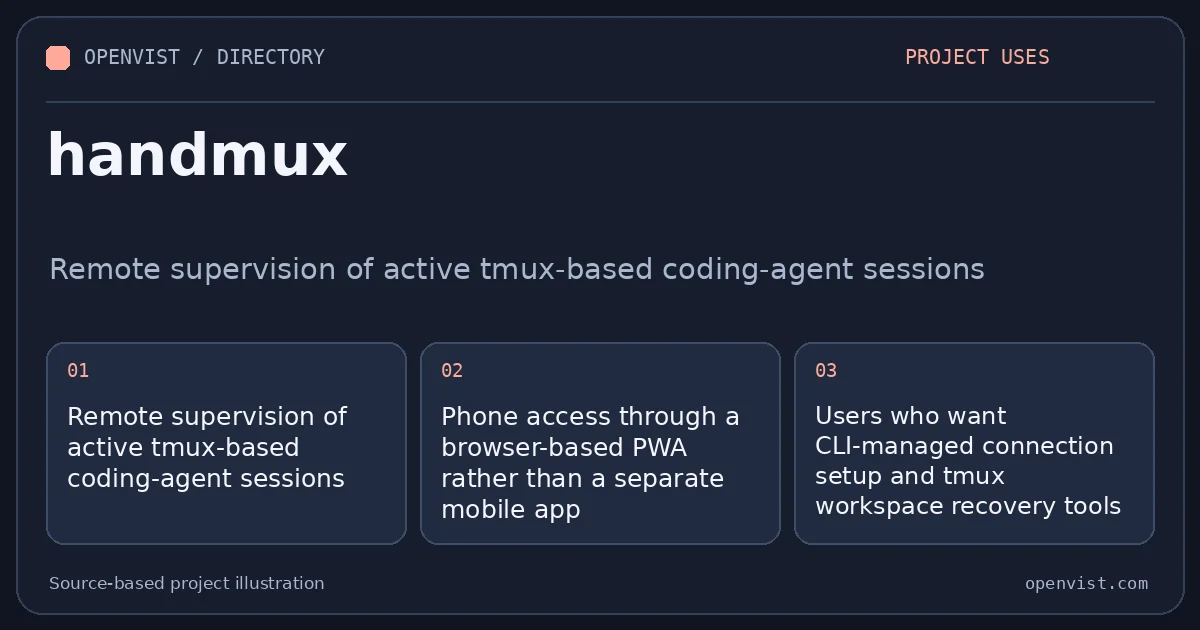
Use handmux when a coding-agent or other terminal workflow is running in tmux and you want browser access to its panes from another device. Choose LAN-only operation for local-network access, or the documented Cloudflare tunnel option for access beyond the local network.
Who it is for
- Developers running terminal-based coding agents in tmux who want to supervise sessions from a phone or browser.
- People who want a browser-based way to interact with tmux panes while away from their computer.
Documented uses
- Monitor a live terminal session remotely.
- Review coding-agent work and respond to prompts or errors from a browser.
- Attach from the computer to a named tmux session created from a phone.
- Recover saved tmux workspace structure after an interruption.
Requirements & limits
The homepage says no handmux account is required. A phone browser is supported; the documentation describes the interface as a PWA and gives home-screen installation steps for iOS Safari and Android Chrome.
- Requires Node.js 22.16 or later and tmux 3.0 or later.
- The default connection is LAN-only; access from outside the local network uses the documented Cloudflare tunnel option.
- On iPhone, adding the PWA to the home screen is required for push notifications.
- Windows use requires WSL2 rather than a native Windows build.
- Workspace recovery does not replay commands, arbitrary processes, or terminal scrollback; ordinary panes reopen as shells in saved directories.
Check current requirements in the official documentation. Source-based guidance does not mean OpenViST has run or independently tested this project.
Install handmux and start a LAN session
Install the CLI and start handmux with its default LAN-only connection.
Before you start
- Node.js 22.16 or later
- tmux 3.0 or later
- A computer with npm or Homebrew installed
Steps
Check the installed Node.js and tmux versions against the documented minimums.
Install handmux with npm or Homebrew.
Run
handmux startand use the printed URL or QR code to connect from a phone on the local network.
Expected outcome
A handmux server starts in LAN-only mode and prints a connection URL and QR code.
Guide limitations
- The LAN-only URL is intended for local-network access; the documented command for access from elsewhere is
handmux start --tunnel cloudflare. - Windows requires WSL2; the documentation says the same-wifi LAN URL will not reach a phone from WSL2.
Sources & review
Source record details
- Source availability
- Active
- Sources checked
- 21 November 2026
- Original website title
- handmux — drive your agent, ditch the desk · code from your phone · Official homepage title · retained in its source language