
Understand the project
Practical overview
When it fits
Use this project when you want Claude Desktop packaged for Fedora and are comfortable enabling a Copr repository.
Who it is for
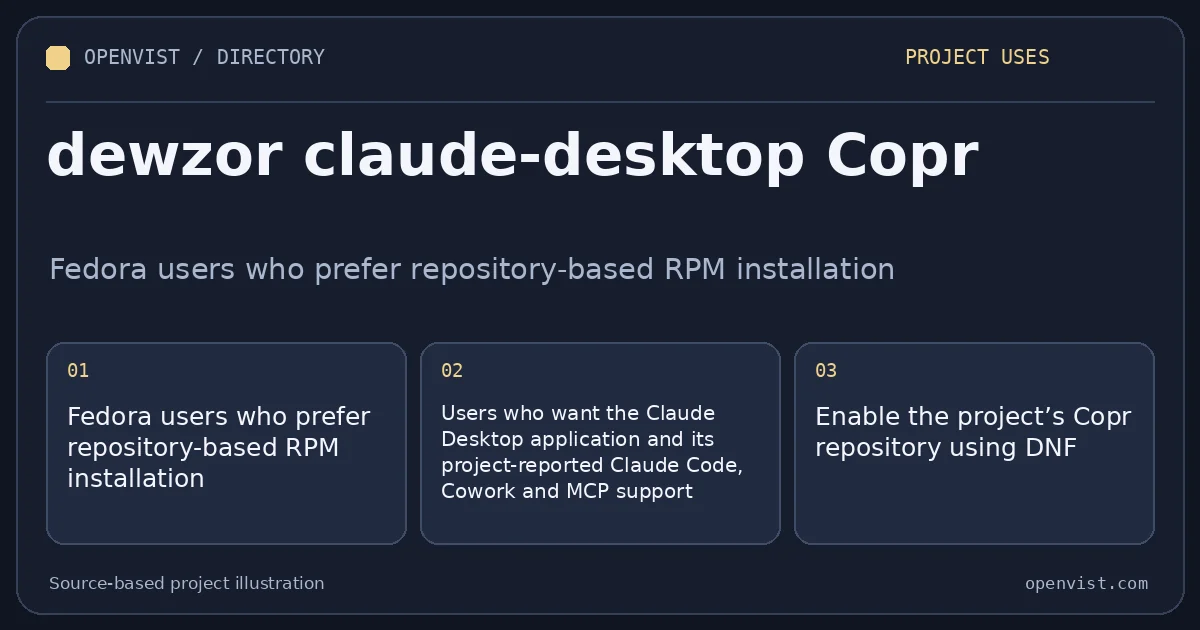
Fedora users seeking Claude Desktop in RPM and Copr repository form.
Documented uses
- Enable the project’s Copr repository using DNF.
- Install Claude Desktop through a Fedora-oriented package route.
- Receive upstream update checks through the project-described daily timer.
Before you choose
Requirements & limits
- This project packages the upstream desktop application; it is not a distinct assistant service.
- The documented repository-enabling method requires dnf-plugins-core.
- The project describes daily update checks and reports Claude Code, Cowork and MCP support; these are not compatibility guarantees.
Check current requirements in the official documentation. Source-based guidance does not mean OpenViST has run or independently tested this project.
Source-based practical guide
Enable a Copr repository with DNF
Enable the dewzor claude-desktop repository using Fedora’s documented Copr method.
Before you start
- A Fedora system using DNF.
- dnf-plugins-core installed.
- The project identifier shown on the dewzor claude-desktop Copr page.
Steps
Check the project page for the repository identifier and current package instructions.
Run
dnf copr enable user/project, replacinguser/projectwith the project identifier.
Expected outcome
The Copr repository is enabled in DNF; the Copr documentation describes this step but does not specify the subsequent package-install command for this project.
Guide limitations
- The project-specific repository identifier and package installation instructions must be taken from its project page.
- This procedure enables the repository; it does not describe building the RPM.
Evidence and transparency
Sources & review
Source record details
- Source availability
- Active
- Sources checked
- 20 November 2026
- Original website title
- dewzor/claude-desktop Copr · Official homepage title · retained in its source language