
Practical overview
When it fits
Use Dialogbot when you want a Python project that brings retrieval, task-oriented and generative dialogue approaches together, or when following its documented GPT-2 fine-tuning workflow.
Who it is for
- Developers assembling a chatbot with retrieval-based answers, guided task interactions or generated replies.
- Teams adapting Chinese conversational data and GPT-2 models for a dialogue application.
Documented uses
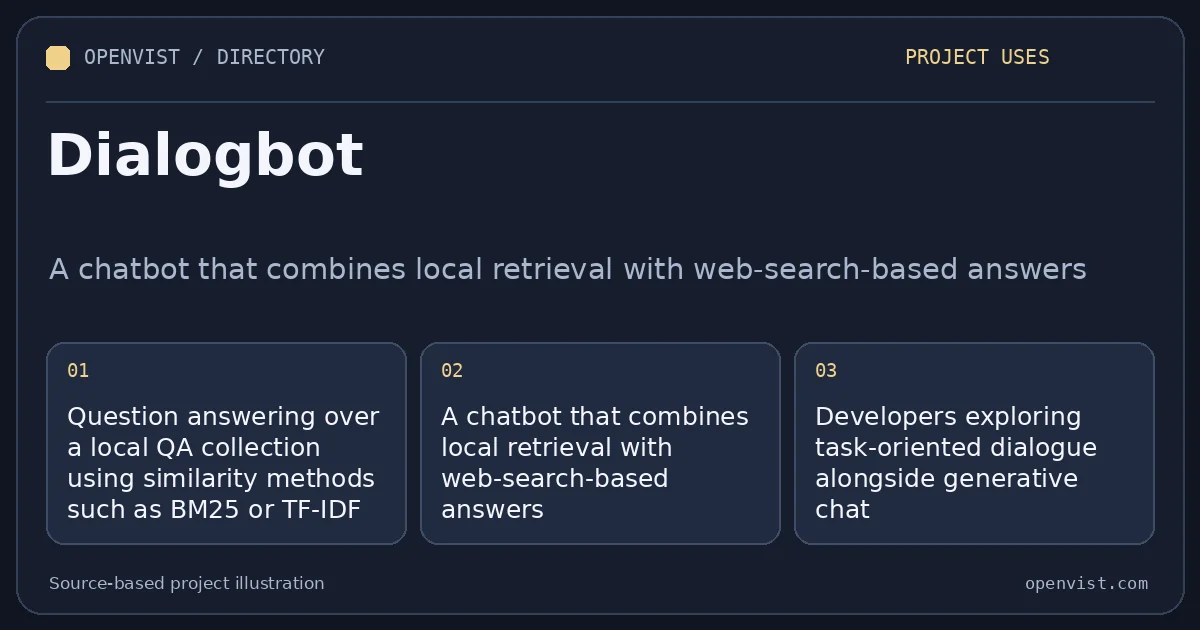
- Answer user questions by matching a local question-and-answer collection.
- Retrieve answers from Baidu or Bing search-result summaries.
- Build task-driven, multi-turn dialogue flows.
- Generate conversational replies with GPT-2 or sequence-to-sequence models.
Requirements & limits
The repository is public and identifies the project as open source under Apache-2.0.
- The library separates search-based, task-oriented and generative bot approaches, so the implementation can be chosen to match the dialogue task.
- The documented search feature uses Baidu and Bing search summaries; local QA matching instead relies on a question-and-answer collection.
- The README lists Python 3.6+, PyTorch 1.6.0+ and Transformers 4.4.2+ for the project, though its installation commands explicitly show PyTorch and Dialogbot.
- GPT-2 fine-tuning requires preparing dialogue data in the documented conversation format and running separate preprocessing and training scripts.
Check current requirements in the official documentation. Source-based guidance does not mean OpenViST has run or independently tested this project.
Install Dialogbot with pip
Install the library and its documented core dependencies.
Before you start
- Python 3.6 or later
- PyTorch 1.6.0 or later
- Transformers 4.4.2 or later
Steps
Install PyTorch with pip or conda.
Install or upgrade Dialogbot with pip.
Expected outcome
The documented installation commands add PyTorch and Dialogbot to the Python environment.
Guide limitations
- The README lists Transformers 4.4.2+ as a project requirement but does not include a separate Transformers installation command in the shown install sequence.
Prepare dialogue data for GPT-2 fine-tuning
Preprocess dialogue text and train a GPT-2 chat model using the documented workflow.
Before you start
- Dialogbot source checkout
- Dialogue corpus saved as data/train.txt, with conversations separated by blank lines
- Python and the project dependencies
Steps
Create a data directory and save the dialogue corpus as data/train.txt.
From the gpt directory, run preprocess.py with the training-text and output-file paths to create data/train.pkl.
Run train.py with the prepared data path and the documented training options.
Use interact.py with the trained model directory to start a conversation.
Expected outcome
The workflow produces a trained model and provides a documented script for interactive conversations.
Guide limitations
- The README does not specify corpus licensing or a minimum dataset size.
- Its example training command uses device IDs 0,1; the interaction example uses --no_cuda, and GPU use requires selecting a device.
Sources & review
Source record details
- Source availability
- Active
- Sources checked
- 20 November 2026
- Original website title
- shibing624/dialogbot · Official homepage title · retained in its source language