
Practical overview
When it fits
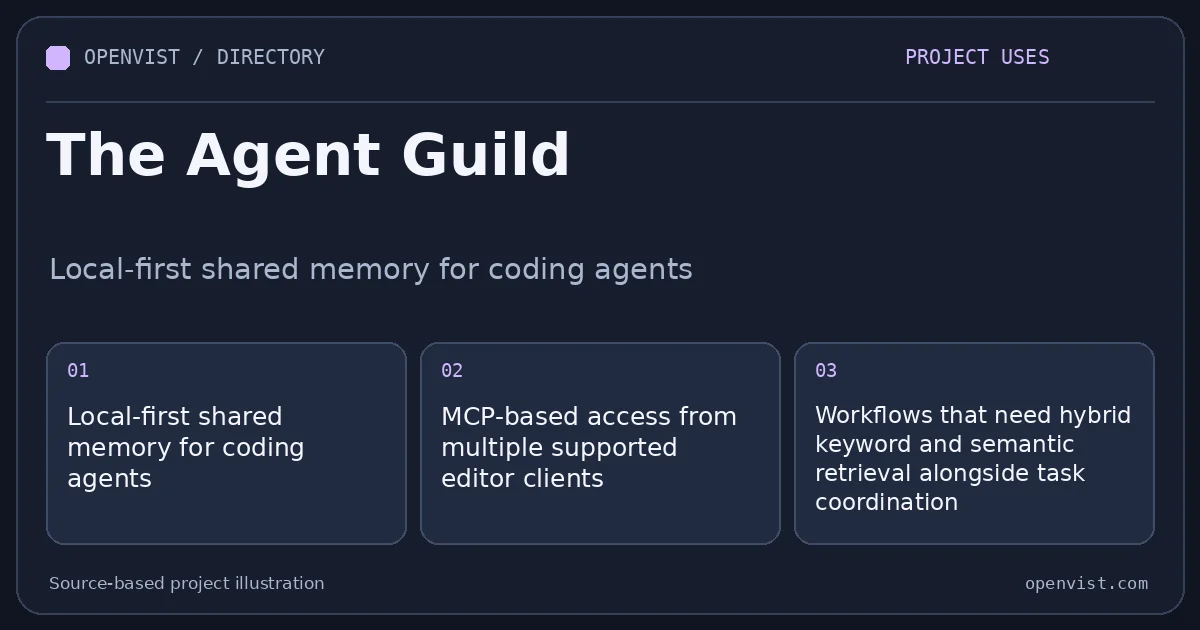
Use it when separate coding-agent sessions or editors need a persistent, shared store of project knowledge and a coordinated task board.
Who it is for
- Developers using MCP-enabled coding agents such as Claude Code, Codex or Cursor.
- Teams or workflows running parallel coding-agent sessions that need shared project notes and task handoffs.
Documented uses
- Recover project context and the highest-priority task at the start of an agent session.
- Search prior engineering notes using exact terms or semantic similarity.
- Claim and complete tasks with coordination intended to prevent parallel agents from taking the same work.
- Record outcomes so a later agent can continue with a handoff.
Requirements & limits
The project documents installation for macOS, Linux and Windows and requires an MCP-enabled editor. It says no account or API key is required. The documented Windows installer provides keyword-only retrieval; the recommended install script and Homebrew route include semantic retrieval.
- State is stored locally in embedded SQLite; Docker instructions use a named volume for state.
- Default embeddings run locally; the optional Ollama backend sends embedding text to the configured Ollama endpoint.
- Windows, module-proxy go install and the fast development build are documented as keyword-only retrieval paths.
- The project is written in Go and licensed under Apache-2.0.
Check current requirements in the official documentation. Source-based guidance does not mean OpenViST has run or independently tested this project.
Install Guild on macOS or Linux
Install the pre-built Guild binary with semantic retrieval enabled.
Before you start
- macOS or Linux
- An MCP-enabled editor is required to use Guild with an editor.
Steps
Run the command below.
curl -fsSL https://github.com/mathomhaus/guild/releases/latest/download/install.sh | shRun
guild --versionto check the installed binary.
Expected outcome
Guild is installed from the pre-built release; this binary includes semantic retrieval support without extra setup.
Guide limitations
- The documented install path covers macOS and Linux; Windows has a separate installer and keyword-only retrieval.
- These steps install Guild but do not configure an MCP client.
Install Guild on Windows
Install the pre-built Guild binary on Windows.
Before you start
- Windows
- PowerShell; the documented alternative uses cmd.exe.
Steps
In PowerShell, run
irm https://github.com/mathomhaus/guild/releases/latest/download/install.ps1 | iex.Open a new terminal and run
guild --version.Alternatively, from cmd.exe, run
powershell -NoProfile -ExecutionPolicy Bypass -Command "irm https://github.com/mathomhaus/guild/releases/latest/download/install.ps1 | iex".
Expected outcome
The installer verifies the zip with SHA256, installs Guild under `%LOCALAPPDATA%\Programs\guild`, and adds it to the user PATH.
Guide limitations
- Semantic vector retrieval is disabled on Windows; search uses the BM25 keyword arm only.
- The documented Windows install steps do not configure an MCP client.
Compare options for Agent orchestration
These projects document a common task and share a project role. This is a source-based comparison, not an execution benchmark or a guarantee of interchangeability.
| Project | Documented purpose | Platform | Access and requirements |
|---|---|---|---|
| The Agent Guild | Recover project context and the highest-priority task at the start of an agent session. | CLI, Self-hosted | The project documents installation for macOS, Linux and Windows and requires an MCP-enabled editor. It says no account or API key is required. The documented Windows installer provides keyword-only retrieval; the recommended install script and Homebrew route include semantic retrieval. |
| Mimir | Store task and conversation context for retrieval across sessions. | Docker, Self-hosted | The repository is public and describes Mimir as open source. The documented setup is self-hosted with Docker; no hosted-service access or pricing details are provided. |
Sources & review
Source record details
- Source availability
- Active
- Sources checked
- 20 November 2026
- Original website title
- mathomhaus/guild · Official homepage title · retained in its source language