
Understand the project
Practical overview
When it fits
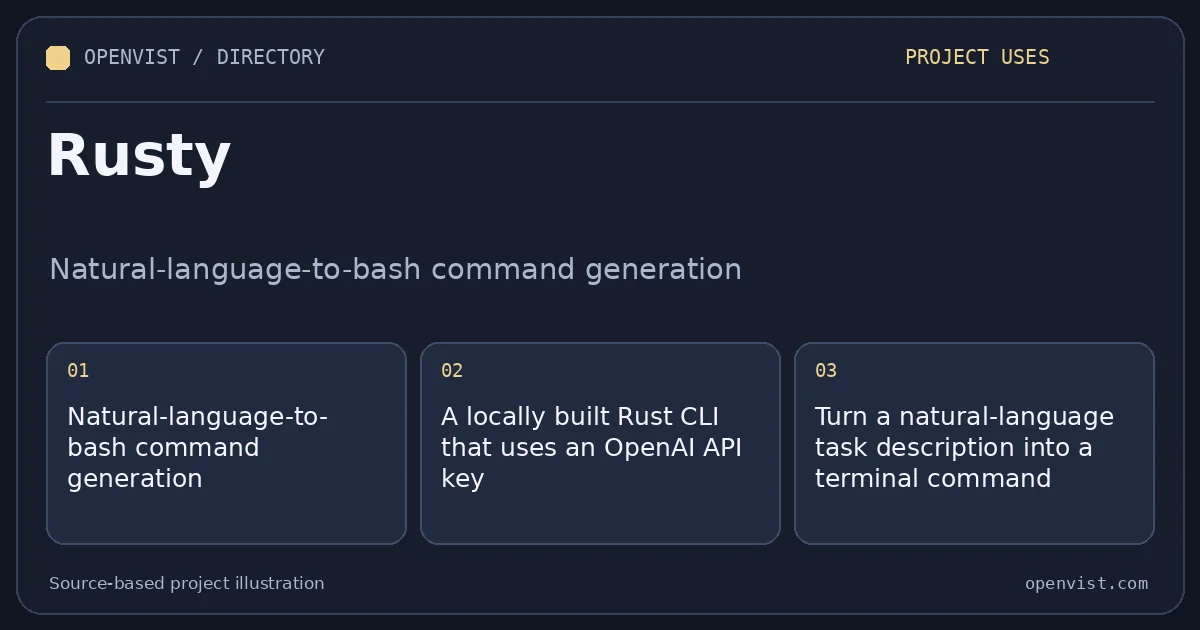
Use Rusty when you can describe a terminal task but do not remember the bash command, and want a generated command from the CLI.
Who it is for
- Terminal users who want help recalling bash syntax.
- Developers who want natural-language command generation within a CLI workflow.
Documented uses
- Turn a natural-language task description into a terminal command.
- Get help remembering bash commands.
Before you choose
Requirements & limits
The README instructs users to build the CLI and supply their own OpenAI API key through the OPENAI_API_KEY environment variable.
- Using Rusty requires building the project with Cargo and making its binary available on your path.
- The documented interface is
rusty. - Rusty generates commands; the README does not describe safeguards or a review workflow for generated commands.
Check current requirements in the official documentation. Source-based guidance does not mean OpenViST has run or independently tested this project.
Source-based practical guide
Build and configure Rusty
Create the Rusty CLI binary and configure the OpenAI API key it requires.
Before you start
- The Rusty GitHub repository
- Rust and Cargo
- An OpenAI API key
Steps
Clone the Rusty repository.
Build the program with the command below.
cargo build --releaseAdd the
rustybinary fromrusty/target/releaseto your path.Set the
OPENAI_API_KEYenvironment variable to your OpenAI API key.
Expected outcome
The binary is built and configured for invocation as `rusty `.
Guide limitations
- The README documents setup and the invocation format, but does not give a sample request or describe additional command-review controls.
Evidence and transparency
Sources & review
Source record details
- Source availability
- Active
- Sources checked
- 19 November 2026
- Original website title
- zahidkhawaja/rusty · Official homepage title · retained in its source language