
Practical overview
When it fits
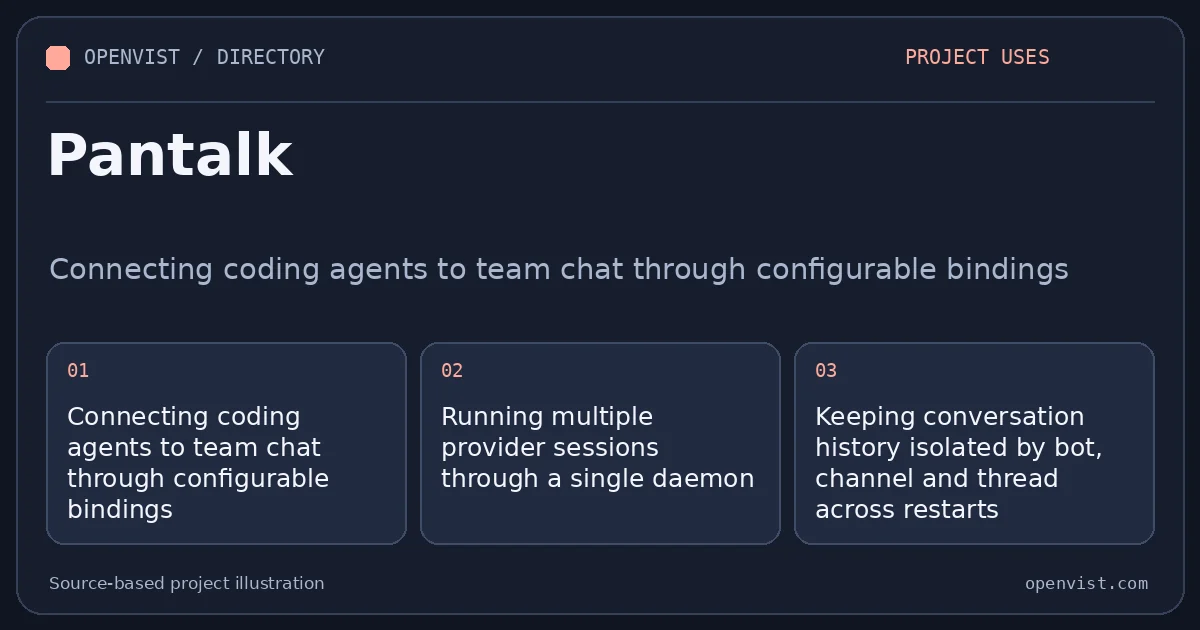
Use Pantalk when an existing coding agent needs to join team conversations or receive alerts through chat or SMS, while keeping the agent harness separate from the messaging transport.
Who it is for
- Teams that want coding agents to respond in their existing chat platforms.
- Administrators connecting multiple agent harnesses or chat services through one daemon.
Documented uses
- Route chat conversations to a selected coding agent.
- Receive and handle mentions, direct messages and relevant thread events.
- Read conversation history to provide context for an agent response.
- Change a harness or chat connector without rebuilding the other side of the bridge.
Requirements & limits
The project describes Pantalk as open source and a daemon for self-hosted use. Its site presents Linux as the environment for the separate Pantalk Ghost workspace.
- Claude Code and Codex have native drivers; the listed Copilot, Gemini CLI, Goose, OpenCode and Aider integrations use a command driver.
- The site lists 13 chat platforms, including Slack, Discord, Mattermost, Telegram, WhatsApp, Matrix, Twilio/SMS and Zulip.
- Ordered bindings determine which harness responds to which conversation.
- Messages and events are stored in SQLite and separated by bot, channel and thread.
- Pantalk handles chat connectivity and routing; the existing harness retains its own reasoning, tools and approval policy.
Check current requirements in the official documentation. Source-based guidance does not mean OpenViST has run or independently tested this project.
Install the Pantalk install skill for an AI agent
Download the Pantalk install skill so an AI agent can follow its installation instructions.
Before you start
- An environment with
curlavailable.
Steps
Run the command below.
curl -fsSL https://raw.githubusercontent.com/pantalk/skills/refs/heads/main/pantalk-install/SKILL.md -o PANTALK_INSTALL.mdAsk your AI agent to follow the instructions in
PANTALK_INSTALL.md.
Expected outcome
The install skill is saved as `PANTALK_INSTALL.md` and ready for the agent to use.
Guide limitations
- The instructions for the subsequent Pantalk installation are not included here.
Compare options for AI coding assistance
These projects document a common task and share a project role. This is a source-based comparison, not an execution benchmark or a guarantee of interchangeability.
| Project | Documented purpose | Platform | Access and requirements |
|---|---|---|---|
| Pantalk | Route chat conversations to a selected coding agent. | Linux, Server, Self-hosted | The project describes Pantalk as open source and a daemon for self-hosted use. Its site presents Linux as the environment for the separate Pantalk Ghost workspace. |
| Decapod | Initialize a repository with Decapod state and agent instructions. | CLI, Self-hosted | The documented local storage setup needs no account. Managed cloud tasks require sign-in and service-side account completion and repository authorization. |
| Opentag — linxidnju | Ask an agent to investigate a bug or draft a fix plan from the context in a Slack thread. | Cloud, Self-hosted, Server | The project is open source and requires Node.js 20.11.0 or later. The README documents a local console mode that can be tried without Slack. |
Sources & review
Source record details
- Source availability
- Active
- Sources checked
- 17 November 2026
- Original website title
- Pantalk - Any Agent, Any Chat · Official homepage title · retained in its source language