
Practical overview
When it fits
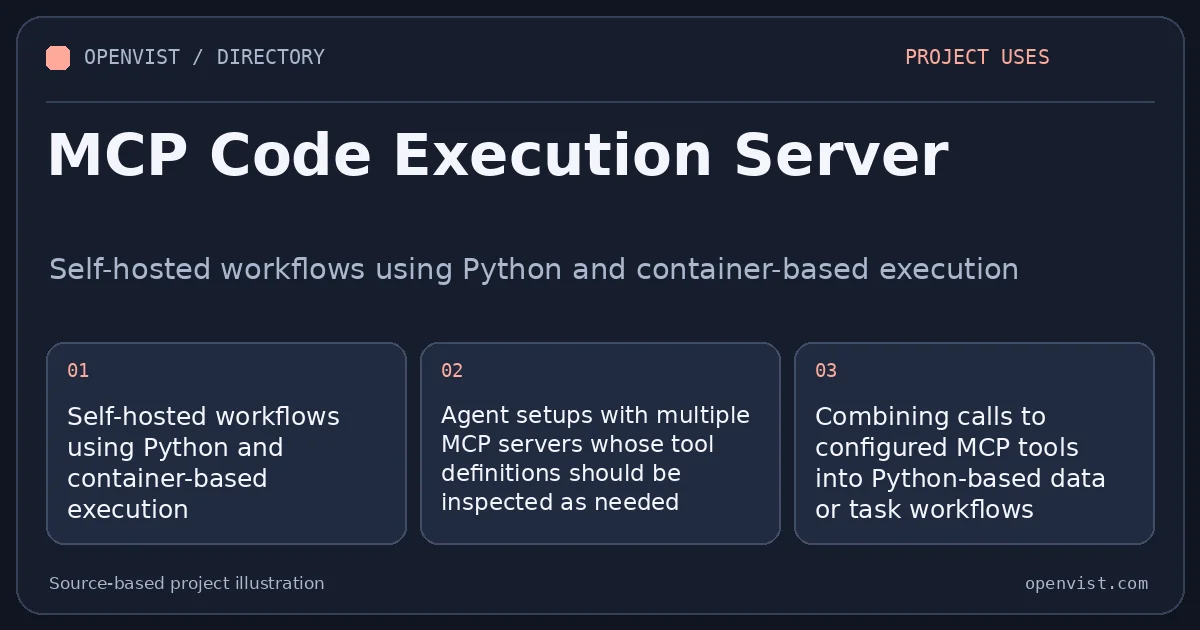
Use it when an MCP client workflow needs Python execution and on-demand discovery or proxying of tools from configured stdio-based MCP servers.
Who it is for
- Developers configuring MCP clients and agent workflows.
- Teams that want Python execution alongside tools exposed by stdio-based MCP servers.
- Users who need agents to find and inspect tool definitions on demand.
Documented uses
- Run Python code within an MCP agent workflow.
- Discover configured MCP servers and search their tool documentation.
- Use Python to call and compose tools from multiple configured MCP servers.
- Reduce the need to load all available MCP tool definitions into the agent context at once.
Requirements & limits
The repository is public and declares a GPL-3.0 license. The README's setup instructions target macOS or Linux and specify Python 3.11 or later with Podman or Docker.
- The bridge is a Python developer tool, not a hosted agent service.
- It requires a container runtime and configuration of the MCP servers whose tools should be discovered or proxied.
- The README documents both Podman and Docker; its example MCP configuration sets the runtime to Podman.
- Server discovery can read from several documented configuration locations, with earlier-listed sources taking precedence when entries conflict.
Check current requirements in the official documentation. Source-based guidance does not mean OpenViST has run or independently tested this project.
Set up the bridge and register it with an MCP client
Prepare the documented Python and container prerequisites, launch the bridge and add its server entry to an agent’s MCP settings.
Before you start
- macOS or Linux
- Python 3.11 or later
- Podman or Docker
- uv
- An MCP client with a settings file
Steps
Install Python 3.11 or later, Podman or Docker, and uv; the README also instructs pulling the python:3.13-slim container image.
Run the command below to install the project dependencies.
uv syncLaunch with
uvx --from git+https://github.com/elusznik/mcp-server-code-execution-mode mcp-server-code-execution-mode run.Add the documented server entry to the MCP client settings, including
MCP_BRIDGE_RUNTIMEset topodmanor the chosen runtime.
Expected outcome
The bridge is launched and has an MCP server configuration entry in the client settings.
Guide limitations
- These steps cover setup and registration; they do not verify a successful client connection or tool execution.
- The README's example configuration selects Podman; Docker is also documented as a runtime choice.
Sources & review
Source record details
- Source availability
- Active
- Sources checked
- 17 November 2026
- Original website title
- elusznik/mcp-server-code-execution-mode · Official homepage title · retained in its source language