
Practical overview
When it fits
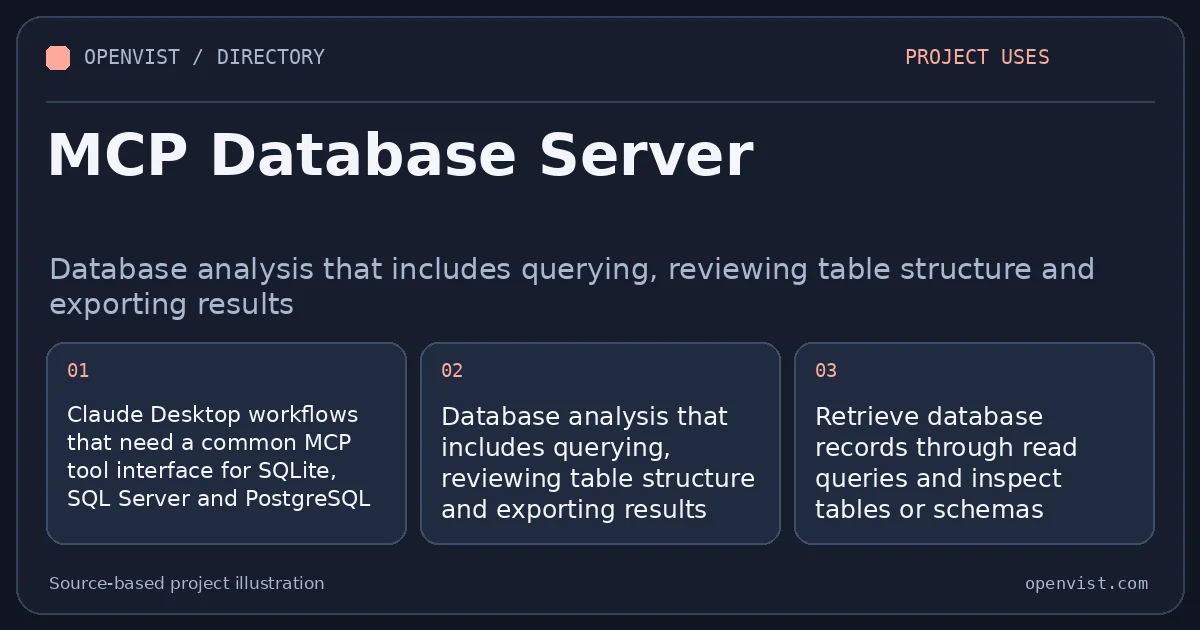
Use it when you want Claude Desktop to interact with one of the documented database types through MCP for querying, database operations or result exports.
Who it is for
- Claude Desktop users who need to work with data in SQLite, SQL Server or PostgreSQL.
- Developers configuring MCP access between Claude Desktop and a database.
Documented uses
- Retrieve database records through read queries and inspect tables or schemas.
- Insert, update or delete records and create or alter tables.
- Export query results as CSV or JSON.
- Record and list business insights from database analysis.
Requirements & limits
The documented setup installs the package through NPM and configures it in Claude Desktop.
- The documentation provides connection examples for SQLite, SQL Server and PostgreSQL.
- Table removal requires a confirmation flag; the documentation recommends reviewing proposed data modifications before confirming.
- Stored procedures and triggers are not supported, and file operations and system commands are unavailable.
- SQL syntax may vary between supported databases, and large results may be truncated.
Check current requirements in the official documentation. Source-based guidance does not mean OpenViST has run or independently tested this project.
Configure a database connection in Claude Desktop
Install MCP Database Server and add a documented SQLite, SQL Server or PostgreSQL connection to Claude Desktop.
Before you start
- NPM
- Claude Desktop
- A database file path for SQLite, or the relevant server, host and database details for SQL Server or PostgreSQL
- Database username and password for the SQL Server and PostgreSQL configuration examples
Steps
Install the package with the command below.
npm install -g @executeautomation/database-serverEdit
claude-desktop-config.jsonand add anmcpServersentry for the database type.For SQLite, provide the database file path; for SQL Server or PostgreSQL, provide the documented connection arguments and credentials.
Expected outcome
Claude Desktop is configured with an MCP server entry for the selected database type.
Guide limitations
- The documented configuration is for Claude Desktop.
- Connection and query behavior can involve database-specific syntax differences.
Use database tools for queries and exports
Ask Claude to retrieve database information and export query results using the server's documented tools.
Before you start
- MCP Database Server configured in Claude Desktop for the target database
Steps
Ask a specific natural-language question about the data to retrieve.
Review the result produced through the
read_querytool.To export results, request CSV or JSON and use the
export_querytool with the desired format.
Expected outcome
Claude can present results from a read query and export query results as CSV or JSON.
Guide limitations
- Large result sets may be truncated; filtering is recommended for large tables.
- Complex queries on large tables may take time.
Sources & review
Source record details
- Source availability
- Active
- Sources checked
- 11 November 2026
- Original website title
- MCP Database Server | MCP Database Server · Official homepage title · retained in its source language