
Practical overview
When it fits
Use it when an MCP-compatible assistant needs direct access to a running Logseq graph for reading, searching or managing pages.
Who it is for
- Logseq users who want an MCP-compatible assistant to work with their graph.
- Developers configuring a local MCP server for a supported assistant client.
Documented uses
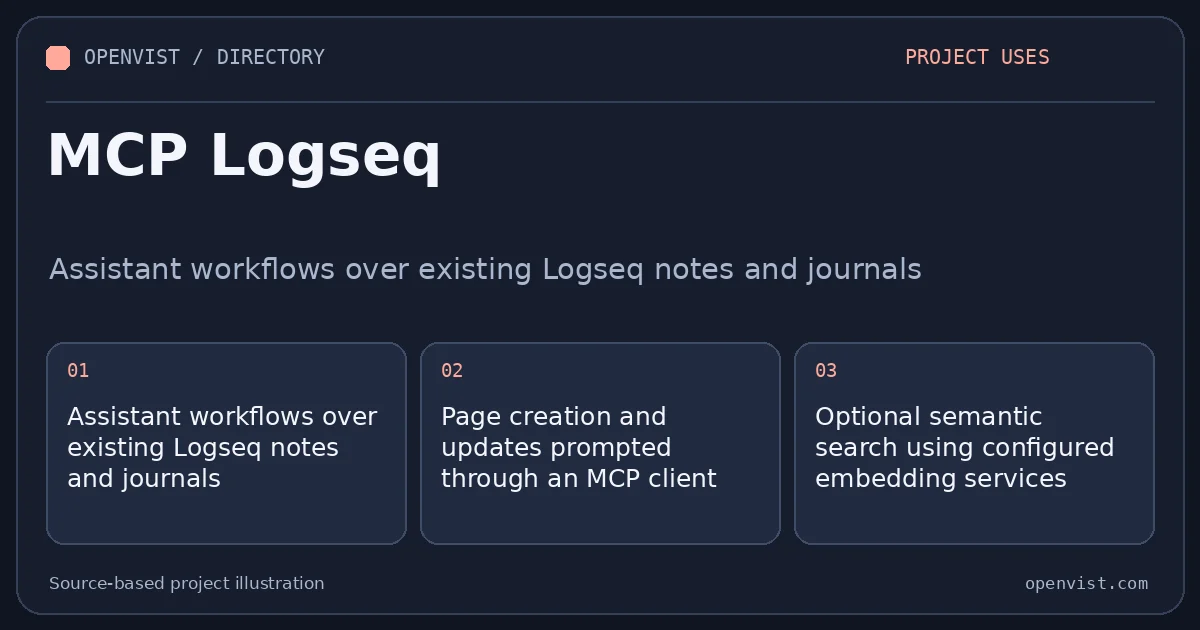
- Find pages, notes or tasks across a Logseq graph.
- Read notes and ask an assistant to summarize or compare their contents.
- Create or update pages from meeting notes, journals or assistant conversations.
- Optionally search notes semantically, including across languages.
Requirements & limits
The project is open source under the MIT license. The primary setup requires a running Logseq HTTP API, an API token and an MCP-compatible client.
- The Logseq HTTP API must be enabled and running, and the server needs its authorization token.
- The documented setup uses uv and client-specific MCP configuration.
- Semantic vector search is optional and requires additional vector setup; hosted embedding providers receive the note text being embedded, while LanceDB remains local.
- DB-mode property support is opt-in and intended for Logseq DB-mode graphs.
Check current requirements in the official documentation. Source-based guidance does not mean OpenViST has run or independently tested this project.
Connect a Logseq graph to an MCP client
Prepare Logseq’s HTTP API and configure an MCP client to launch the MCP Logseq server.
Before you start
- Logseq installed and running
- An MCP-compatible client
- uv, the Python package manager
- A Logseq API authorization token
Steps
In Logseq, enable the HTTP APIs server under Settings → Features.
Use the API button to start the server and create an authorization token in the API panel.
Configure the MCP client to run the command below, supplying
LOGSEQ_API_TOKENandLOGSEQ_API_URL(the documented local default ishttp://localhost:12315).uv run --with mcp-logseq mcp-logseqKeep Logseq and its API server running while the client uses the connection.
Expected outcome
The MCP client is configured to launch the server, which connects to the Logseq graph through its HTTP API.
Guide limitations
- Client configuration differs; consult the project instructions for the relevant client.
- The Codex instructions describe local tasks, not cloud-hosted ChatGPT Chat.
Sources & review
Source record details
- Source availability
- Active
- Sources checked
- 17 November 2026
- Original website title
- ergut/mcp-logseq · Official homepage title · retained in its source language