
Practical overview
When it fits
Use Mantra when a Python-based machine-learning project needs a CLI workflow for training and a UI for monitoring and comparing runs, especially when the documented AWS provisioning path fits the project.
Who it is for
- Deep-learning practitioners organizing model development and training workflows.
- Developers who want to track and compare training experiments through a UI.
- Teams sharing reusable dataset and model components.
Documented uses
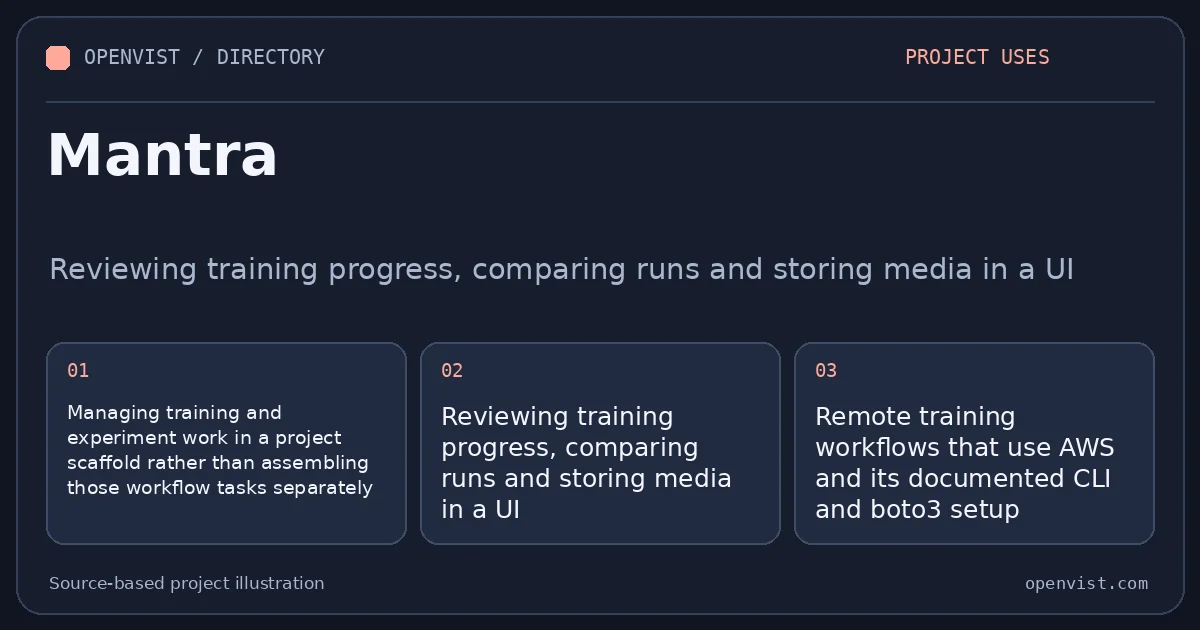
- Create a machine-learning project scaffold and configure training parameters.
- Launch training with PyTorch or TensorFlow models.
- Provision AWS cloud instances for remote training.
- Track and version experiments, monitor progress, compare results and store media.
- Organize and share dataset and model components.
Requirements & limits
The repository identifies the project as open source under the Apache-2.0 license and documents installation with pip. It describes the release as alpha.
- Mantra documents compatibility with PyTorch and TensorFlow; install the framework intended for the project.
- The remote provisioning instructions depend on AWS CLI, credentials accessible through boto3, and project cloud configuration.
- A different cloud provider requires implementation and configuration changes.
- The repository says Python 3.5+ and lists Windows as unsupported.
- The repository describes Mantra as an alpha release.
Check current requirements in the official documentation. Source-based guidance does not mean OpenViST has run or independently tested this project.
Set up Mantra for AWS cloud training
Install Mantra and configure the documented AWS cloud workflow for a project.
Before you start
- Python 3.5+; Windows is listed as unsupported.
- TensorFlow or PyTorch, according to the framework used.
- AWS account credentials and AWS CLI; AWS CLI is configured to make credentials available to boto3.
Steps
Install Mantra with the command below.
pip install mantramlInstall AWS CLI with the command below, then run
aws configureand enter AWS credentials and a default region.pip install awscliCreate a project with
mantra launch my_project, enter it, and runmantra cloudto configure project cloud settings.Review the default instance settings in the project’s
settings.py.
Expected outcome
A Mantra project is created and its AWS cloud settings are configured for the documented provisioning workflow.
Guide limitations
- The repository identifies Mantra as an alpha release.
- Windows is listed as unsupported.
- This setup guide does not document another cloud provider; substituting one requires implementation and configuration changes.
Sources & review
Source record details
- Source availability
- Active
- Sources checked
- 17 November 2026
- Original website title
- RJT1990/mantra · Official homepage title · retained in its source language