
Practical overview
When it fits
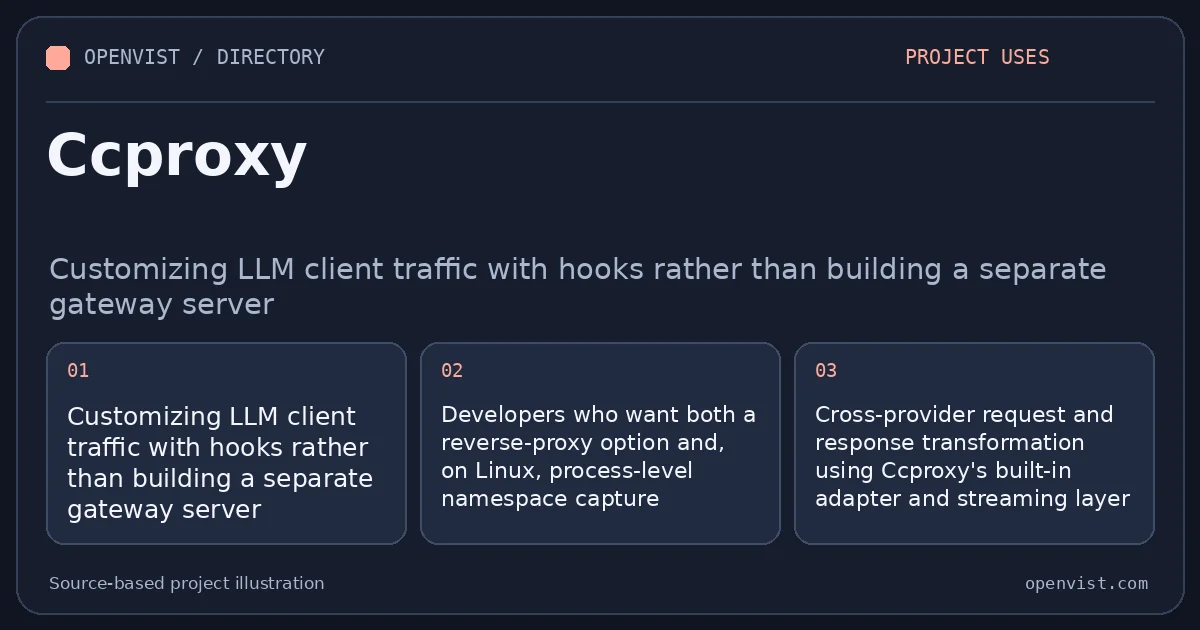
Use Ccproxy when an LLM client needs custom traffic handling between the client and provider APIs—for example, to inspect calls, change request or response content, or route compatible traffic across providers.
Who it is for
- Developers customizing Claude Code or other HTTP-speaking LLM clients.
- Teams and individual developers building request/response hooks or cross-provider routing logic.
- Developers inspecting intercepted LLM traffic or isolating a process in a Linux WireGuard namespace.
Documented uses
- Inspect LLM client network traffic, including through TLS inspection and Wireshark keylog export.
- Modify requests and responses through inbound and outbound hooks.
- Route or transform requests between supported provider formats.
- Use a reverse-proxy listener with an HTTP-speaking client or capture traffic from a process inside the WireGuard namespace jail.
- Bridge selected MCP features into clients, including sampling and server notifications.
Requirements & limits
The CLI is installed with uv or pip. The reverse proxy is documented for Linux, Windows through WSL2 and macOS; WireGuard namespace capture is documented for Linux and WSL2, not macOS. Native Windows without WSL is unsupported.
- The reverse-proxy listener and WireGuard namespace jail are different modes with different platform requirements.
- Linux namespace capture requires system networking and namespace tools; Ubuntu 24.04+ may require an adjustment for its default user-namespace restriction.
- Configuration separates native runtime settings in ccproxy.yaml from LiteLLM-compatible model declarations in config.yaml; LiteLLM is not a runtime proxy dependency.
- The README lists MCP tasks support as experimental, while describing sampling and server-notification bridging separately.
- A custom routing rule for an HTTP-speaking LLM client is marked Verified in the technical adaptation notes.
Check current requirements in the official documentation. Source-based guidance does not mean OpenViST has run or independently tested this project.
Install and start Ccproxy on Linux
Install the CLI, initialize its configuration files and start the proxy and inspector stack.
Before you start
- Linux
- Python package installation through uv or pip
- For WireGuard namespace capture: slirp4netns, wireguard-tools, iproute2, iptables, util-linux tools unshare and nsenter, and procps
Steps
Install the listed Linux system tools if you plan to use namespace capture.
Install Ccproxy with the command below or the command below.
uv tool install ai-ccproxypip install ai-ccproxyRun
ccproxy initto create the configuration templates.Run
ccproxy startto start the proxy and inspector stack in the foreground.
Expected outcome
Ccproxy's proxy and inspector stack starts, with configuration templates created under the documented configuration location.
Guide limitations
- The guide covers initialization and starting the stack, not configuring a provider or completing an LLM request.
- Namespace capture depends on Linux namespace and networking support; Ubuntu 24.04+ may restrict unprivileged user namespaces by default.
Point an OpenAI-compatible client at the reverse proxy
Configure the documented Claude Code example to use Ccproxy's reverse-proxy listener.
Before you start
- Ccproxy installed and its reverse proxy running
- An OpenAI-compatible client; the README example uses Claude Code
Steps
Run
ccproxy initto create the configuration templates.Run
ccproxy startto start the proxy.Set
ANTHROPIC_BASE_URL=http://localhost:4000for the client environment.Run the documented example
claude -p "hello".
Expected outcome
The example client is directed to Ccproxy's local reverse-proxy listener.
Guide limitations
- The README example demonstrates configuration and invocation, not a verified successful provider response.
- This recipe uses the reverse proxy; it does not set up transparent namespace capture.
Sources & review
Source record details
- Source availability
- Active
- Sources checked
- 16 November 2026
- Original website title
- starbaser/ccproxy · Official homepage title · retained in its source language