
Understand the project
Practical overview
When it fits
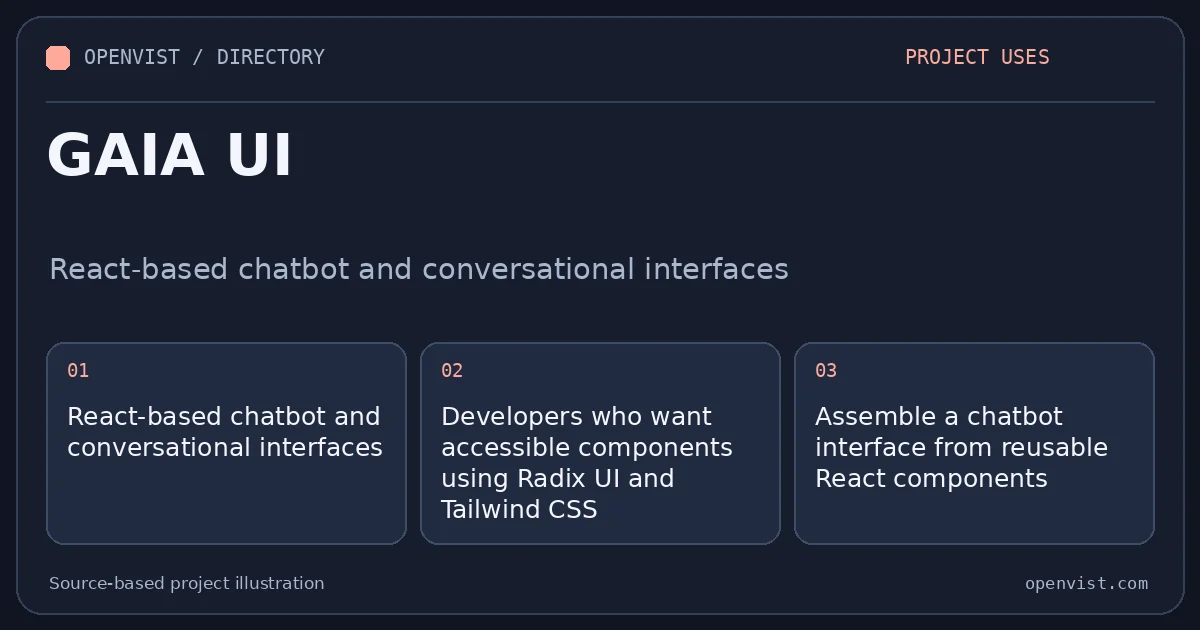
Use GAIA UI when you need reusable React components for an AI product's interface and want to copy them into your application.
Who it is for
- React developers building chatbot or conversational interfaces.
- Teams adding accessible interface elements to an AI application.
Documented uses
- Assemble a chatbot interface from reusable React components.
- Add conversational messages and controls to an AI application.
- Copy a component into an existing React app as a starting point for a custom interface.
Before you choose
Requirements & limits
The components are described as free and open source.
- The documented stack is React, Radix UI and Tailwind CSS.
- The documentation describes copying and pasting components into apps.
- An area chart component is marked beta.
Check current requirements in the official documentation. Source-based guidance does not mean OpenViST has run or independently tested this project.
Source-based practical guide
Copy GAIA UI components into a React app
Reuse the documented components in an application.
Before you start
- A React application.
Steps
Open the GAIA UI documentation.
Choose a component and use its copy-page option.
Copy and paste the component into your application.
Expected outcome
The selected interface component is available to reuse in the app.
Guide limitations
- The documentation supports copying and pasting components but does not provide setup or execution instructions in the cited material.
Evidence and transparency
Sources & review
Source record details
- Source availability
- Active
- Sources checked
- 16 November 2026
- Original website title
- GAIA UI - Open Source Components for AI Assistants - GAIA UI · Official homepage title · retained in its source language