
Practical overview
When it fits
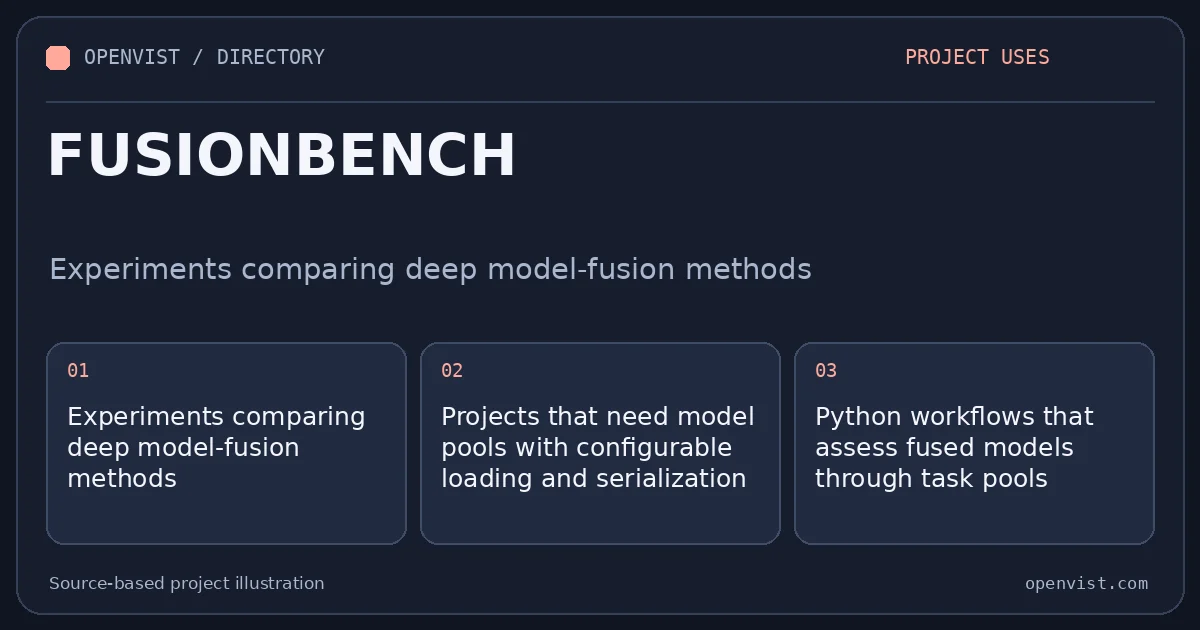
Use FUSIONBENCH when an experiment needs a Python toolkit for model-pool-based fusion research and task-oriented evaluation, or when a project needs a customizable model-pool component.
Who it is for
- Researchers comparing deep model-fusion algorithms.
- Machine-learning developers organizing models and datasets into model pools.
- Python practitioners evaluating fused models across task workflows.
Documented uses
- Benchmark model-fusion algorithms against a pool of models.
- Manage model configurations and associated datasets for fusion experiments.
- Evaluate fused models using task-pool workflows.
- Extend model-loading and saving behavior by creating a custom model pool.
Requirements & limits
- The toolkit is installed as a Python library, and installation also installs PyTorch if it is not already present.
- Model pools can manage model configurations or instances and optional train, validation and test datasets.
- The documented custom-pool workflow uses Python classes and YAML configuration, with Hydra integration inherited from the base pool.
Check current requirements in the official documentation. Source-based guidance does not mean OpenViST has run or independently tested this project.
Create a custom model pool
Add a model-pool class and YAML configuration for managing models in a FusionBench project.
Before you start
- Python
- A FusionBench development environment
- Familiarity with Python classes and YAML configuration
Steps
Create a Python class that inherits from
BaseModelPooland initialize it with the model configuration.Implement
load_modelfor the model types or configurations the pool needs to handle.Optionally override
save_modelif the models require a serialization method other than the default state-dictionary save.Add a YAML configuration that points
_target_to the pool class and lists the models.
Expected outcome
A custom model-pool class with a corresponding YAML configuration for loading and managing models.
Guide limitations
- The guide documents pool creation and configuration, not a complete fusion-and-evaluation run.
- Model-loading details depend on the model types and configurations used.
Sources & review
Source record details
- Source availability
- Active
- Sources checked
- 16 November 2026
- Original website title
- Welcome to FusionBench - FusionBench · Official homepage title · retained in its source language