
Practical overview
When it fits
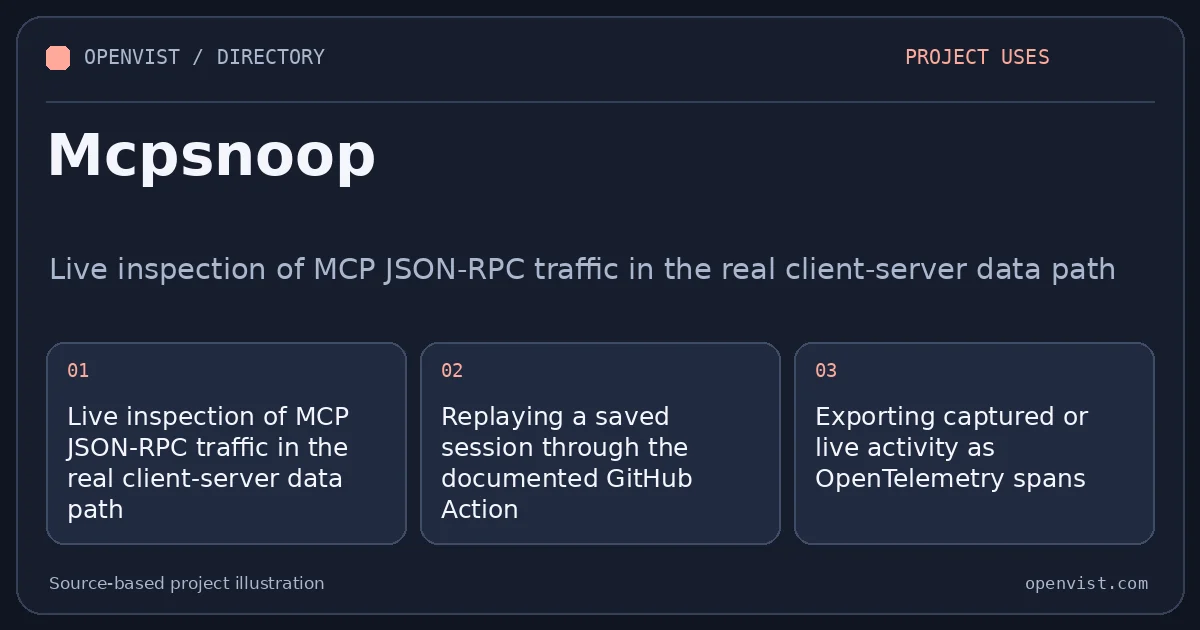
Use mcpsnoop when a separate inspector client would not show what your own client sent, or when you want captured MCP activity available for repeatable CI checks or tracing.
Who it is for
- Developers debugging MCP servers with clients such as Cursor, Claude Code or Codex.
- Teams that want to check captured MCP sessions in GitHub Actions.
- Operators who want MCP activity represented as OpenTelemetry spans in a tracing backend.
Documented uses
- See the requests and responses exchanged by a real MCP client and server.
- Investigate missing calls, unexpected arguments or calls that hang.
- Check a captured session in CI and gate a build on findings.
- Export MCP activity as spans for tracing.
Requirements & limits
The repository identifies the project as open source under the MIT license.
- For command-launched servers, the documented method is to place mcpsnoop before the existing server command in the client configuration.
- Streamable HTTP servers can be routed through mcpsnoop as a reverse proxy.
- The GitHub Action accepts a captured session; the README also describes recording a session with your own client and replaying it in CI.
- The project documents a Go implementation and CLI, as well as a GitHub Action.
Check current requirements in the official documentation. Source-based guidance does not mean OpenViST has run or independently tested this project.
Route a local MCP server through mcpsnoop
Configure an MCP client’s server command to pass traffic through mcpsnoop for inspection.
Before you start
- An AI client with an MCP server configuration.
- An existing command that launches the MCP server.
- mcpsnoop available as the command in the configuration.
Steps
In the client’s MCP configuration, set the server command to
mcpsnoop.Pass
--followed by the server’s usual launch command and arguments.Use the client as usual and open mcpsnoop to inspect the exchanged frames.
Expected outcome
Mcpsnoop records the client-server JSON-RPC exchange and makes it available for live inspection.
Guide limitations
- The documented configuration example is for a command-launched server.
- The documentation says to restart Claude Desktop after changing its configuration.
Check a captured MCP session in GitHub Actions
Run the mcpsnoop GitHub Action against a saved session and use its findings as CI checks.
Before you start
- A captured MCP session file.
- A GitHub Actions workflow with
security-events: writeandcontents: readpermissions.
Steps
Add the mcpsnoop action to the workflow, pinning the desired release.
Set its
sessioninput to the captured session file.Configure the check criteria that should gate the job.
Expected outcome
The action checks the session, files findings as code-scanning alerts and fails the job on gated findings.
Guide limitations
- This recipe uses a previously captured session; the README describes recording it with the user's client.
Sources & review
Source record details
- Source availability
- Active
- Sources checked
- 16 November 2026
- Original website title
- kerlenton/mcpsnoop · Official homepage title · retained in its source language