
Practical overview
When it fits
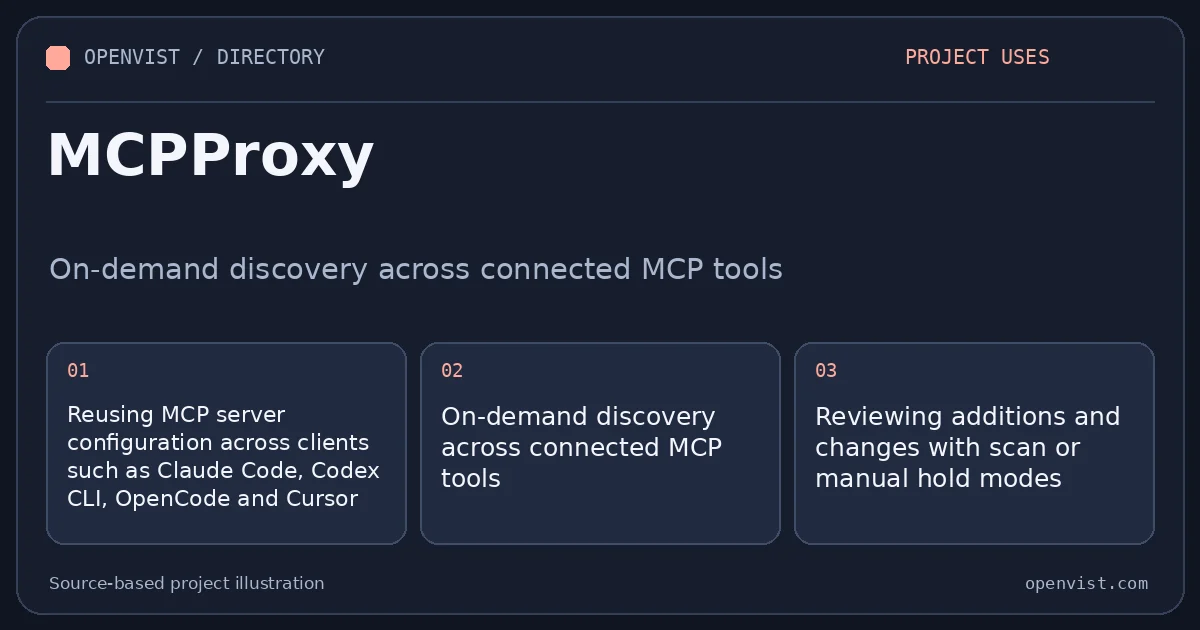
Use MCPProxy when you want a shared MCP connection layer for coding agents, or need documented review and access-scoping controls around MCP tools.
Who it is for
- Developers who configure MCP servers for more than one coding agent.
- Teams or individuals who want to review MCP server and tool changes before agents use them.
- Users who need to limit which MCP tools an agent can access.
Documented uses
- Share one MCP server setup across compatible coding clients.
- Find relevant tools on demand instead of exposing the full upstream catalog in default retrieval modes.
- Hold new servers or changed tools for approval.
- Scope MCP tool access by agent.
- Inspect local records of tool calls while debugging.
Requirements & limits
The homepage labels MCPProxy free, open-source and MIT licensed. The documentation describes local, CLI, Docker and desktop control options.
- The default core server address is localhost; LAN access requires configuration.
- Default retrieval modes fetch tool schemas on demand, but direct routing lists upstream tools individually.
- Scan mode can admit clean additions and changes without human review; manual mode holds all additions and changes.
- Offline scanning reduces exposure to malicious tool descriptions but is not a safety guarantee.
- Output sanitisation applies only to supported text responses and not to direct routing or upstream error results.
Check current requirements in the official documentation. Source-based guidance does not mean OpenViST has run or independently tested this project.
Install MCPProxy and proceed to first-server setup
Install MCPProxy, then continue to the Quick Start guide to configure an MCP server.
Steps
Follow the Installation Guide to install MCPProxy on your system.
Proceed to the Quick Start guide to configure your first MCP server.
Expected outcome
MCPProxy is installed, and the documented next stage is configuring a first MCP server in Quick Start.
Guide limitations
- The installation and Quick Start procedures are not included here; follow the linked guides for their steps.
Sources & review
Source record details
- Source availability
- Active
- Sources checked
- 8 November 2026
- Original website title
- MCP proxy for Claude Code, Codex, OpenCode & Cursor — MCPProxy · Official homepage title · retained in its source language