
Practical overview
When it fits
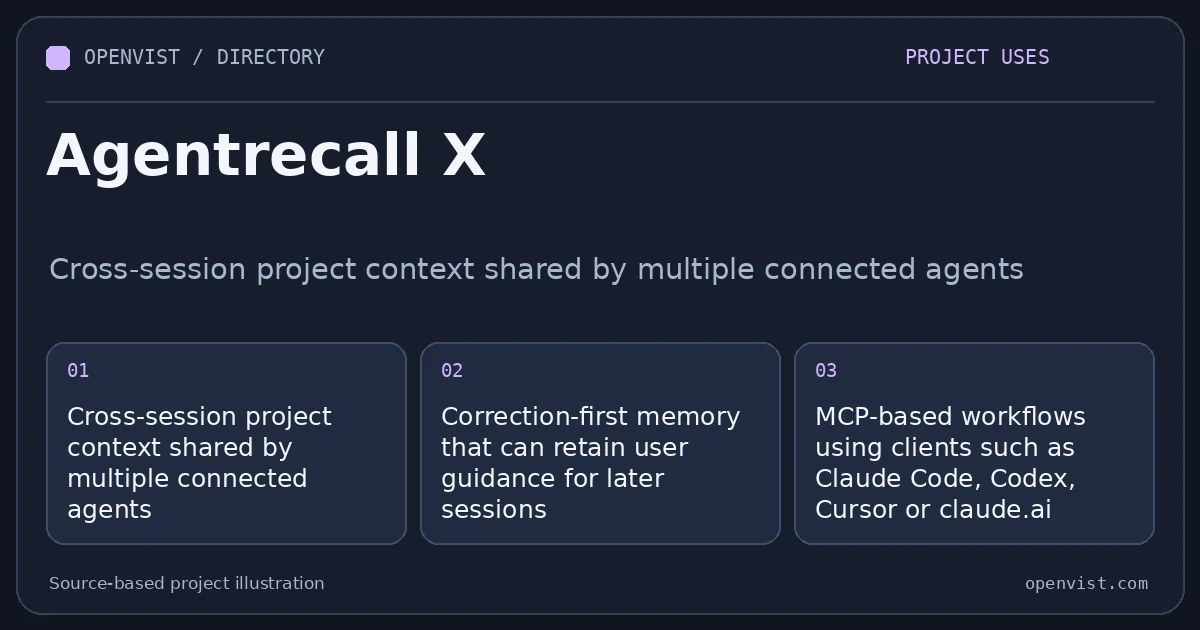
Use Agentrecall X when an agent workflow needs project-specific context or corrections to persist across sessions, particularly when connecting multiple MCP clients to one hosted memory or choosing a local offline setup.
Who it is for
- People using AI agents on continuing projects who want rules and project state carried between sessions.
- Developers connecting MCP-compatible agent clients to shared persistent memory.
- Users who prefer an offline local memory store on their machine.
Documented uses
- Carry project rules and state into an agent’s later sessions.
- Retain user corrections so agents can apply them in future work.
- Connect multiple MCP clients to the same hosted memory store.
- Use a local, offline Markdown-based memory installation.
Requirements & limits
The hosted MCP setup uses GitHub sign-in. The README describes hosted sign-up as free for GitHub accounts, with 100 MB of memory and 120 requests per minute per user. A local offline installation is also described.
- Hosted connections use
https://agentrecallx.com/mcp; the README gives setup paths for Claude Code, Codex, Cursor and claude.ai. - Other MCP clients must support Streamable HTTP with OAuth, according to the README.
- Hosted storage is capped at 100 MB per user and request limits are 120 per minute; reads continue when storage is full.
- The project describes local installation as offline, on the user’s machine, with plain Markdown storage.
- The repository is JavaScript and licensed under MIT. Its MCP server, SDK and CLI are distinct access and integration interfaces.
Check current requirements in the official documentation. Source-based guidance does not mean OpenViST has run or independently tested this project.
Connect a hosted MCP server in Claude Code
Add Agentrecall X’s hosted MCP server to Claude Code and authenticate the connection.
Before you start
- Claude Code
- A GitHub account for the sign-in step
Steps
Run
claude mcp add --scope user --transport http agent-recall https://agentrecallx.com/mcp.In Claude Code, type
/mcp, selectagent-recall, and choose Authenticate.Complete the GitHub sign-in when the browser opens.
Expected outcome
Claude Code is connected to the hosted Agentrecall X MCP server and can share its account memory across connected agents.
Guide limitations
- Hosted use has limits of 100 MB of memory and 120 requests per minute per user; reads continue when storage is full.
- The README describes the hosted service as free for GitHub accounts.
Add Agentrecall X to Codex
Configure Codex to connect to the hosted MCP server and complete sign-in.
Before you start
- Codex
- A GitHub account for the sign-in step
Steps
Run
codex mcp add agent-recall --url https://agentrecallx.com/mcp.Complete the sign-in page opened by Codex.
If that page was closed, run
codex mcp login agent-recall.
Expected outcome
Codex is connected to the hosted Agentrecall X MCP server.
Guide limitations
- Hosted use has limits of 100 MB of memory and 120 requests per minute per user; reads continue when storage is full.
Sources & review
Source record details
- Source availability
- Active
- Sources checked
- 16 November 2026
- Original website title
- Goldentrii/AgentRecall-X · Official homepage title · retained in its source language