
Practical overview
When it fits
Use it when you want AI coding workflows to include specialist accessibility review, an edit gate, or scanner-backed findings and reports.
Who it is for
- Developers using supported AI coding tools who want accessibility review integrated into coding tasks.
- Teams reviewing web interfaces, documents, Markdown, desktop accessibility work or GitHub project tasks with agent skills and scanners.
Documented uses
- Route an accessibility request to a relevant specialist skill.
- Require accessibility-lead review before edits to user-facing files on clients that support the hooks.
- Scan supported web and document content using optional tools.
- Render audit reports from structured findings and compare a report with a previous run.
Requirements & limits
The repository identifies the project as MIT-licensed. The README documents plugin or extension integrations and checkout-based setup; specific steps and capabilities vary by client.
- The edit gate depends on client hook support; the documented Codex plugin install does not include it, and the README directs users to
npm run setupfor that gate. - ChatGPT’s documented plugin form provides skills only, without scanners or an edit gate; users supply checker results or document text when needed.
- Optional scanners have separate dependencies: Playwright and @axe-core/playwright for browser scans, pdf-lib for PDF form conversion, and the veraPDF CLI.
- Plugin installation includes a bundled MCP server; scanner dependencies are separate.
Check current requirements in the official documentation. Source-based guidance does not mean OpenViST has run or independently tested this project.
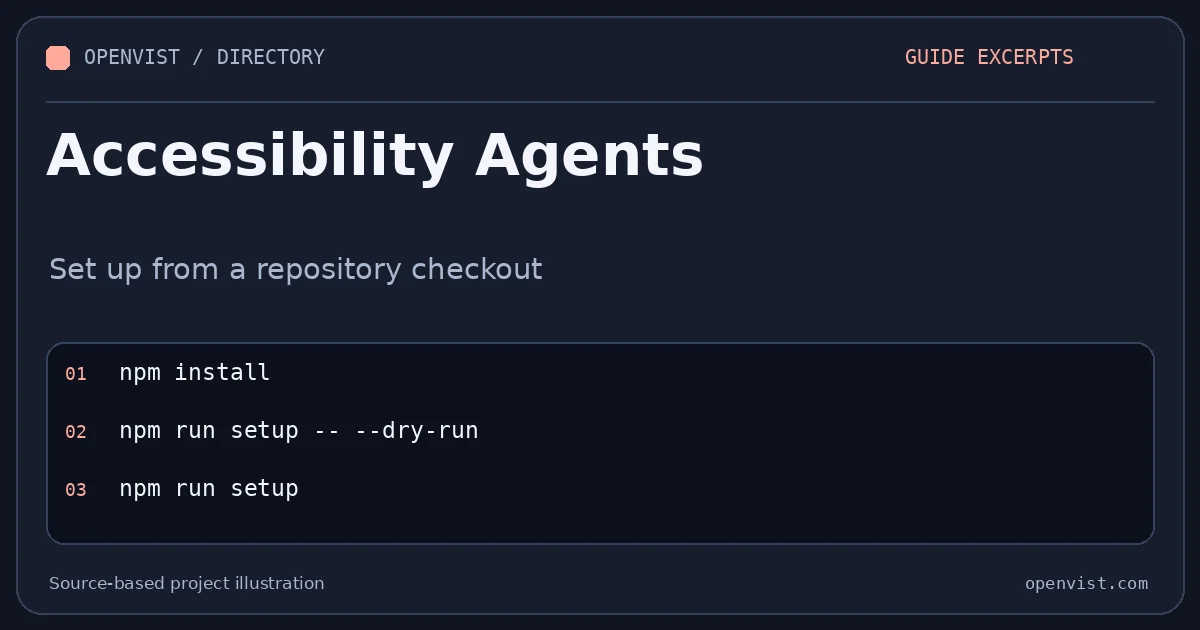
Set up from a repository checkout
Install the package’s skills and client hook manifests from a checkout, using its documented dry-run option first.
Before you start
- A local checkout of the repository.
- Node.js and npm, as required by the documented npm commands.
Steps
Run the command below in the checkout.
npm installRun the command below to print the planned actions.
npm run setup -- --dry-runRun the command below to copy skills and write hook manifests for detected supported clients.
npm run setup
Expected outcome
Skills are copied to the documented user locations and applicable hook manifests are written; the setup process avoids overwriting edited skills or existing hooks files.
Guide limitations
- Claude Code does not read
~/.agents/skills; the README directs Claude Code users to install the plugin or launch it with--plugin-dirpointing to the checkout. - This setup recipe does not install the optional scanner dependencies.
Sources & review
Source record details
- Source availability
- Active
- Sources checked
- 14 November 2026
- Original website title
- Community-Access/accessibility-agents · Official homepage title · retained in its source language