
Practical overview
When it fits
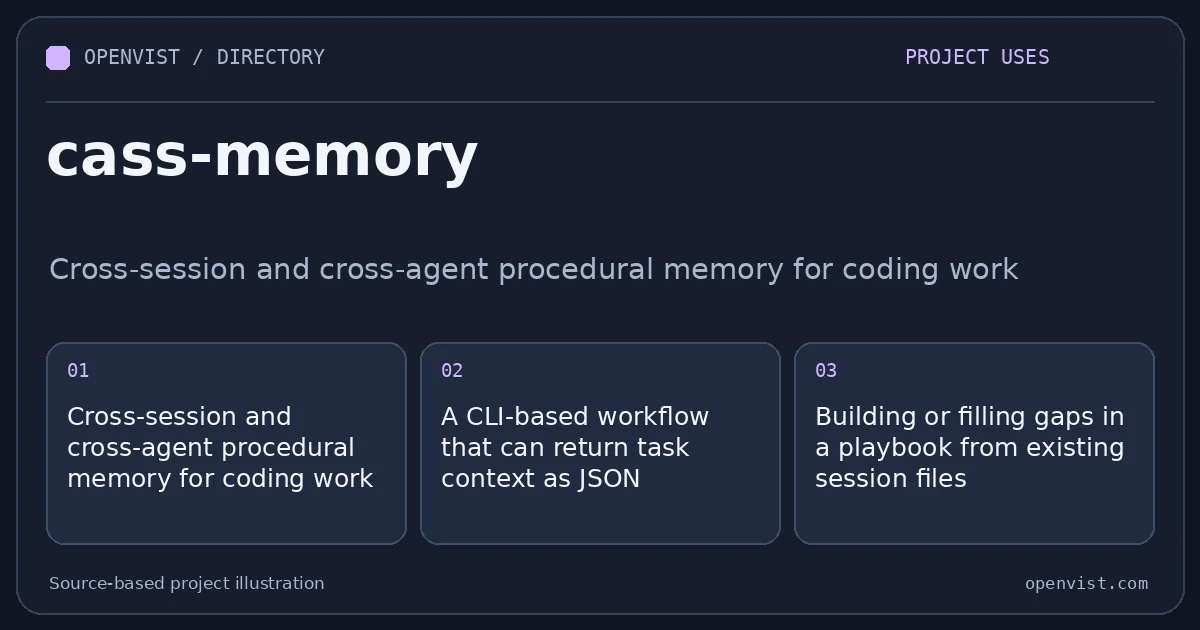
Use cass-memory when coding-agent experience is scattered across sessions or tools and you want task-specific prior guidance available before new work.
Who it is for
- Developers using AI coding agents who want prior debugging strategies, patterns and project knowledge to persist across sessions.
- Teams using multiple coding agents that want session-derived rules available across those agents.
- Agent workflows that can call command-line tools and consume JSON output.
Documented uses
- Retrieve relevant rules and historical examples before a coding task.
- Review past agent sessions and extract reusable procedures into a playbook.
- Share learned practices and anti-patterns across coding agents.
- Provide feedback on whether playbook rules helped or caused harm.
Requirements & limits
The README lists Linux, macOS and Windows, with installation instructions for Homebrew, Scoop and a Linux/macOS script. It identifies Bun as the runtime and labels the project alpha.
- The workflow depends on command-line use and access to session files for onboarding.
- The memory model separates raw session records, structured diary entries and distilled playbook rules.
- The README recommends JSON output for agent contexts and describes feedback and confidence decay for rules.
Check current requirements in the official documentation. Source-based guidance does not mean OpenViST has run or independently tested this project.
Retrieve memory before a coding task
Request task-specific rules and session history in machine-readable form.
Before you start
- cass-memory installed and available as the
cmcommand.
Steps
Run
cm context "" --jsonbefore non-trivial work.Use the returned relevant rules, anti-patterns and history snippets as task context.
Expected outcome
A JSON context response containing potentially relevant playbook guidance and prior session material.
Guide limitations
- The README recommends
--jsonfor agent contexts; it does not establish that retrieved material guarantees a correct result.
Onboard a session into the playbook
Review a session and record extracted rules in the procedural playbook.
Before you start
- cass-memory installed and available as the
cmcommand. - A session file, such as a JSONL session, accessible by path.
- An AI coding agent to analyze session content and extract rules.
Steps
Run
cm onboard statusto review progress and recommendations.Run
cm onboard sample --fill-gapsto select sessions based on playbook gaps.Read a session with
cm onboard read /path/to/session.jsonl --template.Add extracted rules with
cm playbook add "Your rule content" --category "debugging".Mark the session processed with
cm onboard mark-done /path/to/session.jsonl.
Expected outcome
Rules from a reviewed session can be added to the playbook, and the session can be marked as processed.
Guide limitations
- The documented process has the coding agent perform analysis; the commands do not by themselves establish that a session has been accurately interpreted.
Compare options for AI coding assistance
These projects document a common task and share a project role. This is a source-based comparison, not an execution benchmark or a guarantee of interchangeability.
| Project | Documented purpose | Platform | Access and requirements |
|---|---|---|---|
| cass-memory | Retrieve relevant rules and historical examples before a coding task. | Linux, macOS, Windows | The README lists Linux, macOS and Windows, with installation instructions for Homebrew, Scoop and a Linux/macOS script. It identifies Bun as the runtime and labels the project alpha. |
| Mainline | Retrieve relevant repository context before an agent makes a non-trivial edit. | CLI, Self-hosted | The core is described as open source, free and intended for local repository use. The pricing page says hosted layers are only planned. The documented primary workflow uses a local CLI and repository protocol and does not require an account. |
| OpenCode Memory | Add, search and list project memories for an OpenCode coding agent. | CLI, Self-hosted | The README recommends Bun and a standard OpenCode plugin environment. The default local embedding model downloads on first use and needs internet access then. Linux, Windows and Apple Silicon Mac are listed as CI-tested; Intel Mac (darwin/x64) is explicitly unsupported. |
Sources & review
Source record details
- Source availability
- Active
- Sources checked
- 14 November 2026
- Original website title
- Dicklesworthstone/cass_memory_system · Official homepage title · retained in its source language