
Practical overview
When it fits
Use it when research begins with source files, recordings, mixed archives or supported links and the desired outcome is a grounded report rather than a standalone summary.
Who it is for
- Researchers working from meeting recordings, documents, tables, presentations or mixed-material archives.
- Users who want to develop reports from supported online links, including arXiv, YouTube and Bilibili.
- Cursor users seeking a skill-driven workflow for structured research and report generation.
Documented uses
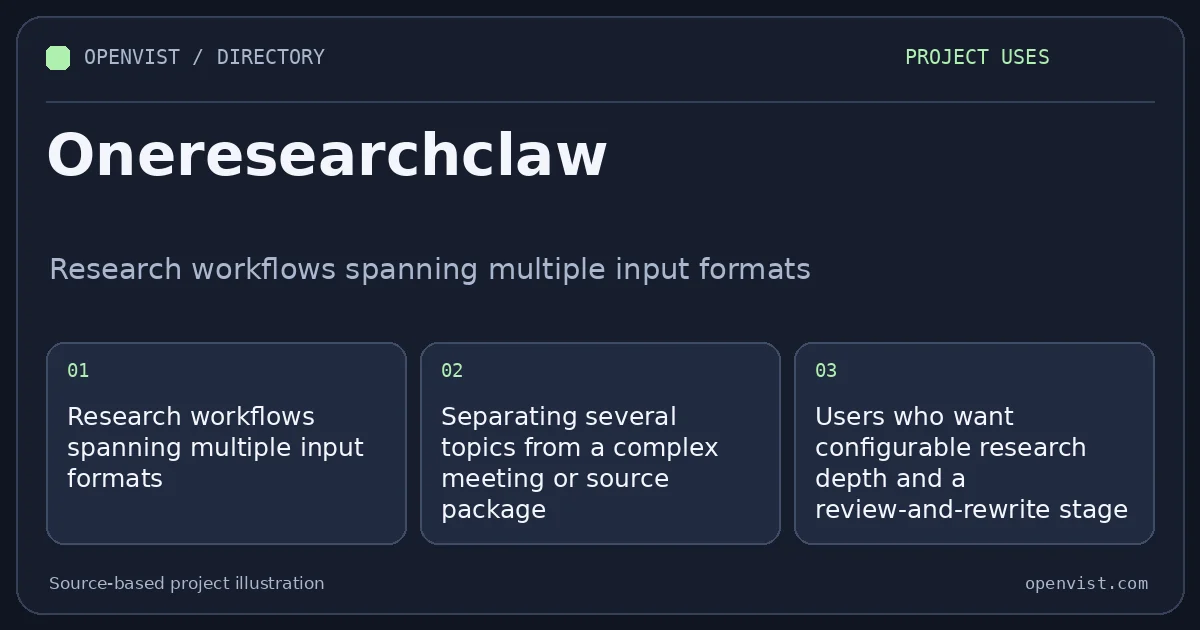
- Turn meeting audio or video into one or more topic-focused research reports.
- Organize mixed files in a ZIP package into grounded material for later research and synthesis.
- Combine source-material grounding with literature research and export a report in a chosen format.
- Set research depth and adjust proposed literature-search queries before retrieval.
Requirements & limits
The repository is public, open source and MIT-licensed. It documents self-hosted use with Python 3.10 or later and a Cursor-based workflow.
- The documented setup uses Cursor and the one-report skill as its entry point.
- Audio, document, export, table and API capabilities are listed as optional dependency groups.
- The README describes simple, medium and complex research modes and user confirmation or editing of suggested search queries.
- The project’s input examples include arXiv, YouTube and Bilibili links as well as local materials.
Check current requirements in the official documentation. Source-based guidance does not mean OpenViST has run or independently tested this project.
Set up OneResearchClaw for a Cursor research run
Install the project and prepare its documented one-report workflow in Cursor.
Before you start
- Python 3.10 or later
- The OneResearchClaw repository
- Cursor and the project’s one-report skill
Steps
Clone the repository and change into the OneResearchClaw directory.
Install the project dependencies with editable installation; add the documented optional dependency groups for capabilities needed, such as audio, document, export or table processing.
In Cursor, start from .cursor/skills/one-report/SKILL.md and provide an input path, output format and research mode in the task prompt.
Expected outcome
The project and its documented Cursor entry skill are prepared for a research task with specified input and output settings.
Guide limitations
- The documented example requires a research backend and settings such as search_backend; available backend configuration depends on the user's environment.
- This guide covers setup and task specification, not a claim that a run was executed or verified.
Sources & review
Source record details
- Source availability
- Active
- Sources checked
- 14 November 2026
- Original website title
- gaotiexinqu/OneResearchClaw · Official homepage title · retained in its source language