
Practical overview
When it fits
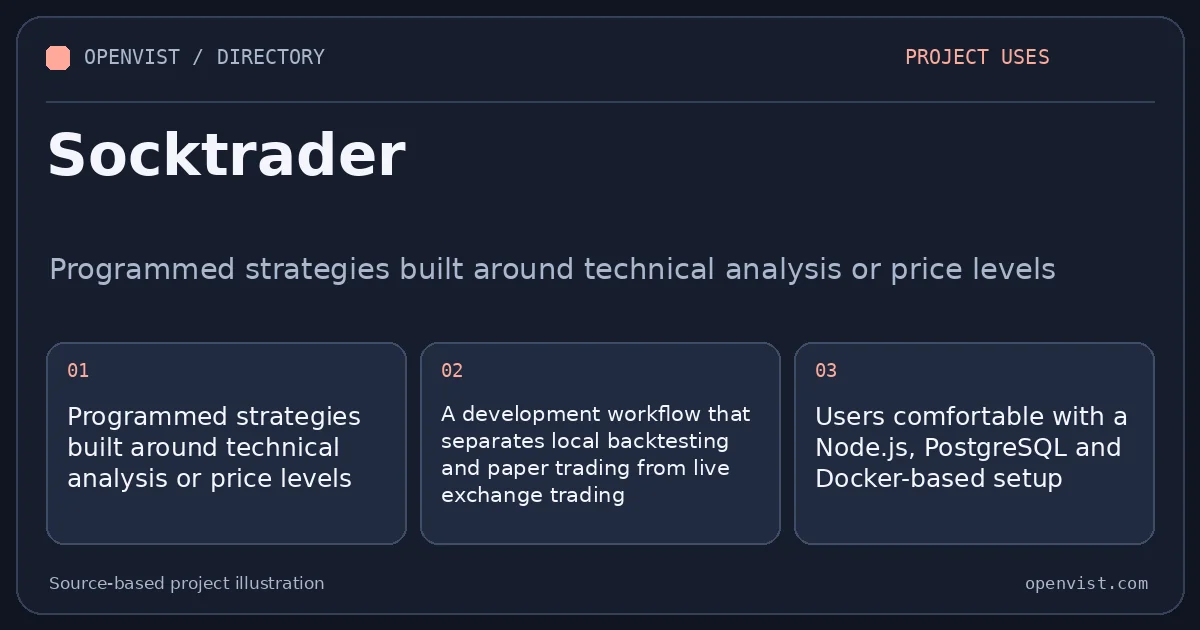
Use SockTrader when you want to build and run your own coded strategy, test it through paper trading or local-data backtesting, or configure a Binance connection for exchange trading.
Who it is for
- Developers who want to define cryptocurrency trading rules in code.
- Strategy builders who want to paper-trade on live exchange data or backtest against local data.
- Binance users configuring a strategy for exchange trading.
Documented uses
- Write rules for when and how a bot should buy or sell.
- Use technical indicators or specified price levels as strategy rules.
- Paper-trade a strategy using live exchange data.
- Backtest a strategy with local market data.
- Configure a Binance connection for a strategy.
Requirements & limits
The repository identifies SockTrader as open source under the GPL-3.0 license.
- The documented local quickstart uses Node.js dependencies, PostgreSQL and Docker Compose.
- The README documents a Binance connection and API credentials for live trading.
- New Binance API keys are read-only by default; order placement requires enabling Spot & Margin Trading.
- The README says the SockTrader v2 dashboard is incompatible with v2 and points users seeking the dashboard to SockTrader v1.
Check current requirements in the official documentation. Source-based guidance does not mean OpenViST has run or independently tested this project.
Set up and run the local backtest example
Prepare SockTrader and run MovingAverageStrategy against LocalExchange.
Before you start
- Node.js
- PostgreSQL, started through Docker Compose
Steps
Clone the SockTrader repository and change into its directory.
Install dependencies with the command below.
npm iCopy
config/default.jsontoconfig/local.jsonand edit the local configuration.Start PostgreSQL with
docker-compose up.Run the command below to run MovingAverageStrategy on LocalExchange.
npm run start:backtest
Expected outcome
The documented MovingAverageStrategy backtest runs against LocalExchange.
Guide limitations
- This procedure documents a local backtest, not live exchange trading.
- Backtesting uses local data.
Configure a Binance connection for a strategy
Configure SockTrader to connect a strategy to Binance for exchange trading.
Before you start
- A Binance account and API key and secret
- A local SockTrader configuration
- An API key with Spot & Margin Trading enabled to place orders
Steps
Copy
config/default.jsontoconfig/local.json.Create an API key in Binance API Management.
Add the API key and secret to
config/local.json.Change the exchange in the strategy to
new Binance().To place orders, enable Spot & Margin Trading in the API key restrictions.
Expected outcome
The strategy is configured to connect to Binance; placing orders depends on the API key’s trading permission.
Guide limitations
- New Binance API keys allow reads by default and cannot place orders until the documented trading permission is enabled.
- The project documentation does not establish deployment to a particular cloud provider.
Sources & review
Source record details
- Source availability
- Active
- Sources checked
- 13 November 2026
- Original website title
- SockTrader/SockTrader · Official homepage title · retained in its source language