
Practical overview
When it fits
Use PullMD when source material needs to be converted into Markdown for human reading, an application workflow or an AI agent. For MCP access, first run an instance and then configure an MCP client.
Who it is for
- People who want web pages or files in Markdown.
- Developers integrating URL- or file-to-Markdown conversion through a REST interface.
- AI-agent users who want to retrieve supported source material through MCP.
Documented uses
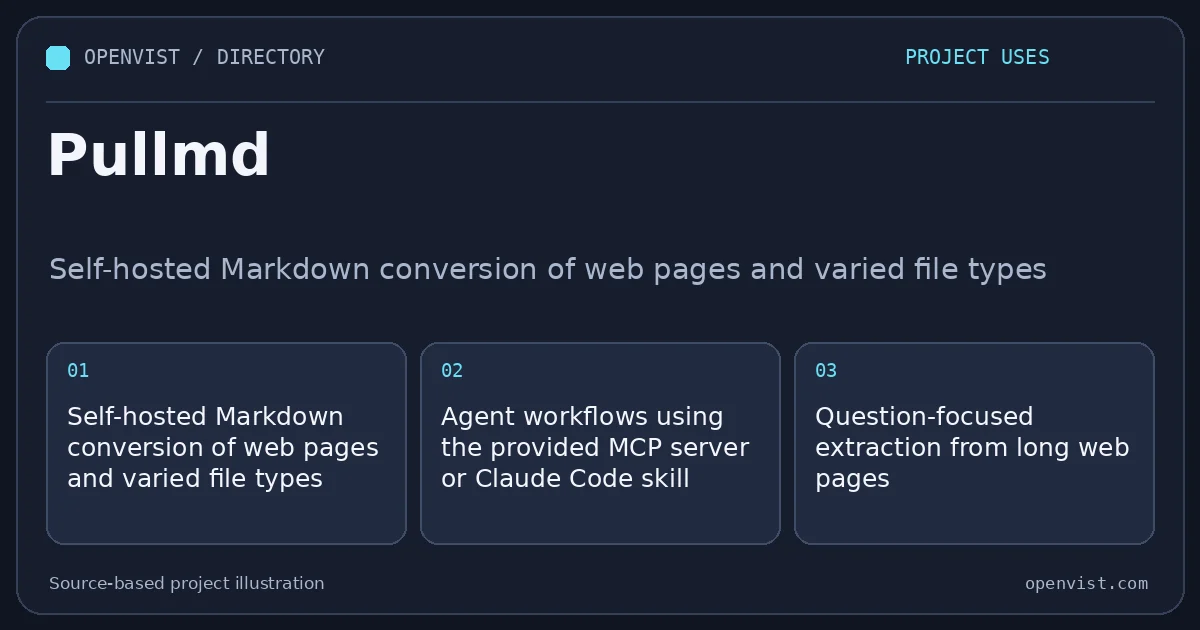
- Convert a web page or uploaded file into Markdown.
- Extract sections relevant to a question from a long page.
- Make supported URLs and files available to an MCP-connected agent.
- Create refreshable share links for converted content.
Requirements & limits
The project is open source under the AGPL-3.0 license and documents self-hosting through Docker Compose. Reddit thread access requires Reddit API credentials.
- The documented input range covers web pages, PDF, Word, PowerPoint, Excel and EPUB documents, images, audio and YouTube content.
- Images and audio use an OpenAI-compatible or local model; an optional OCR tier is available for table-grade PDFs.
- MCP and REST are separate integration paths, and the repository does not provide specific REST integration examples in the cited material.
- The Playwright sidecar adds about 3.7 GB of browser binaries.
Check current requirements in the official documentation. Source-based guidance does not mean OpenViST has run or independently tested this project.
Start PullMD with Docker Compose
Launch a self-hosted PullMD instance using the documented quick-start setup.
Before you start
- Docker Compose
- A shell and a directory for the PullMD compose file
Steps
Create a directory named pullmd and change into it.
Download the project's docker-compose.yml into that directory.
Run docker compose up -d.
Open http://localhost:3000.
Expected outcome
The PullMD web app is available locally at http://localhost:3000.
Guide limitations
- The quick start includes optional Trafilatura, Playwright and MarkItDown sidecars.
- The Playwright sidecar adds about 3.7 GB of browser binaries.
Sources & review
Source record details
- Source availability
- Active
- Sources checked
- 12 November 2026
- Original website title
- AeternaLabsHQ/pullmd · Official homepage title · retained in its source language