
Practical overview
When it fits
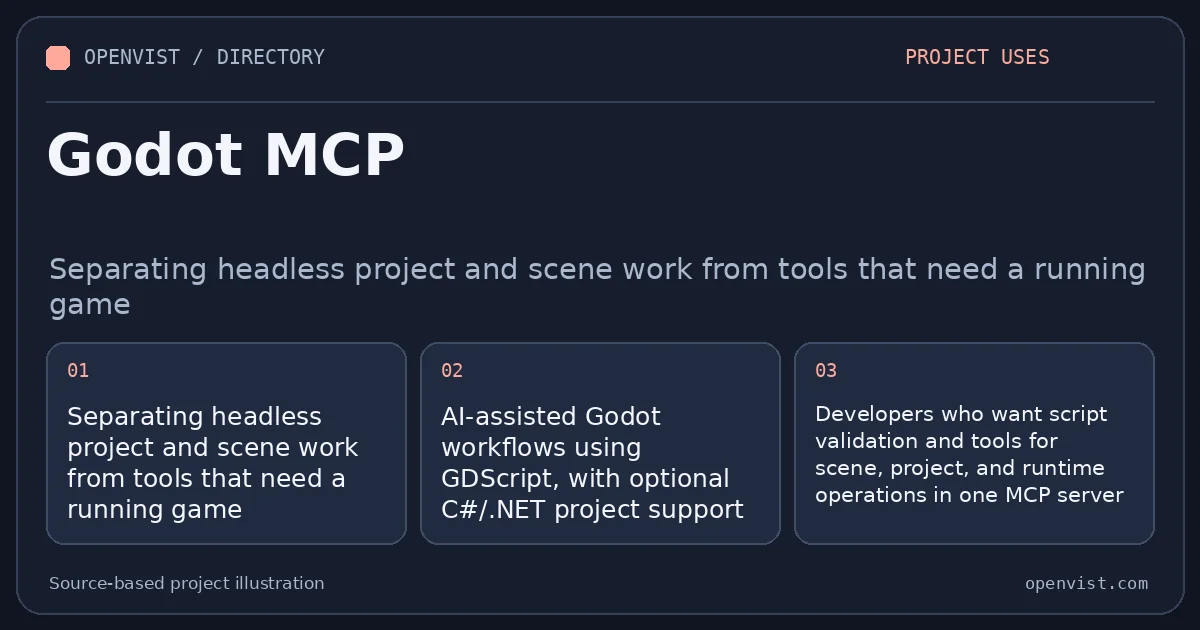
Use it when an MCP-compatible assistant needs structured tools for Godot project editing or, with a project autoload configured, runtime game inspection and control.
Who it is for
- Godot developers who want an MCP-compatible AI assistant to work with project files, scenes, settings, or scripts.
- Teams using GDScript or Godot's C#/.NET build who want assistant-driven project and runtime workflows.
Documented uses
- Create Godot projects and configure settings, autoloads, input actions, and export presets.
- Read or modify scene files, create resources, and manage project files.
- Validate GDScript for syntax and type errors before running the game.
- Inspect and control nodes, scenes, signals, animation, input, and game state at runtime after setting up the interaction-server autoload.
- Scaffold C#/.NET projects and generate C# scripts when the required .NET components are installed.
Requirements & limits
The repository identifies the project as open source under the MIT license.
- Requires Godot 4.4 or later and Node.js 18 or later; the repository says it is tested with Godot 4.7.
- An MCP-compatible AI assistant is required.
- C# scaffolding and script generation additionally require the Godot .NET build and .NET SDK 8.0 or later.
- Runtime tools need a project-level autoload and communicate with the running game over TCP on 127.0.0.1:9090.
- Runtime evaluation and generated scripts have the permissions of the Godot process account; the documentation recommends a separate account or container for untrusted execution.
Check current requirements in the official documentation. Source-based guidance does not mean OpenViST has run or independently tested this project.
Build and configure the MCP server
Install and build Godot MCP, then add its server entry to a supported assistant's MCP settings.
Before you start
- Node.js 18 or later
- Godot 4.4 or later
- An AI assistant that supports MCP
Steps
Clone the repository and change into its directory.
Run npm install, then npm run build.
Add an MCP server entry pointing to build/index.js in Claude Code, Cline, or Cursor settings.
Expected outcome
The built Godot MCP server is configured as an MCP server for the selected assistant.
Guide limitations
- The documented configuration examples cover Claude Code, Cline, and Cursor.
- Runtime game_* tools require the separate project autoload setup.
Enable runtime interaction tools in a Godot project
Set up the project's documented autoload so Godot MCP can use its runtime game tools.
Before you start
- A Godot project
- Godot MCP built and configured with an MCP-compatible assistant
Steps
Copy build/scripts/mcp_interaction_server.gd into the project's scripts folder.
In Godot, open Project > Project Settings > Autoload.
Add the script with the name McpInteractionServer.
Expected outcome
When the game is running, the interaction server listens on 127.0.0.1:9090 for JSON commands over TCP.
Guide limitations
- This setup is required for the game_* runtime tools; the documented headless scene operations do not require a running game.
- Runtime evaluation and generated scripts run with the Godot process account's permissions.
Sources & review
Source record details
- Source availability
- Active
- Sources checked
- 12 November 2026
- Original website title
- tugcantopaloglu/godot-mcp · Official homepage title · retained in its source language