
Practical overview
When it fits
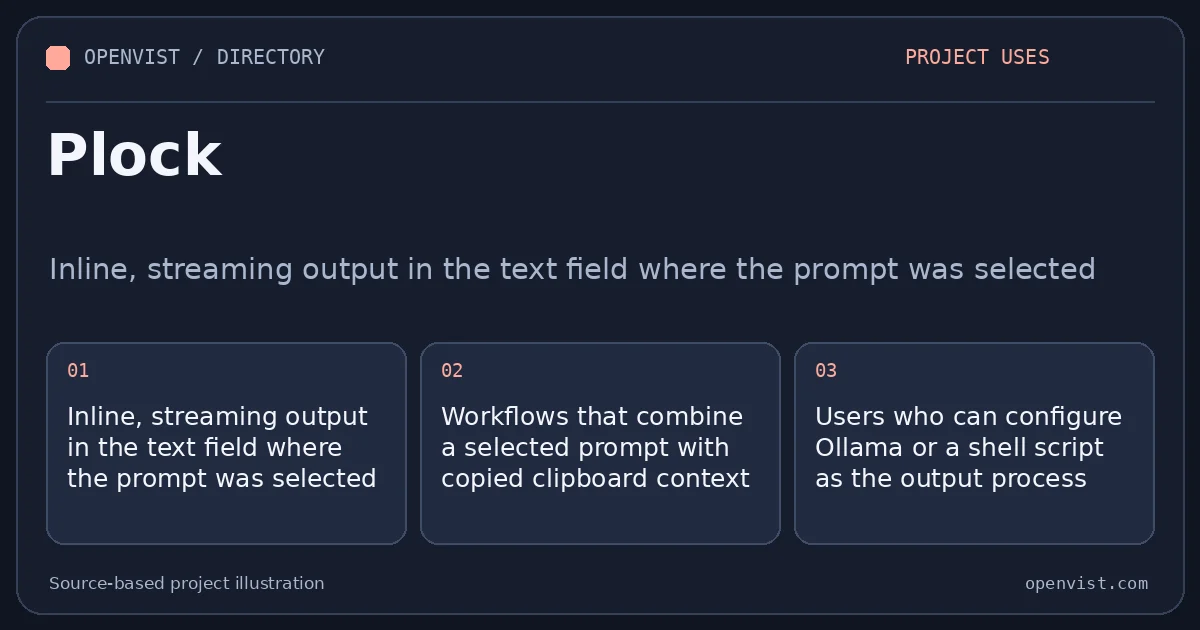
Use Plock when you want a shortcut-driven way to send selected text to an Ollama model or script and insert its output in place, with clipboard context available when useful.
Who it is for
- People who want to transform or answer selected text from within a text-entry location.
- Users who want to invoke an Ollama model or their own shell script through configurable shortcuts.
Documented uses
- Replace a selected prompt with streamed model or script output.
- Add copied text as context when prompting a model or script.
- Configure shortcuts, prompts and processes in `settings.json`.
Requirements & limits
The repository is public and lists an MIT license. macOS requests keyboard accessibility access. Linux is marked untested; Windows is also marked untested in the README.
- The default Ollama setup requires installing Ollama and pulling a model; settings allow a different model.
- Remote API use requires configuring a shell script and handling its credentials outside Plock’s default local workflow.
- On Linux, clipboard/key-simulation libraries and system-tray extras may be needed.
- Windows is marked untested, and the README says the Ollama setup must be replaced there.
Check current requirements in the official documentation. Source-based guidance does not mean OpenViST has run or independently tested this project.
Set up Plock with Ollama
Prepare Plock to use the documented Ollama model workflow.
Before you start
- Plock launched on macOS or Linux.
- Ollama installed.
Steps
Run
ollama pull openhermes2.5-mistral, or choose a different model in settings.Launch Plock.
Select text and use Cmd/Ctrl+Shift+. to replace it with model output.
Expected outcome
The selected text is replaced with streamed output from the configured model.
Guide limitations
- Linux is marked untested and may require X11 libraries for clipboard and key simulation, plus system-tray dependencies.
- macOS requests keyboard accessibility access.
Sources & review
Source record details
- Source availability
- Active
- Sources checked
- 11 November 2026
- Original website title
- jasonjmcghee/plock · Official homepage title · retained in its source language