
Practical overview
When it fits
Use Wego when you want to train word embeddings from your own space-separated corpus or inspect and query vectors with Go-oriented tools.
Who it is for
- Go developers building text-processing tools that need word vectors.
- Researchers or practitioners who want to train embeddings from a space-separated text corpus.
- People exploring word similarity and vector arithmetic through a CLI.
Documented uses
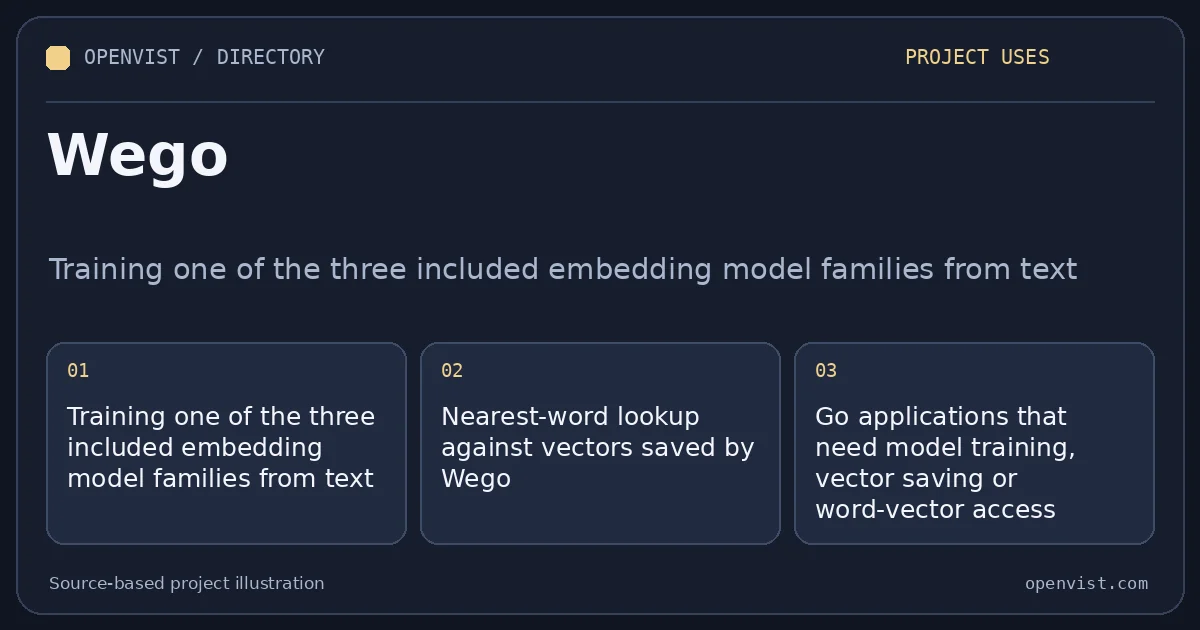
- Train Word2Vec, GloVe or LexVec embeddings from a corpus.
- Find words nearest to a chosen word in a trained vector space.
- Explore basic addition and subtraction of word vectors.
- Integrate model training and vector access into a Go application.
Requirements & limits
The public GitHub repository identifies the project as open source under the Apache-2.0 license.
- Input text must separate words with spaces, and trained vectors are written as a text file.
- The CLI supports Word2Vec, GloVe and LexVec; the SDK documents training, saving and word-vector access.
- Training time varies with corpus size and hyperparameters.
- Asynchronous HogWild! updates mean repeated training does not necessarily reproduce identical vectors.
Check current requirements in the official documentation. Source-based guidance does not mean OpenViST has run or independently tested this project.
Train vectors and query a similar word
Use the CLI workflow to create word vectors from a corpus and query one target word.
Before you start
- Go, for installing the package with the documented go command.
- A corpus with words separated by spaces.
- A target word to query after training.
Steps
Install the package with the command below.
go get -u github.com/ynqa/wegoChoose the
word2vec,gloveorlexveccommand to scan the corpus, build a vocabulary dictionary, count word frequencies, train and save vectors as a text file.Run the
querycommand with the saved vector file and a target word; for example,wego query -i word_vector.txt microsoft.
Expected outcome
A text file of word vectors and a ranked nearest-word query with similarity scores.
Guide limitations
- The corpus must use space-separated words.
- Training time depends on corpus size and hyperparameters.
- Wego's asynchronous HogWild! updates mean training trials do not necessarily reproduce identical vectors.
Sources & review
Source record details
- Source availability
- Active
- Sources checked
- 11 November 2026
- Original website title
- ynqa/wego · Official homepage title · retained in its source language